Design your bookings app visually.Get a working native app.
One codebase for iOS and Android: Liquid Glass on iOS 26, Material 3 Expressive on Android. Your coding agent builds it, and the code is yours.
Works with the coding agent you already use
- Claude Code
- Cursor
- Codex
- VS Code
- Gemini CLI
Tested with Claude Sonnet: no top-tier model needed.
How it works
From a drawing to an app on your phone. Start to finish.
The first two happen in your browser. The last takes one line in your coding agent.
- 01
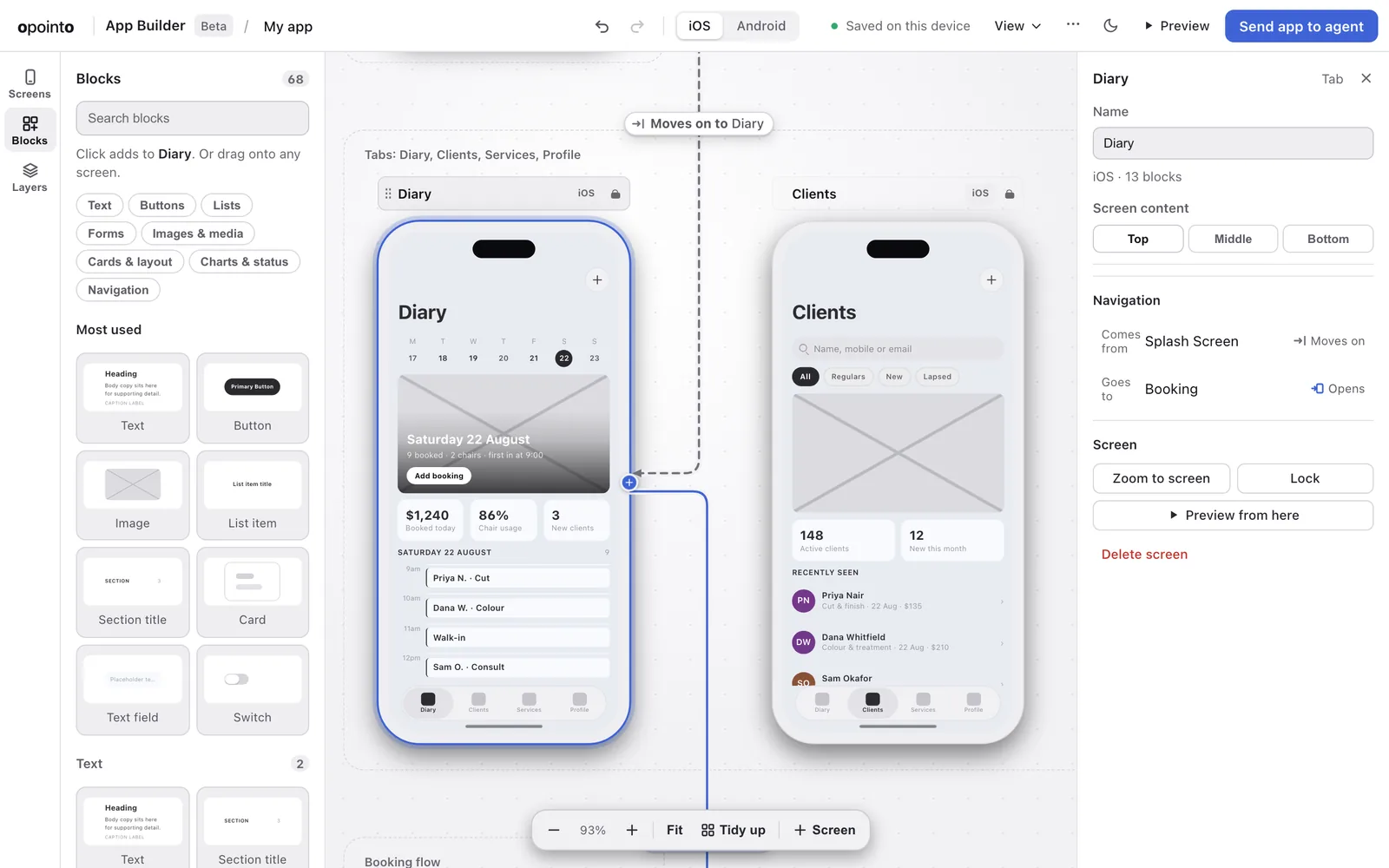
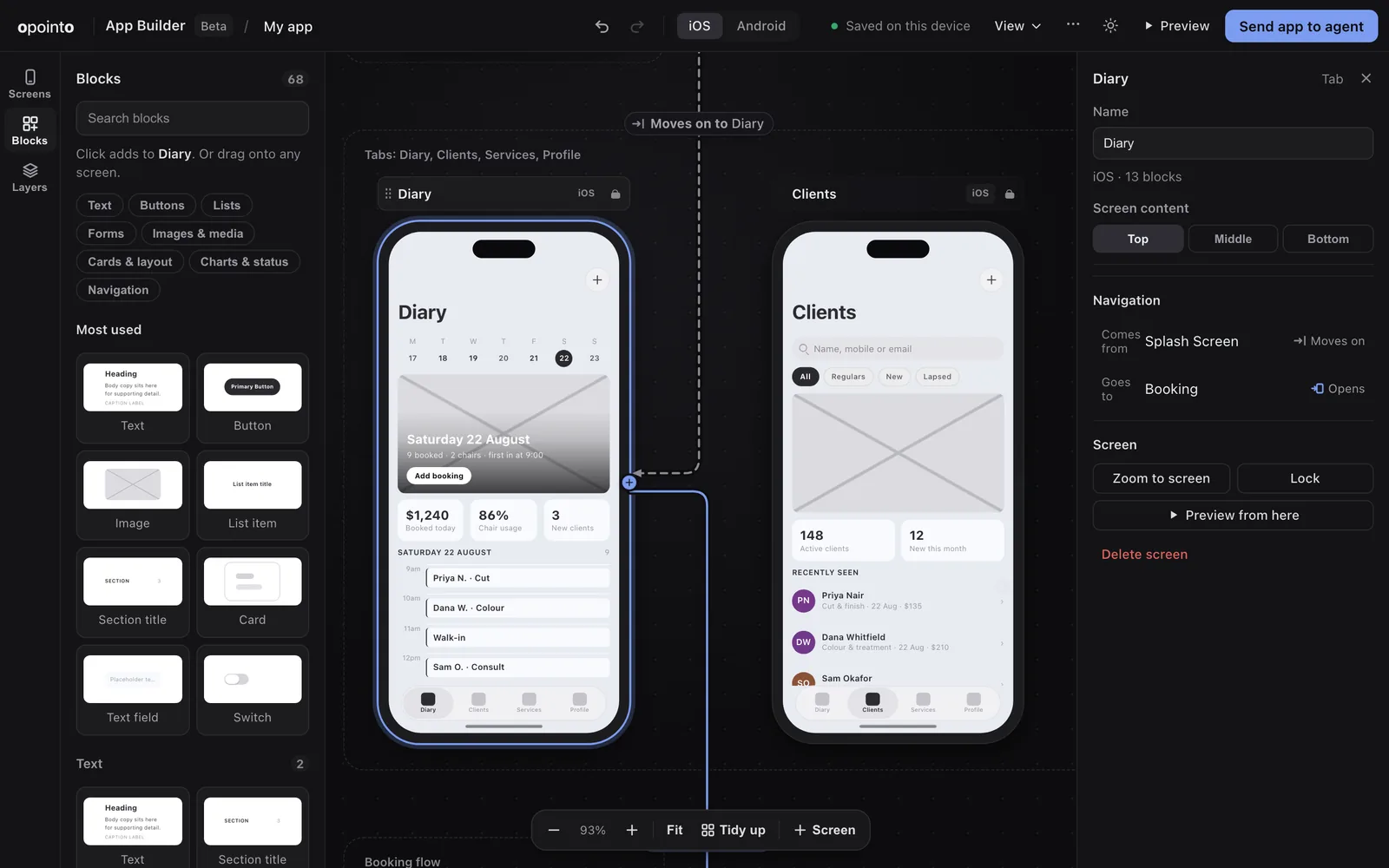
Pick a starter, or draw your own screens
Ten real apps to start from, or a blank canvas. Drag blocks onto screens, select several to move them as one, and Tidy up puts the screens in order.
- 02
Draw arrows for tabs, screens and pop-ups
An arrow from a button to a screen is navigation. Each arrow says whether it opens a screen, pops one up or switches tab, and the app does exactly that.
- 03
Send it to your agent, and run it on your phone
Paste one line into your coding agent. It builds an Expo project with your screens, then you run it on iOS and Android.
Showcase
Real apps, captured running. Not mock-ups.
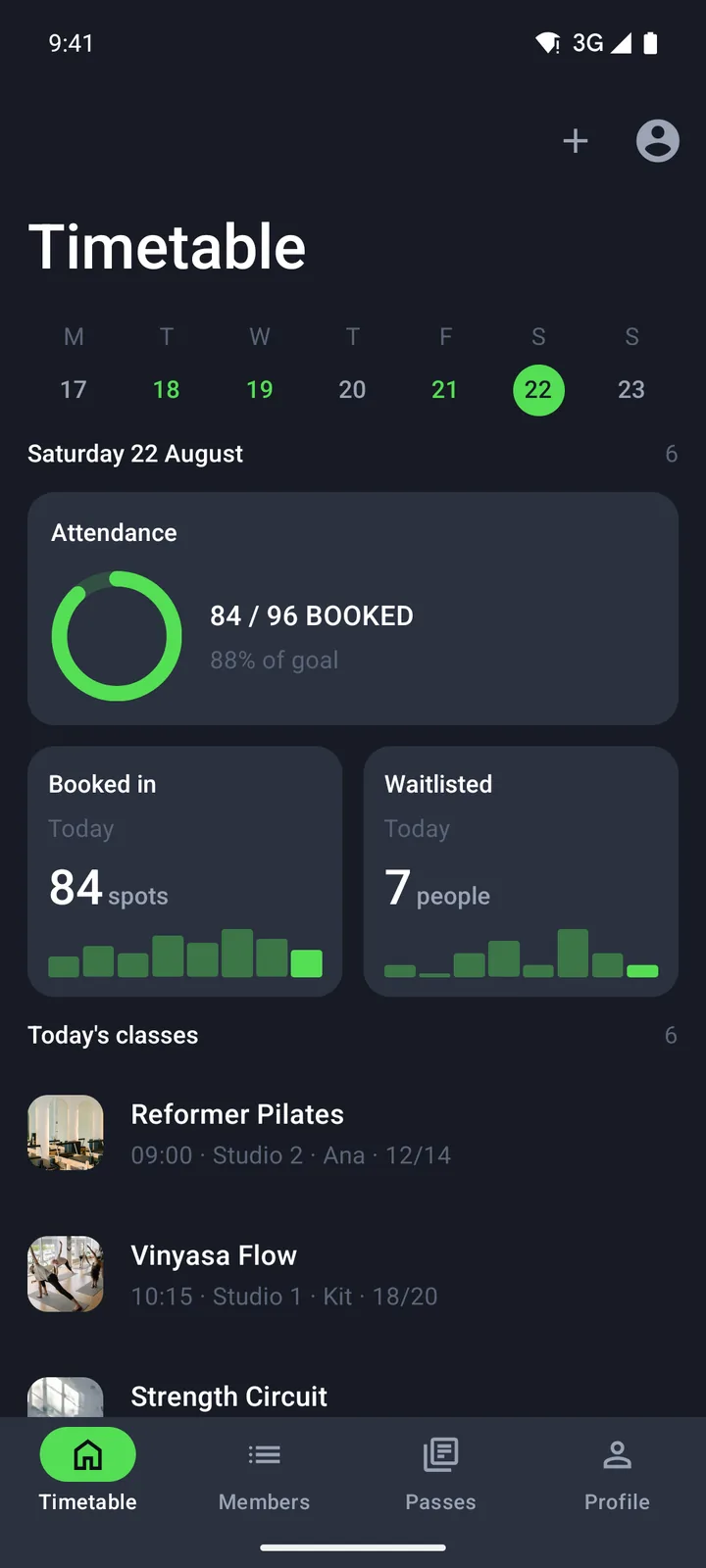
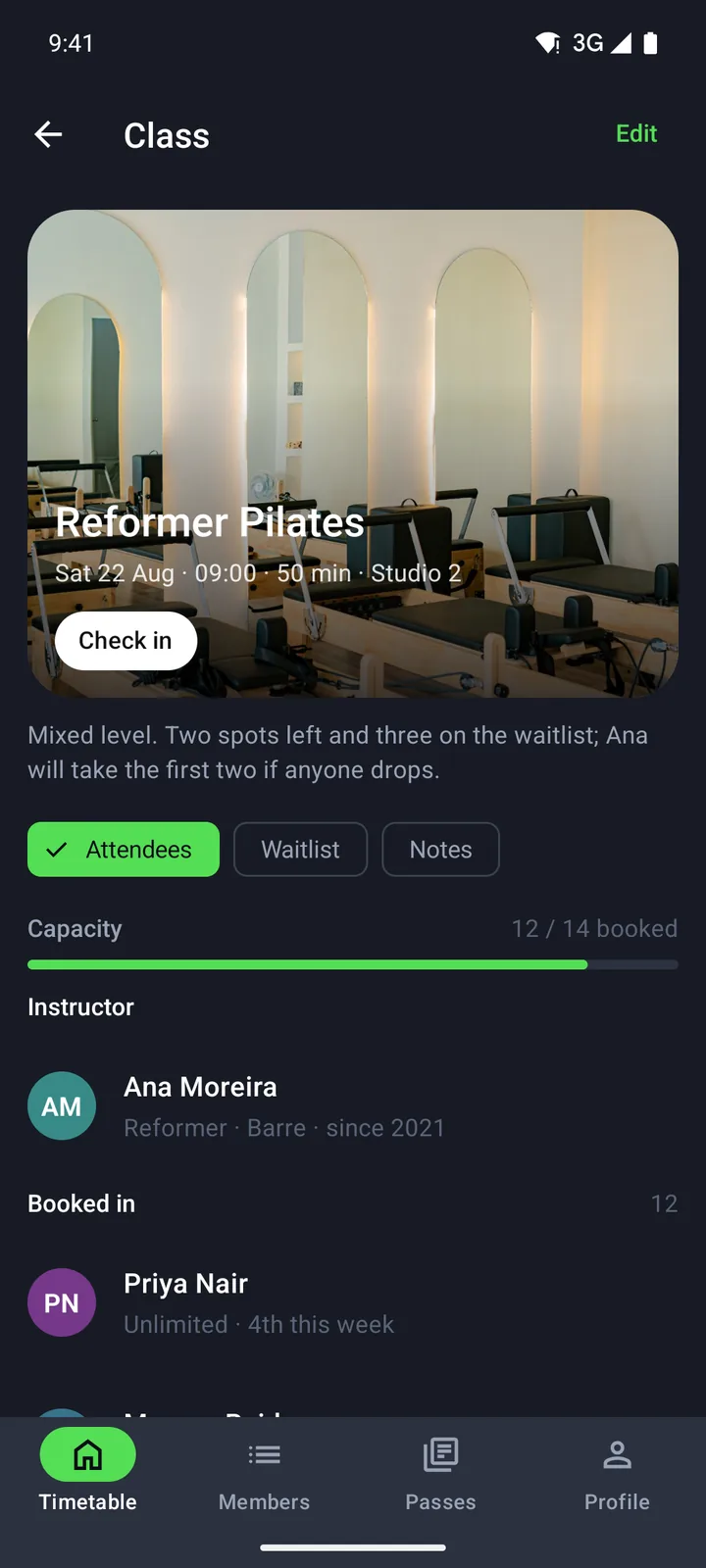
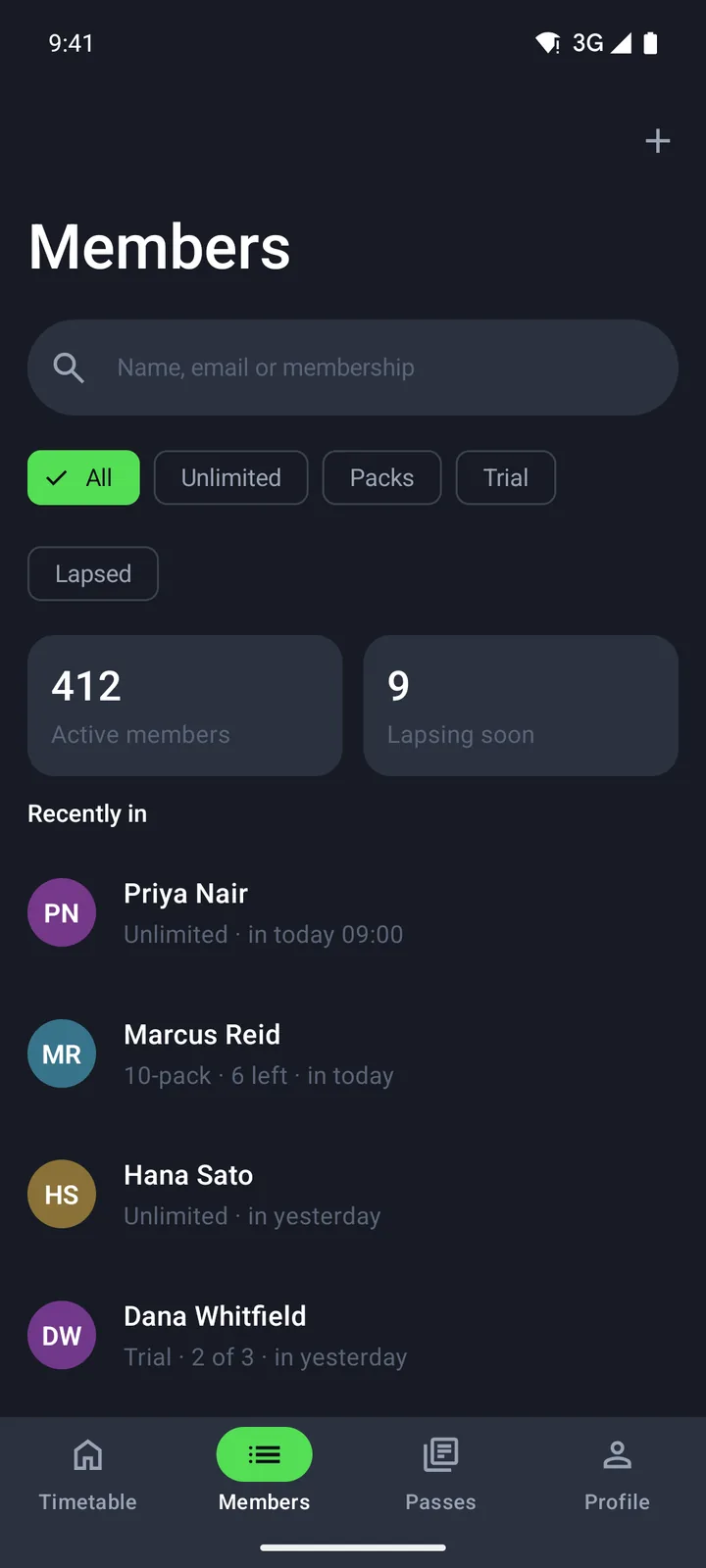
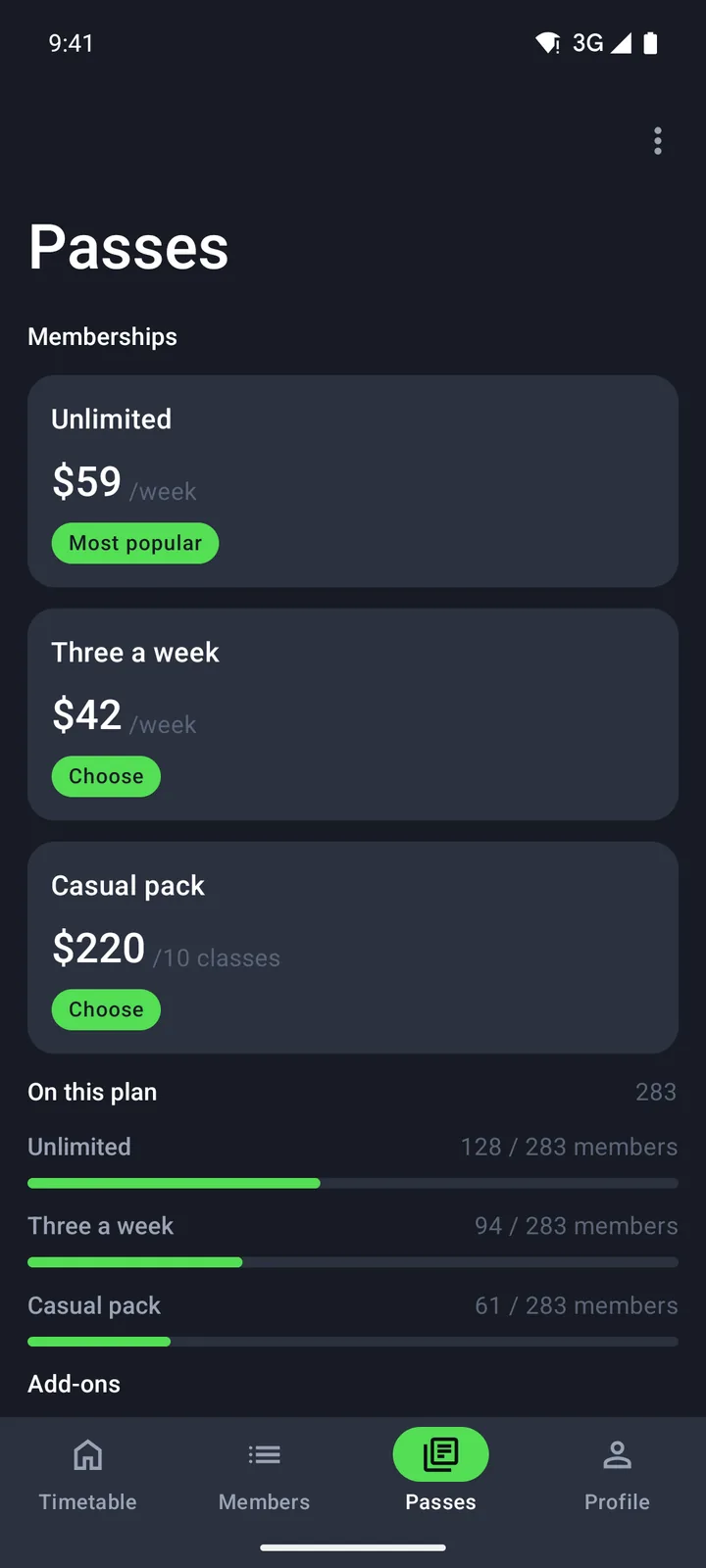
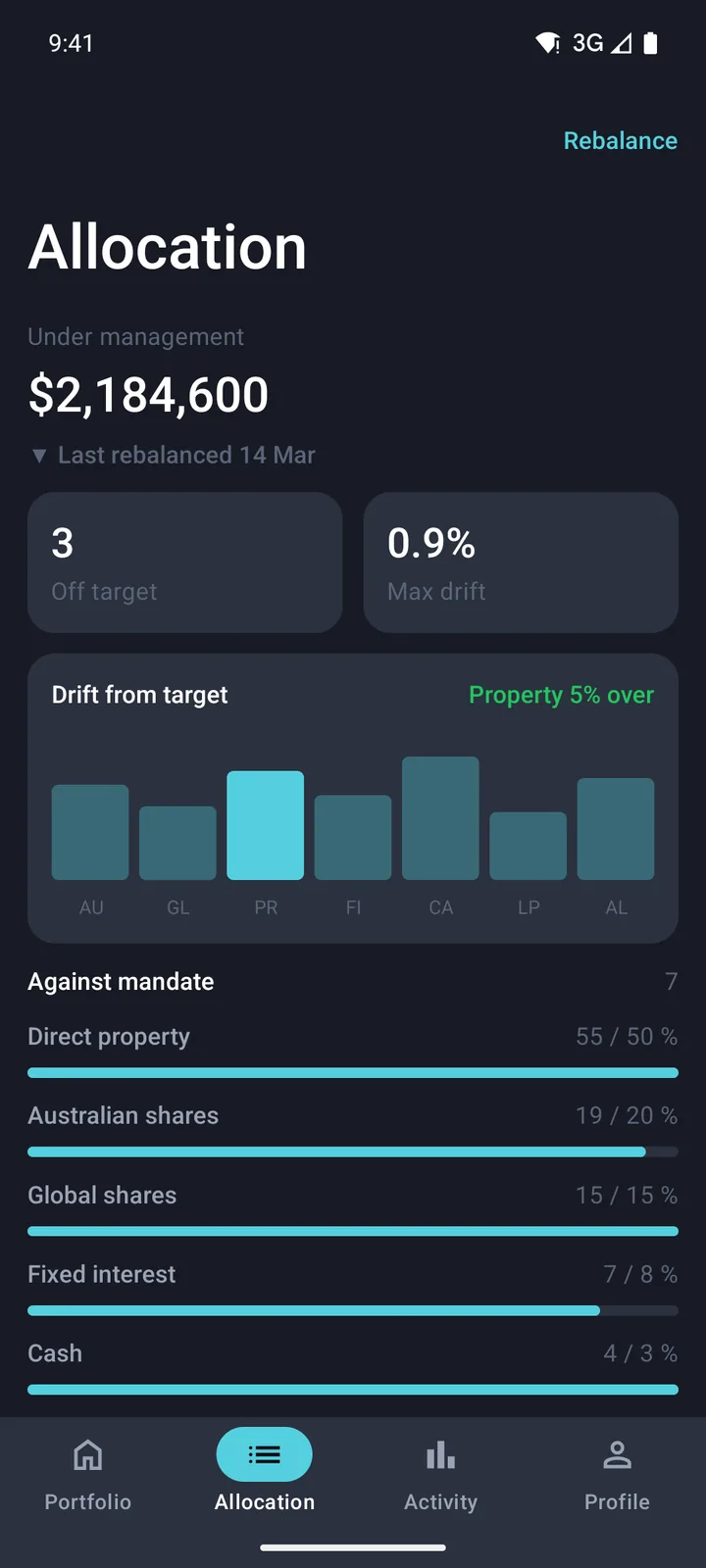
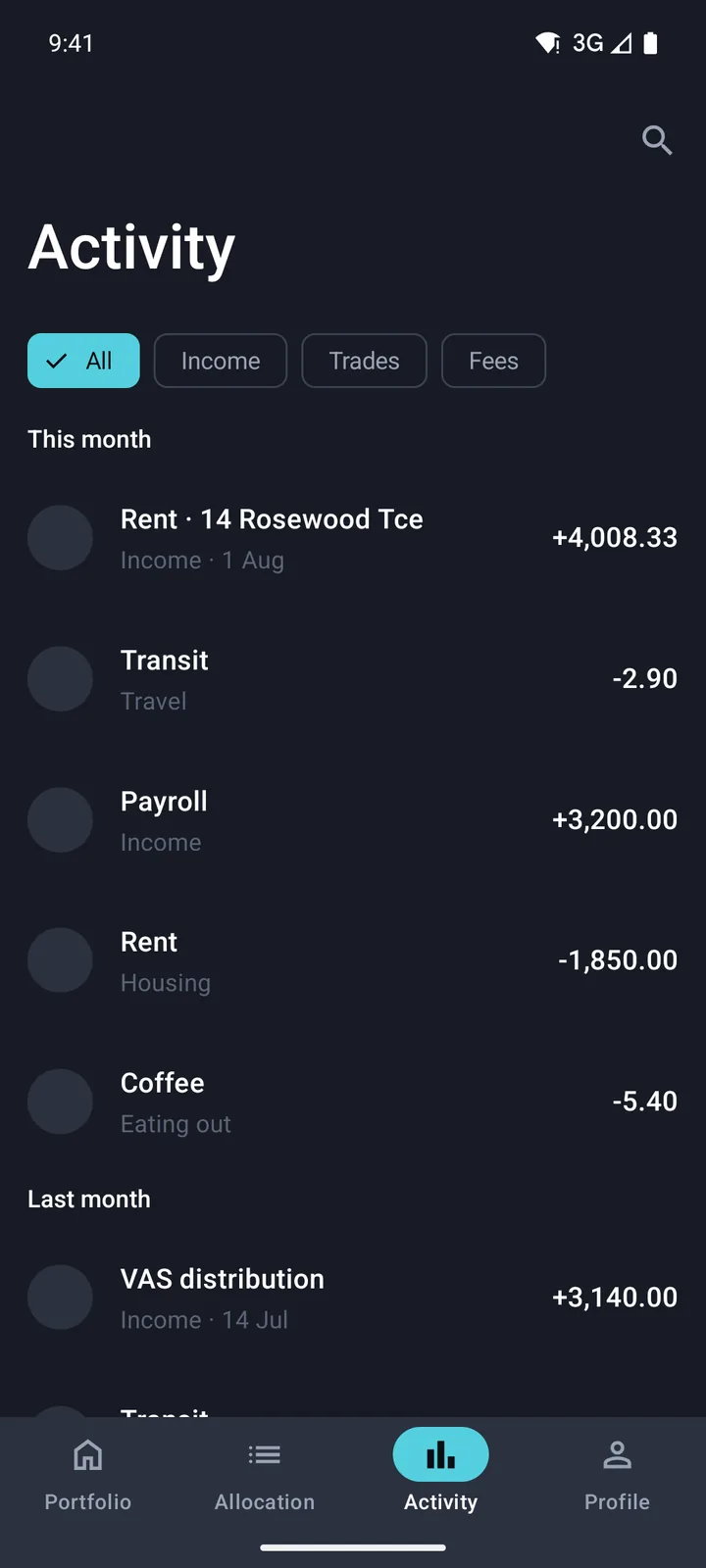
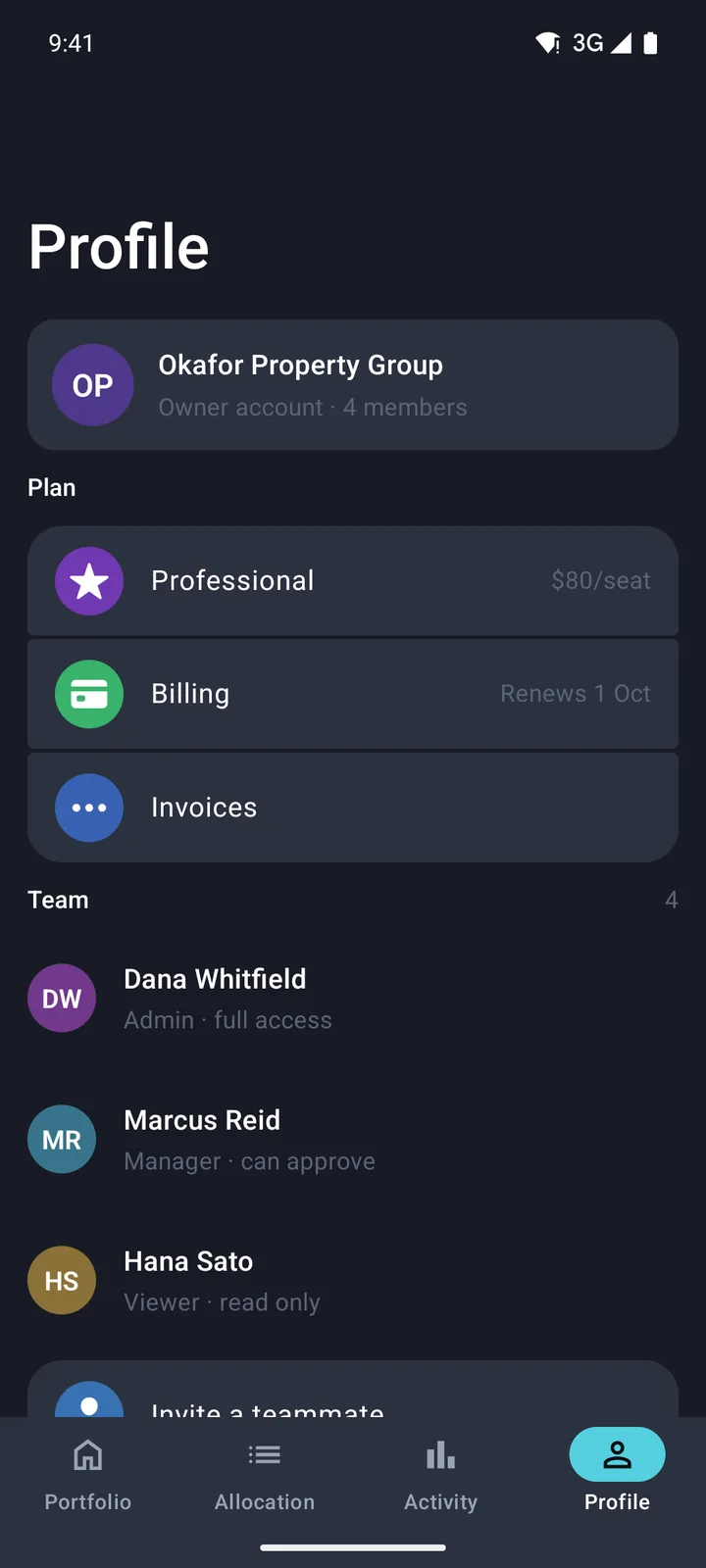
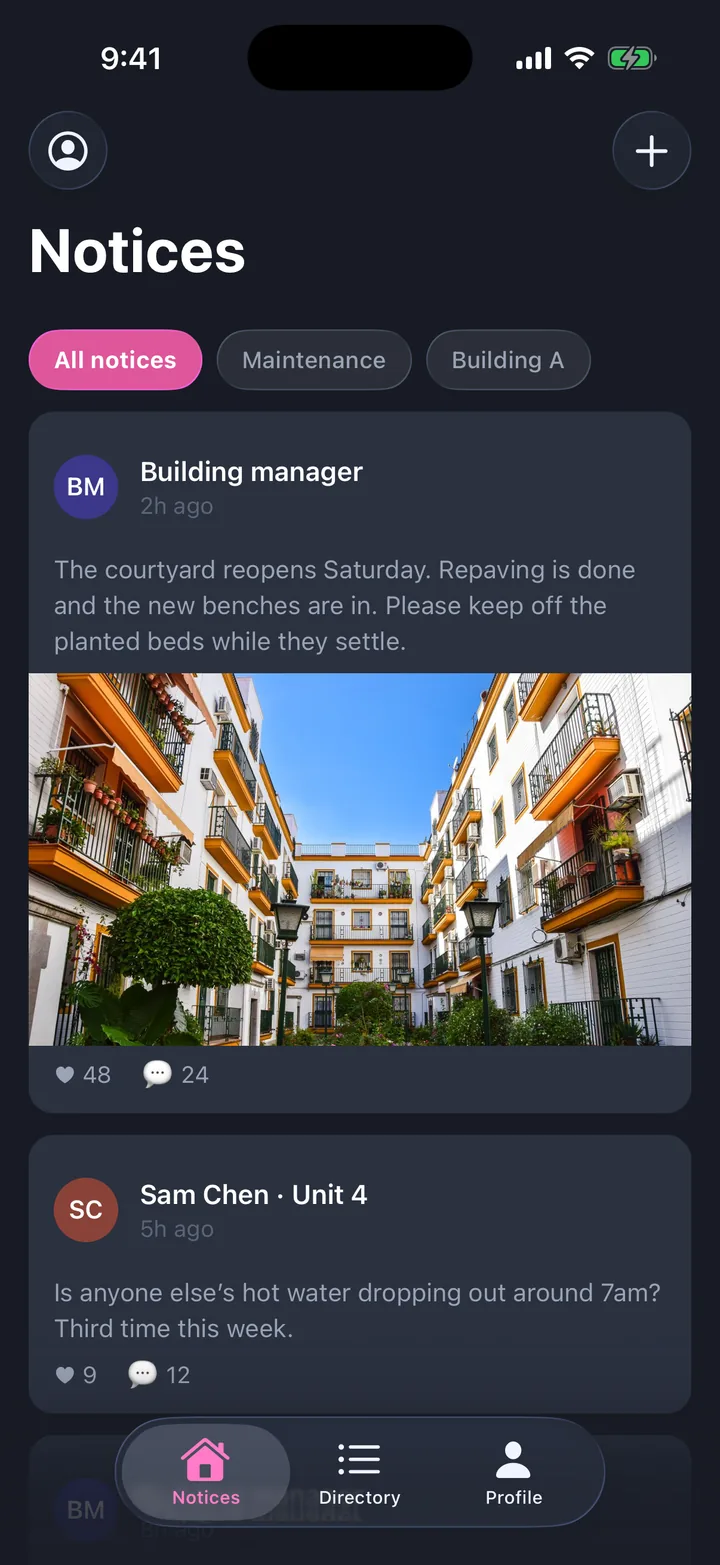
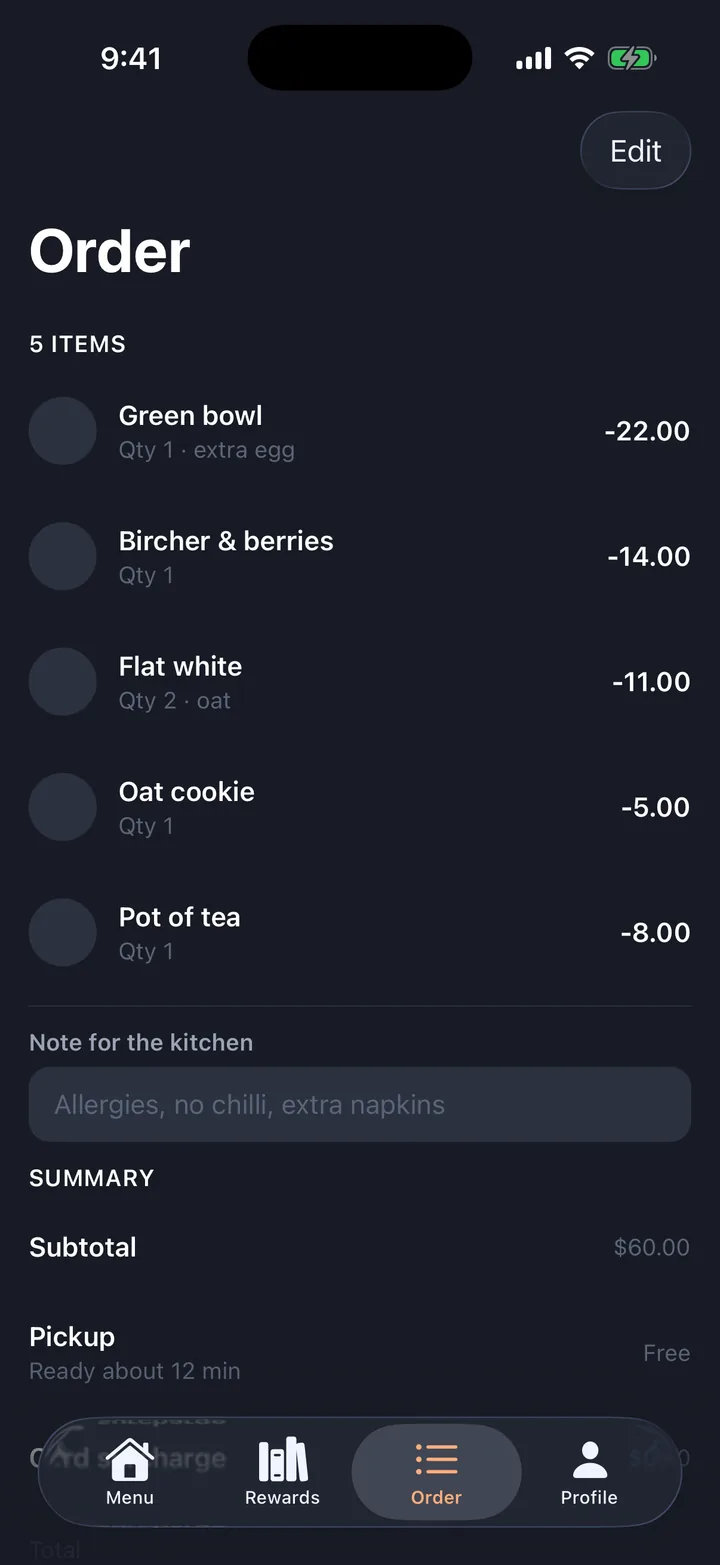
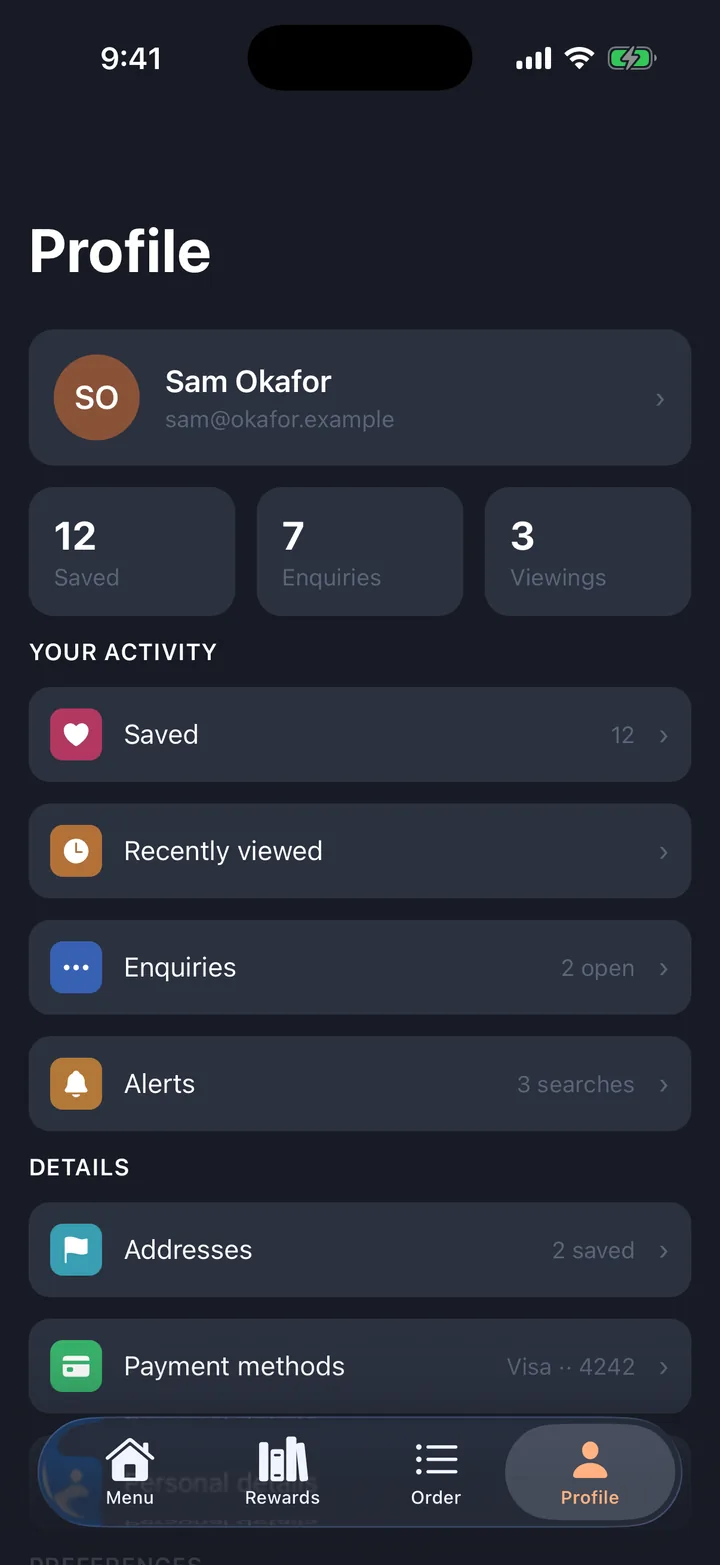
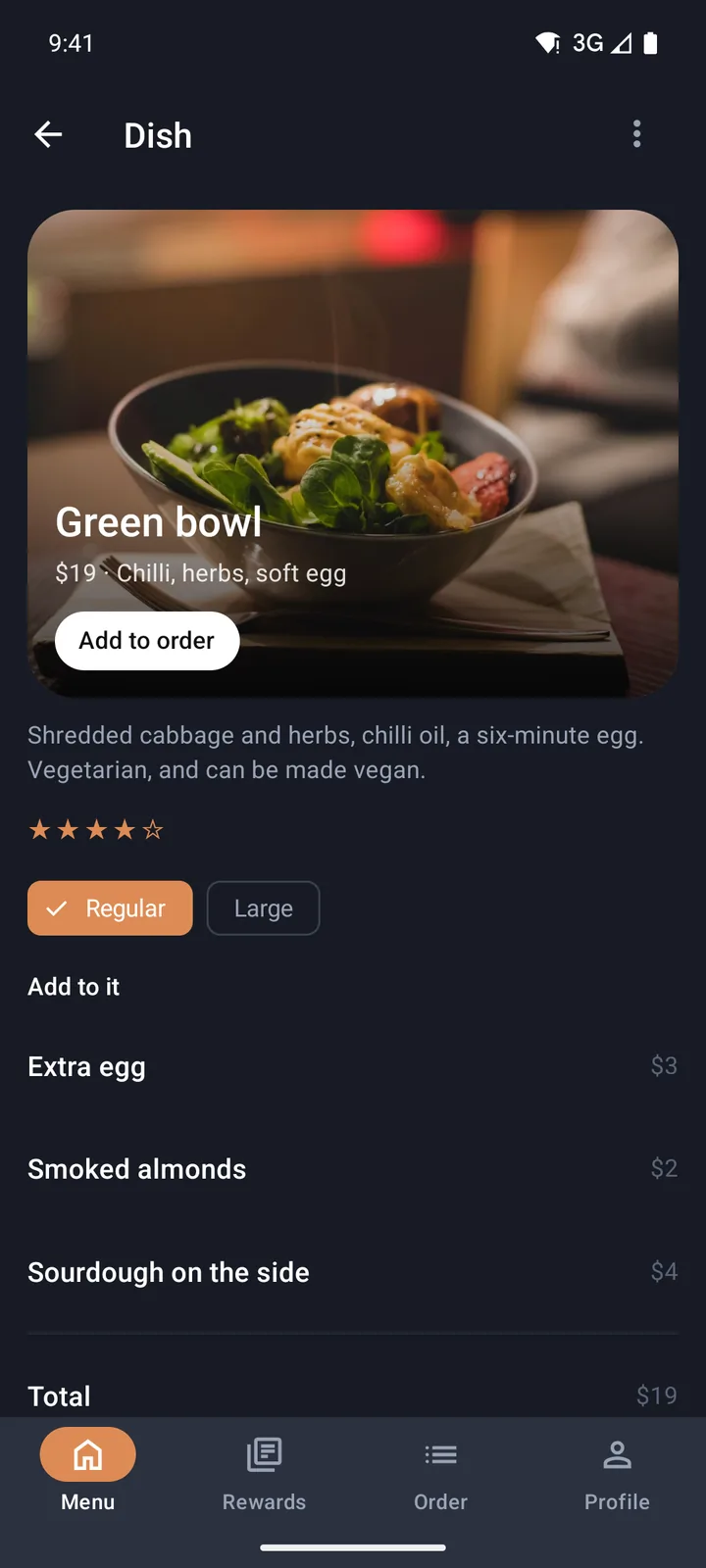
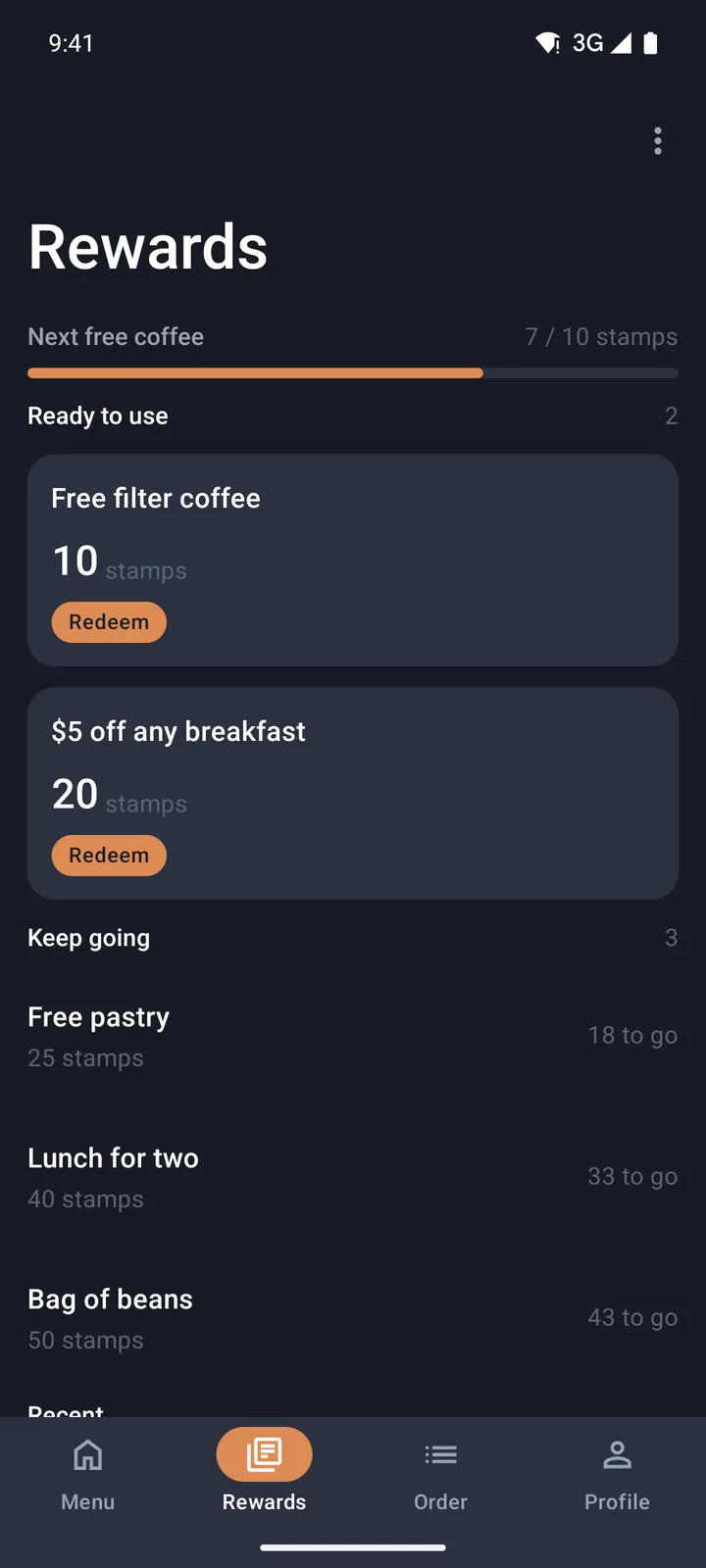
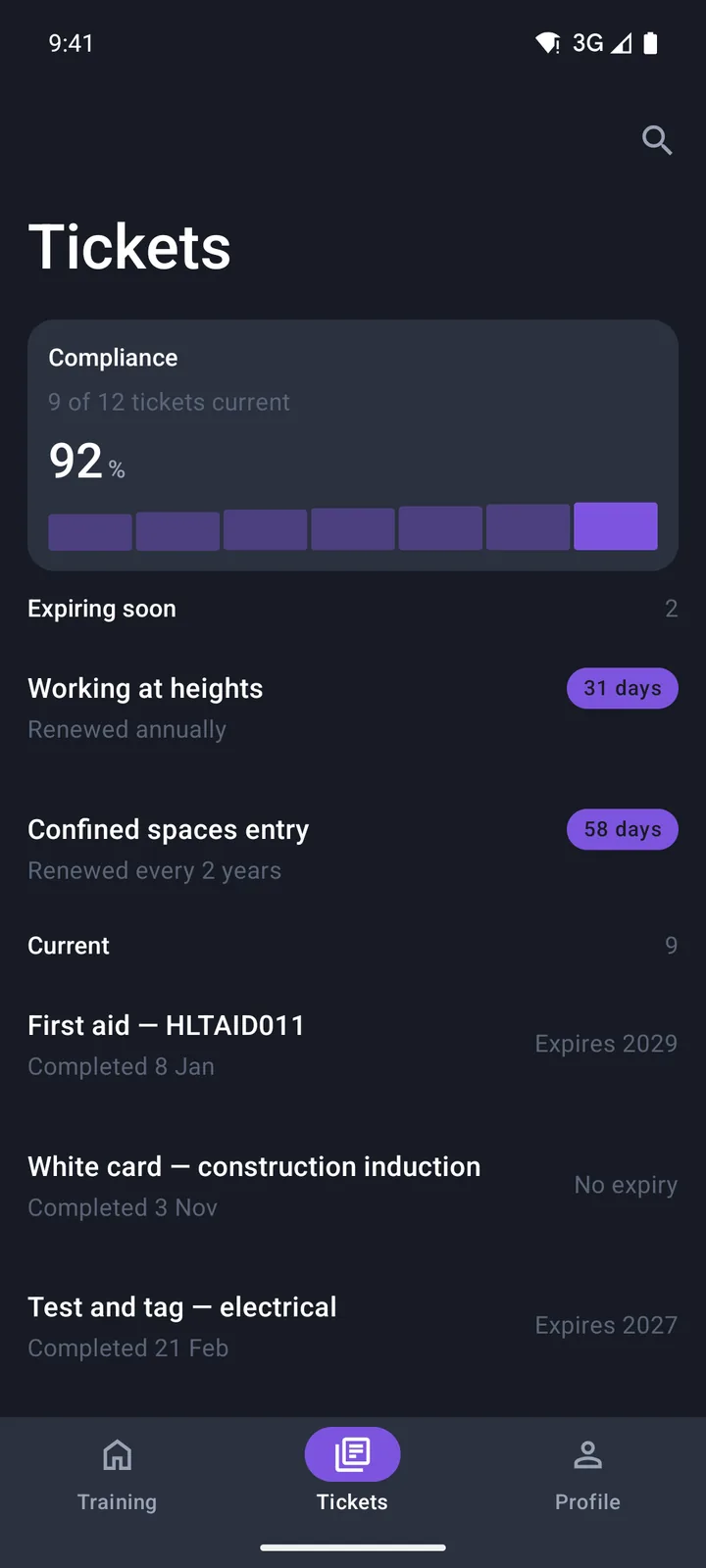
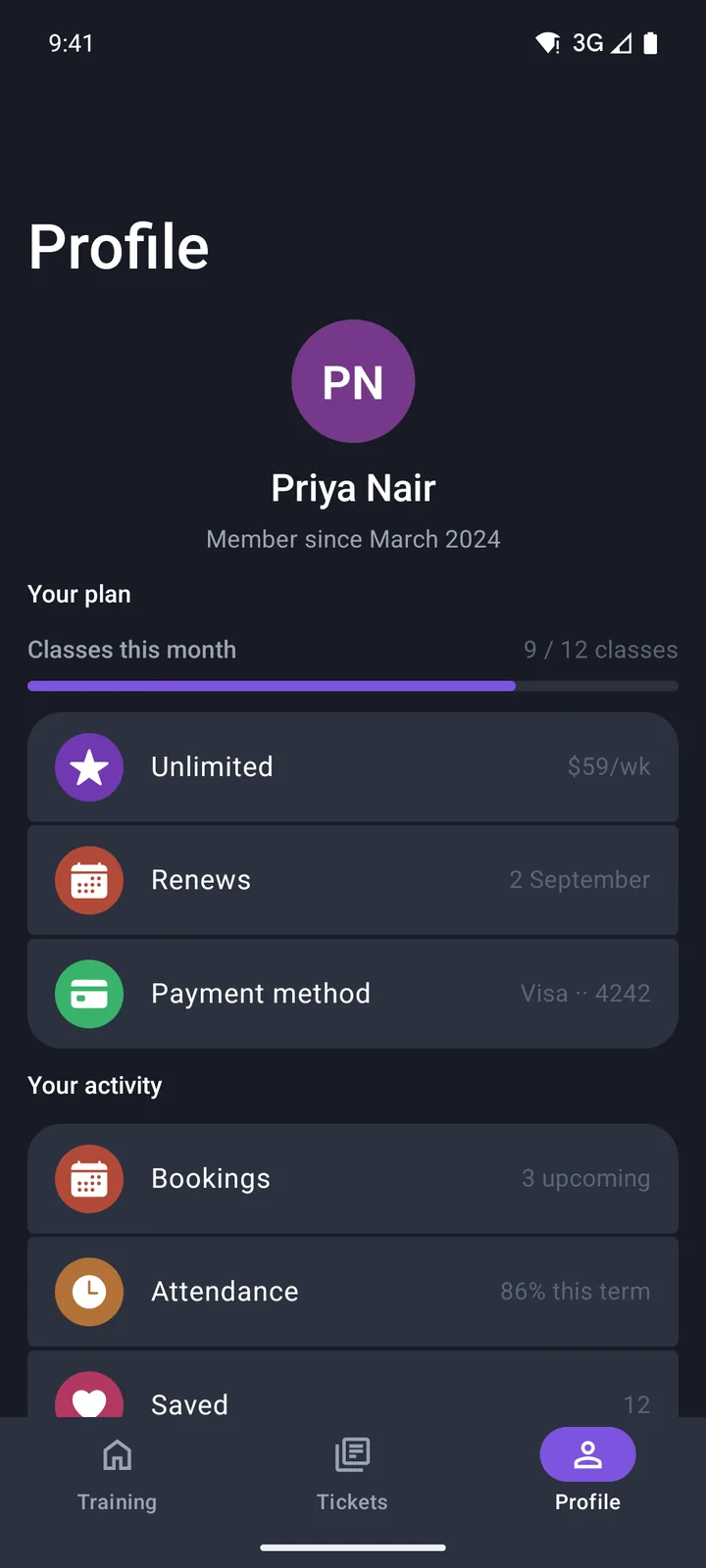
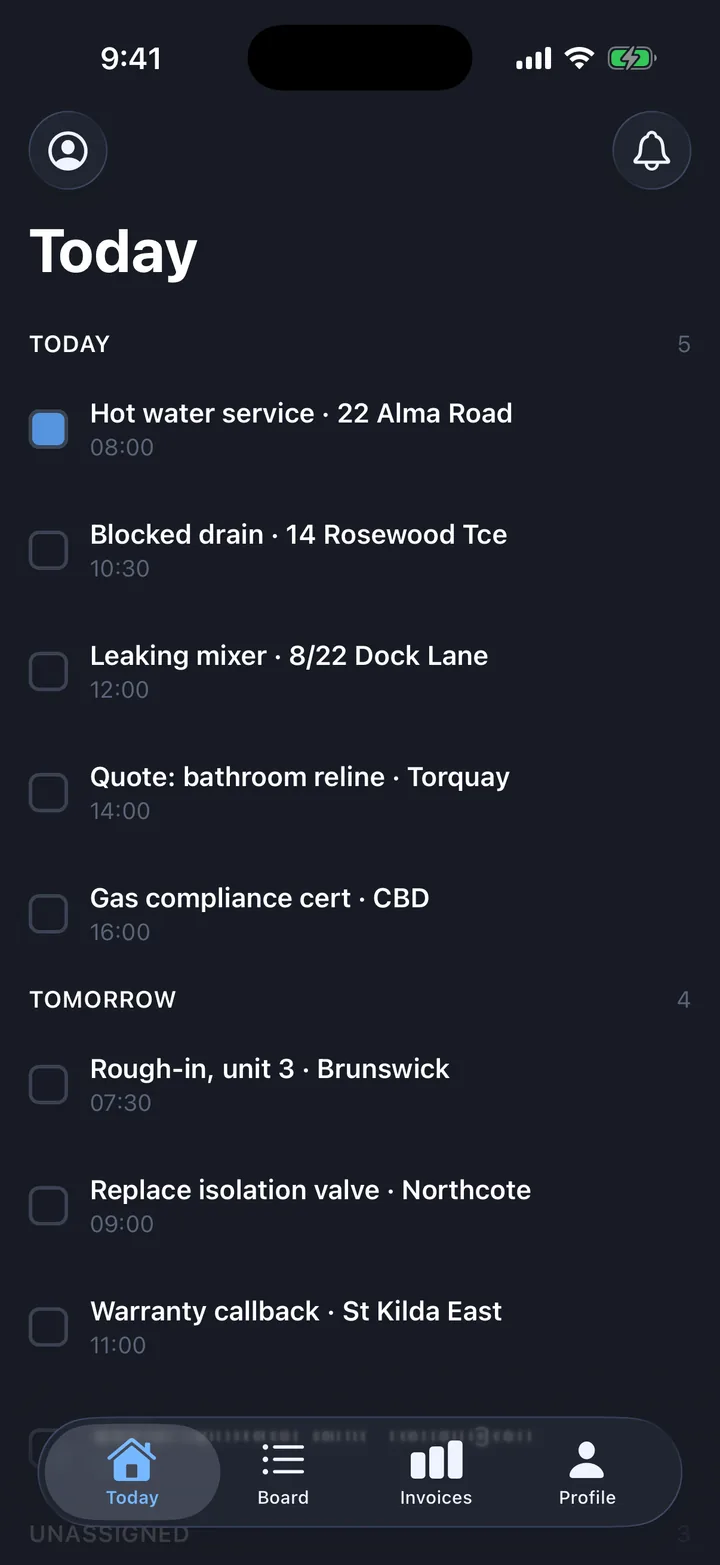
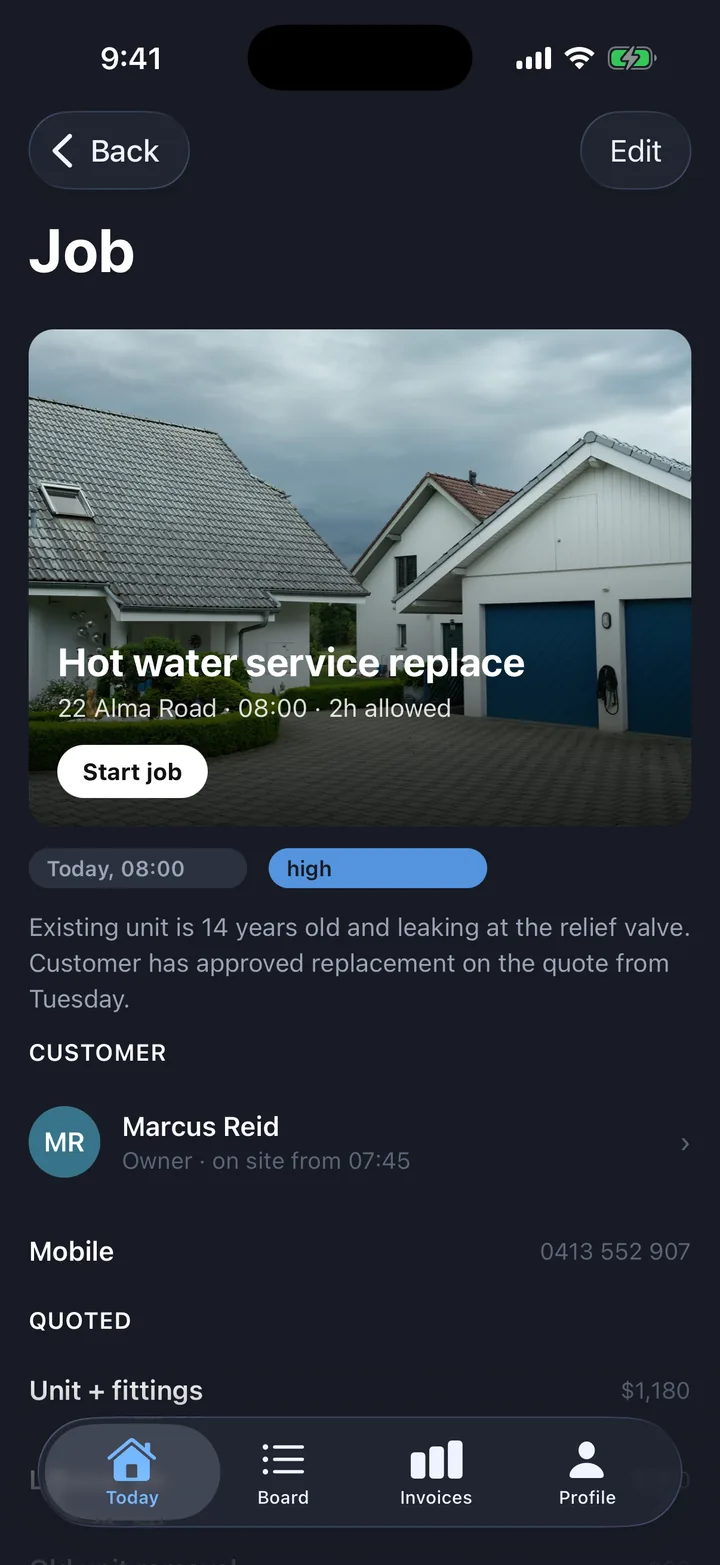
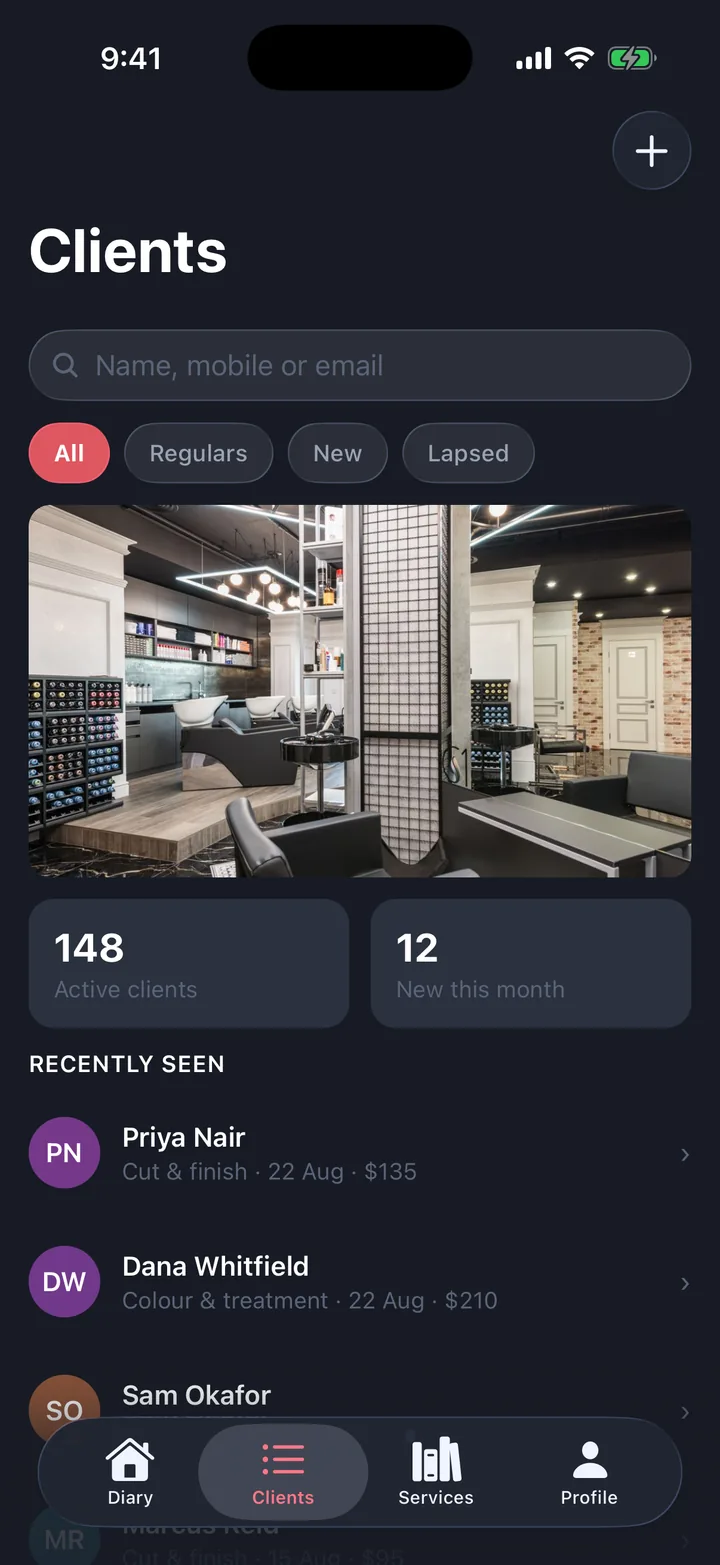
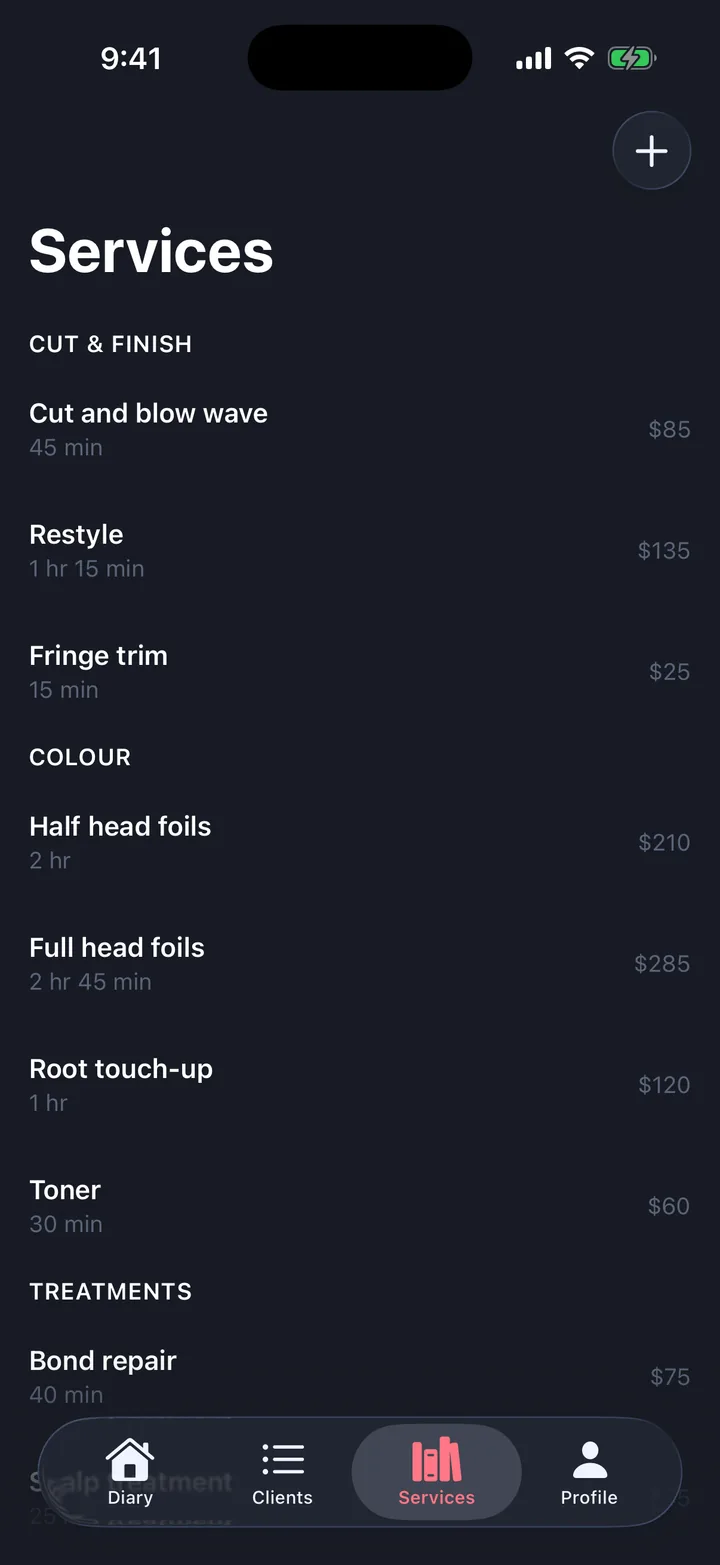
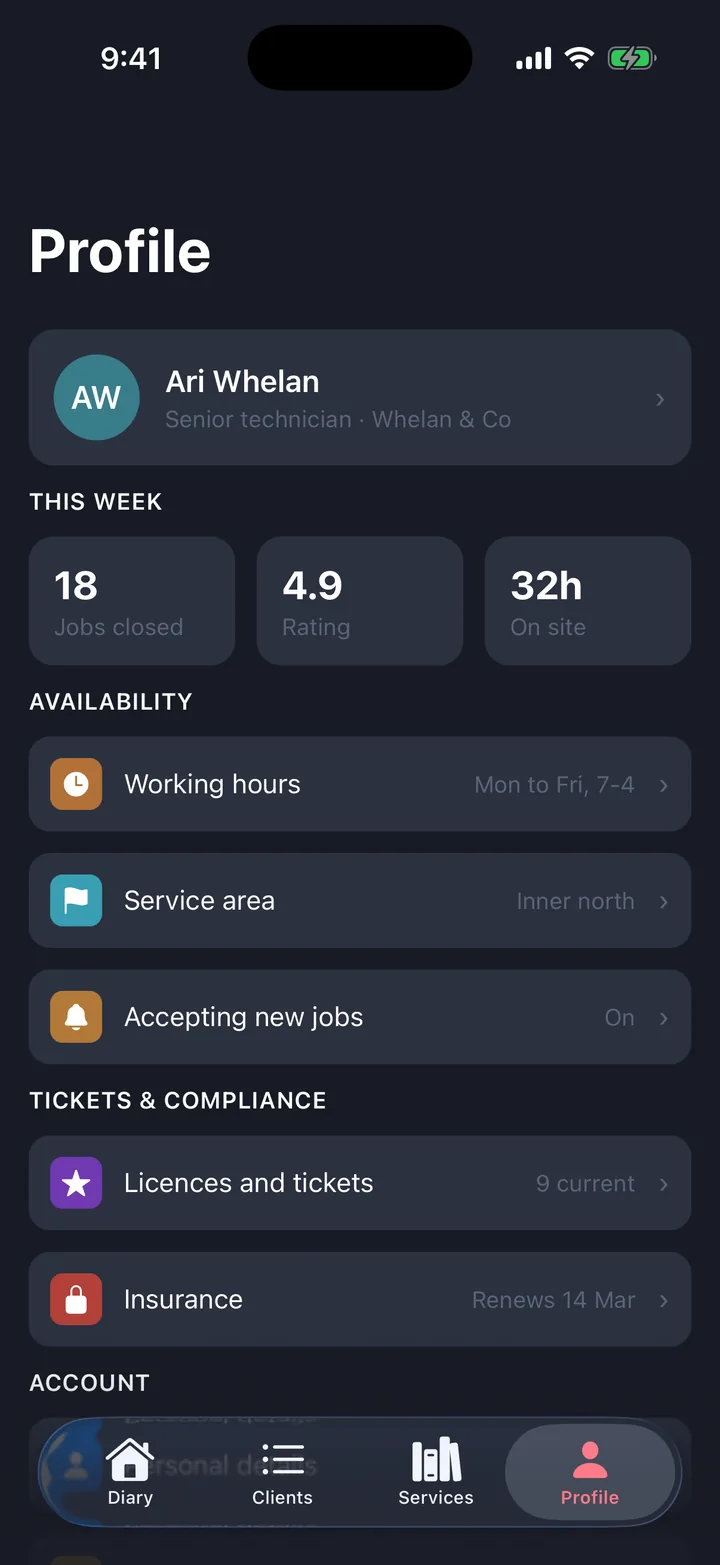
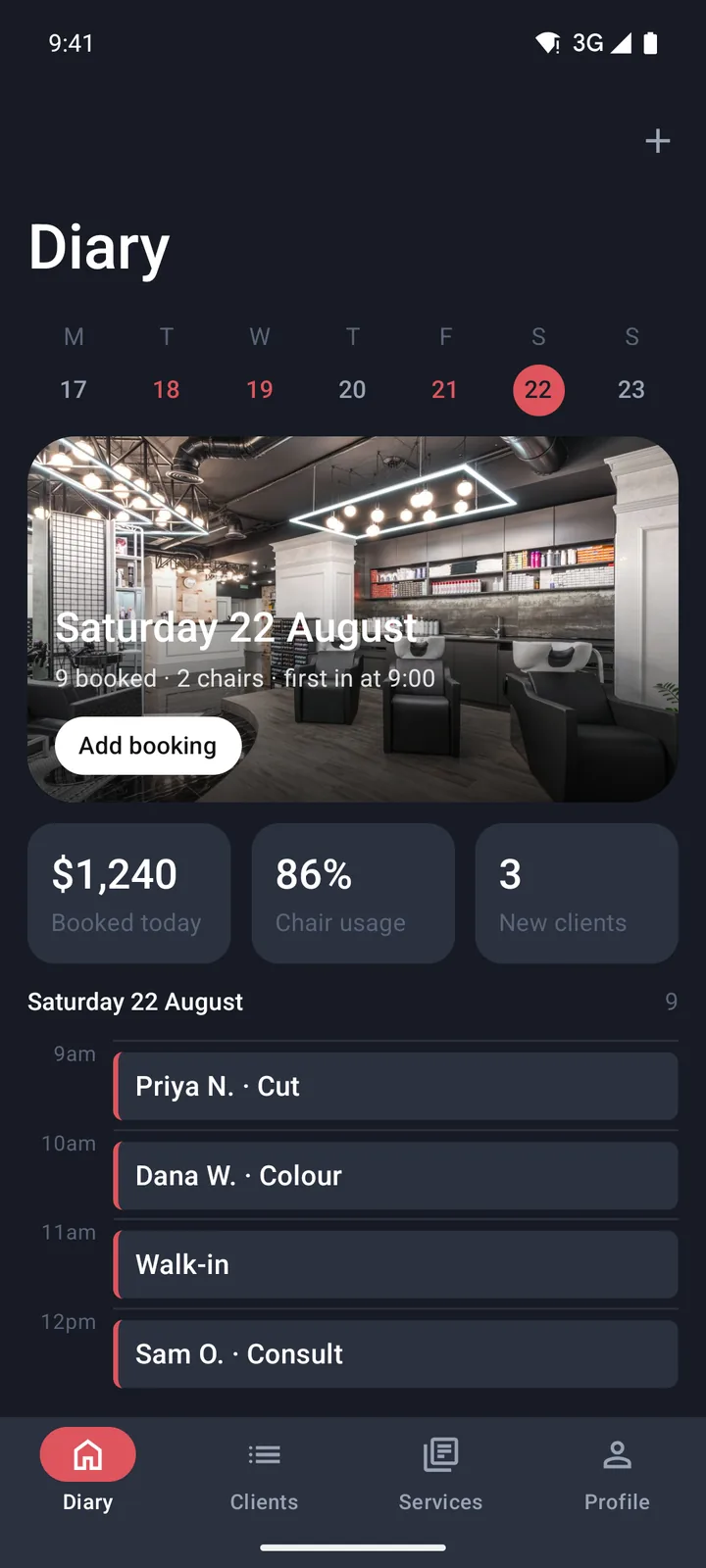
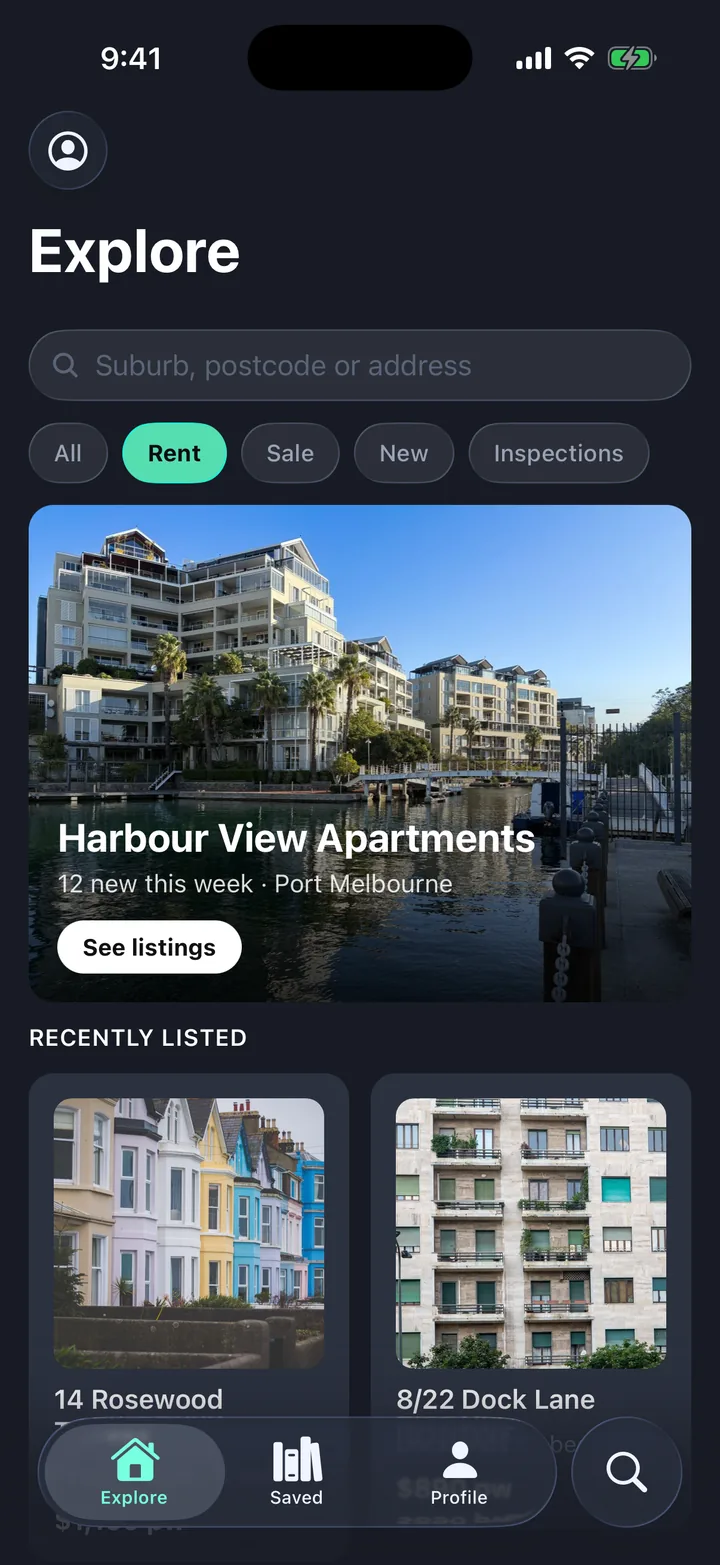
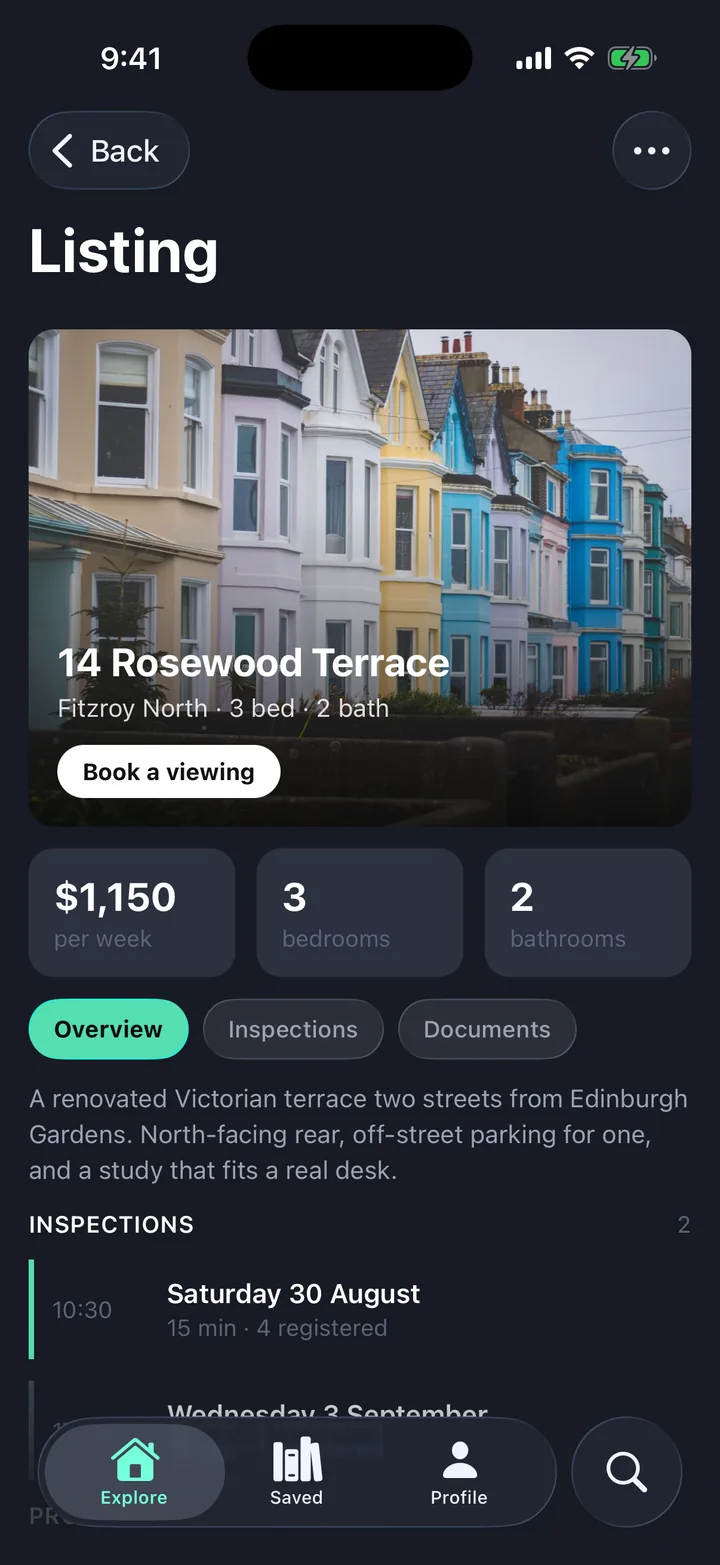
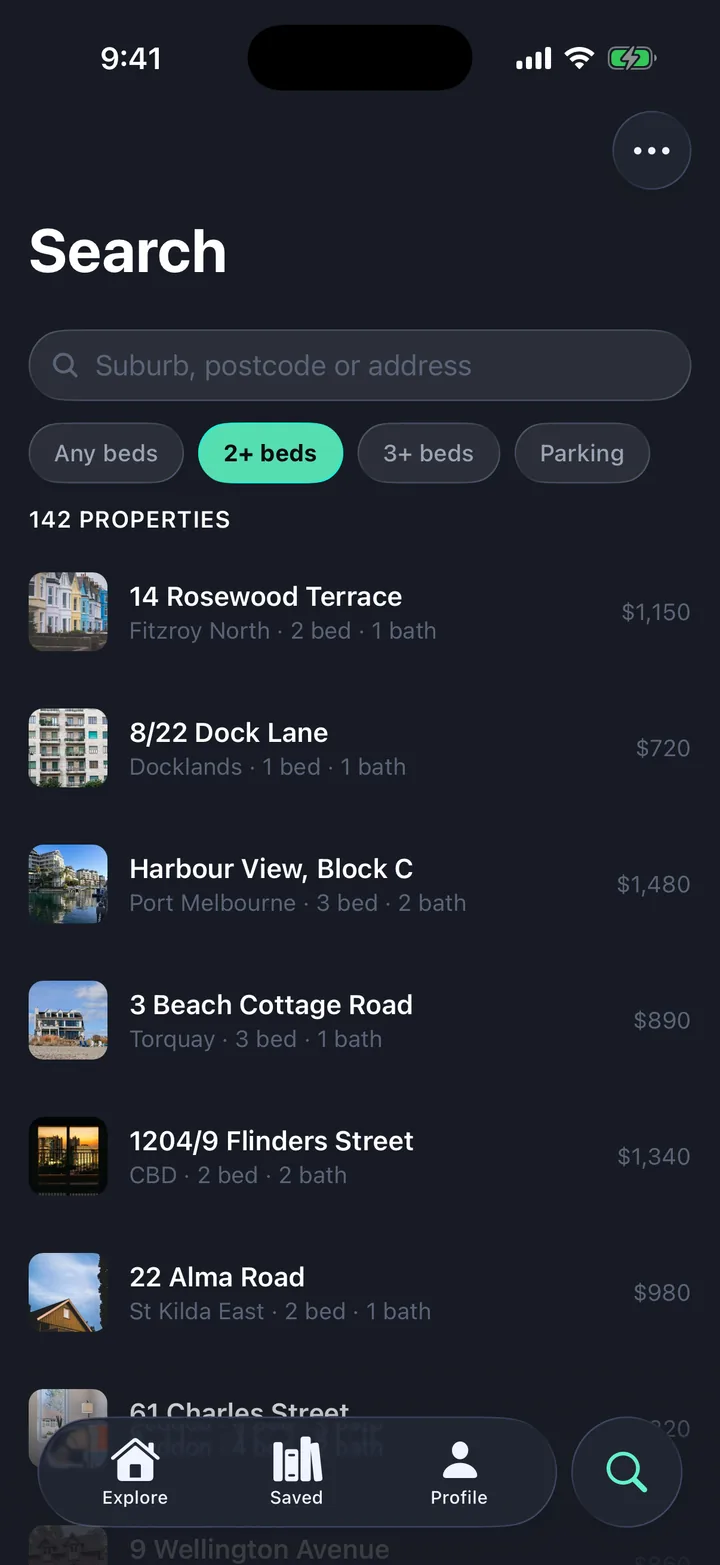
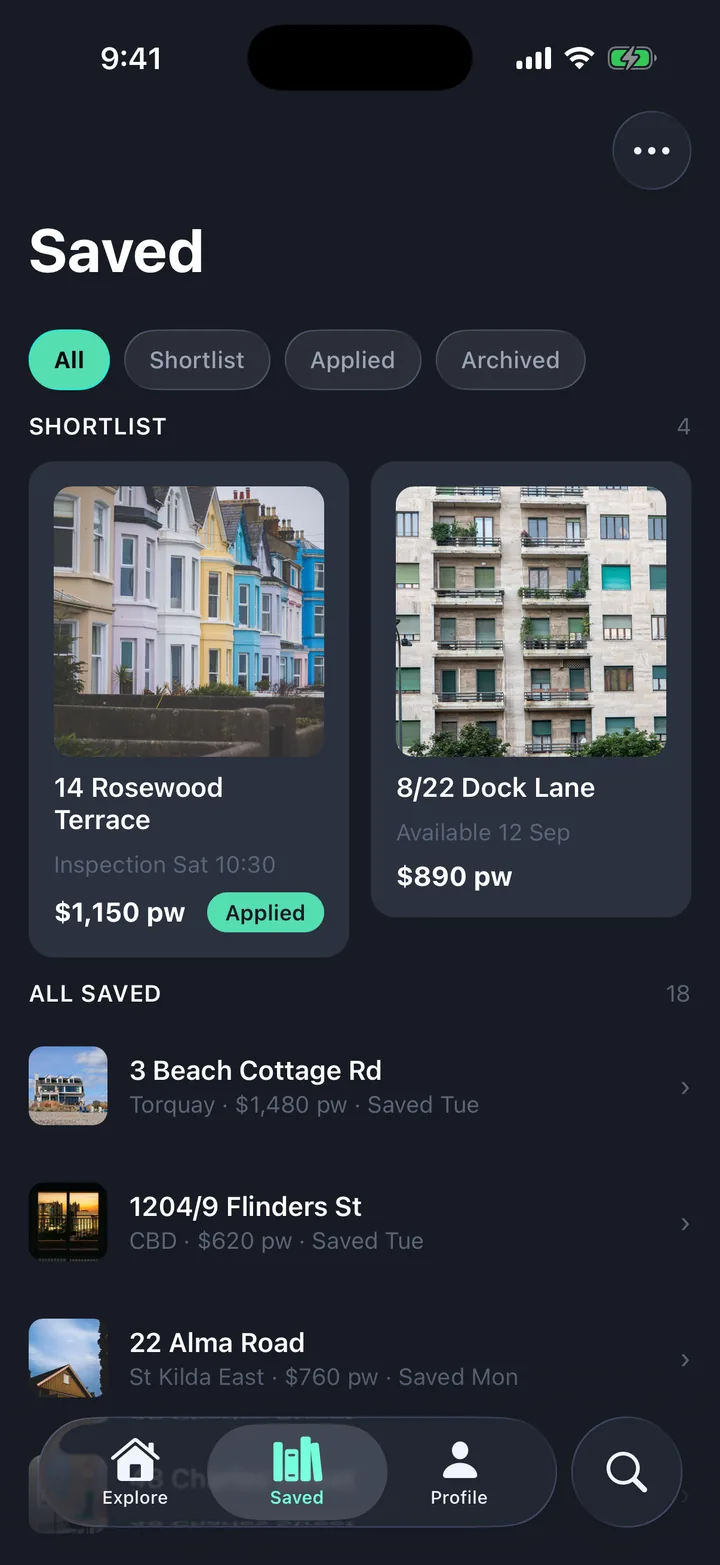
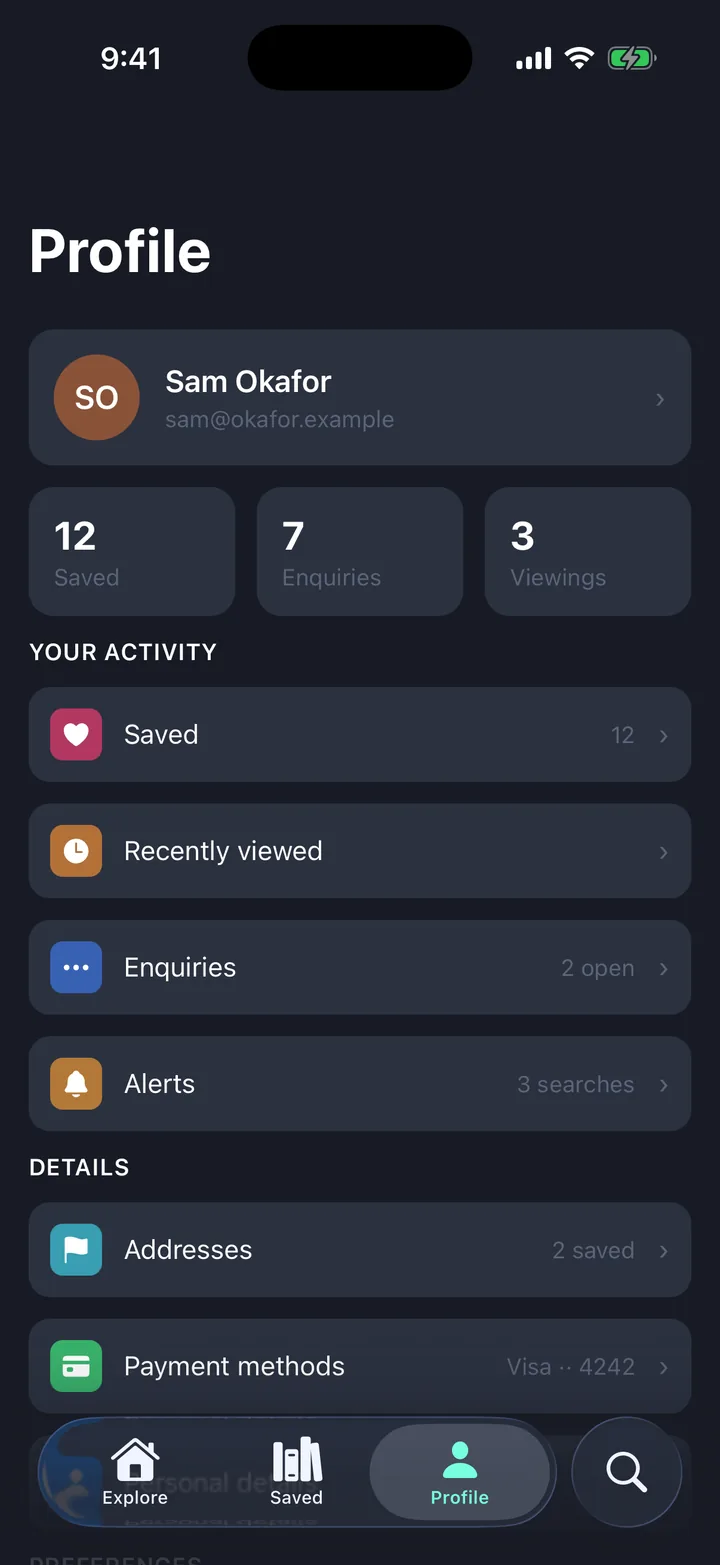
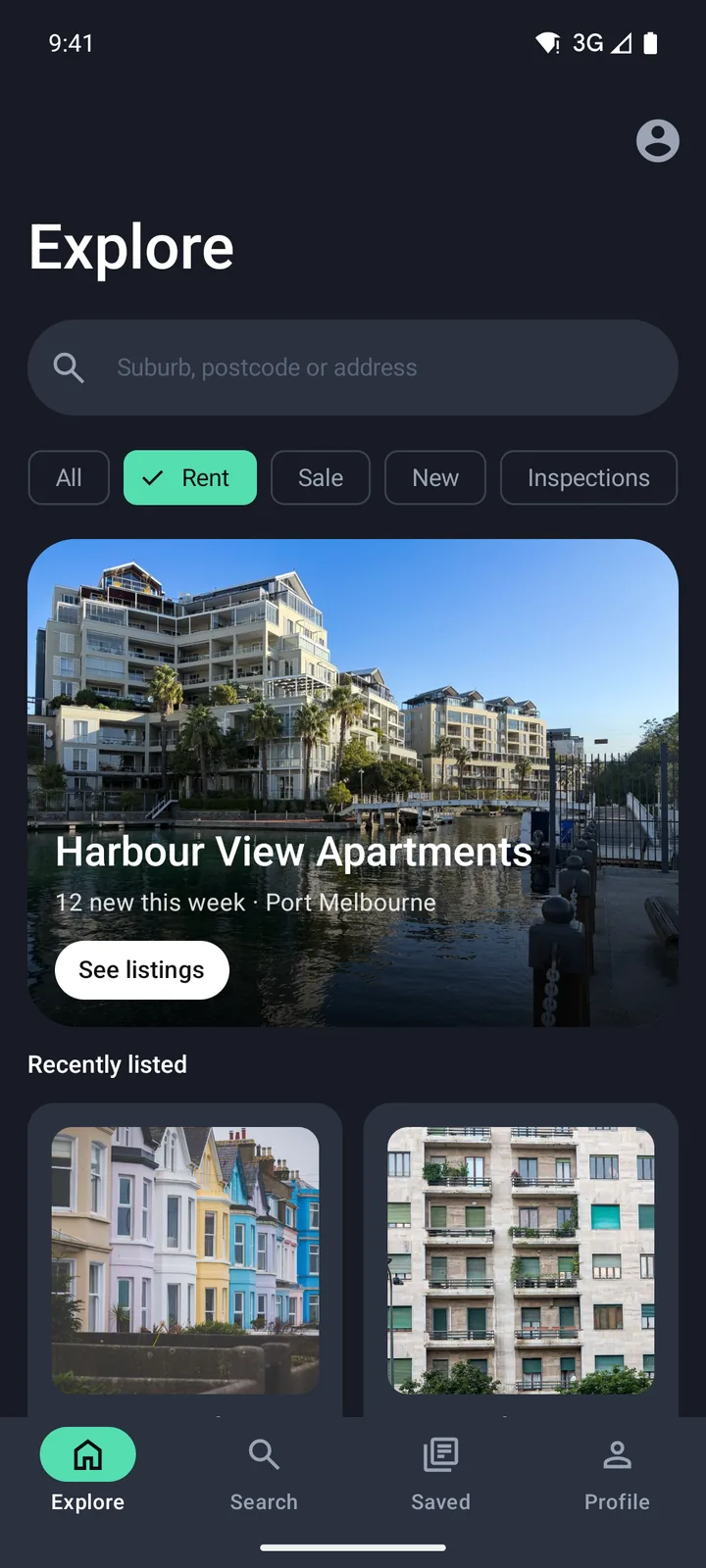
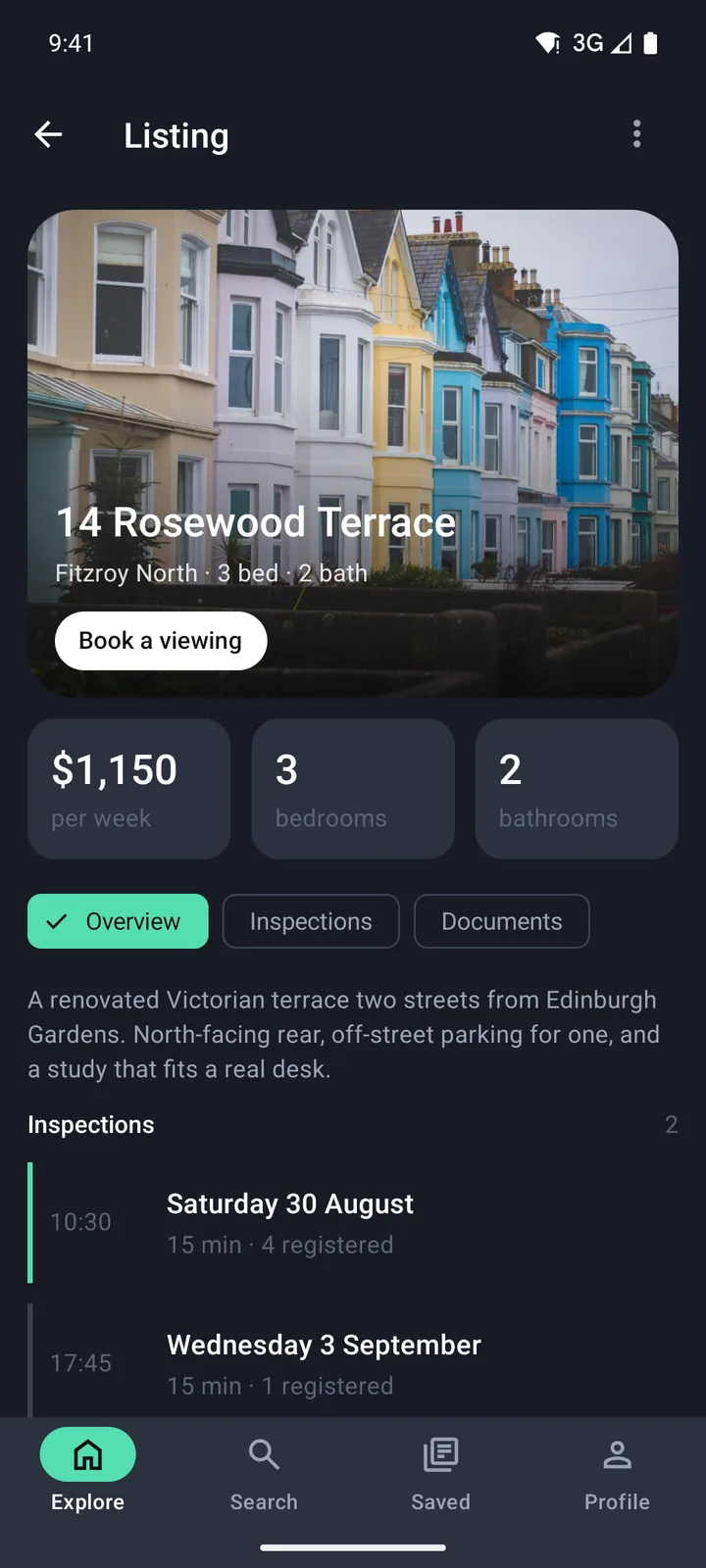
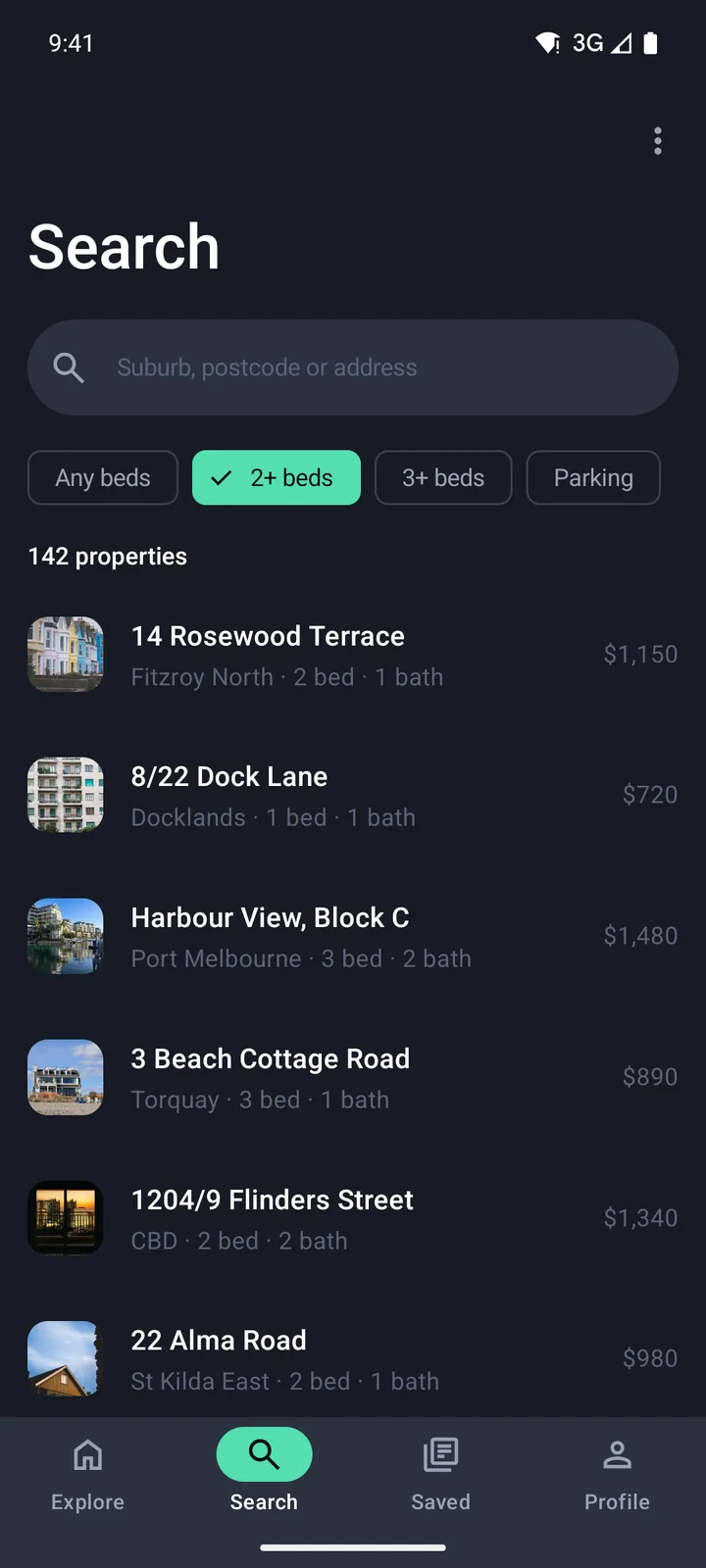
Every screen below is a generated app on the iOS simulator and the Android emulator. Pick a starter and sweep across it to compare.
Ten starters that already look finished
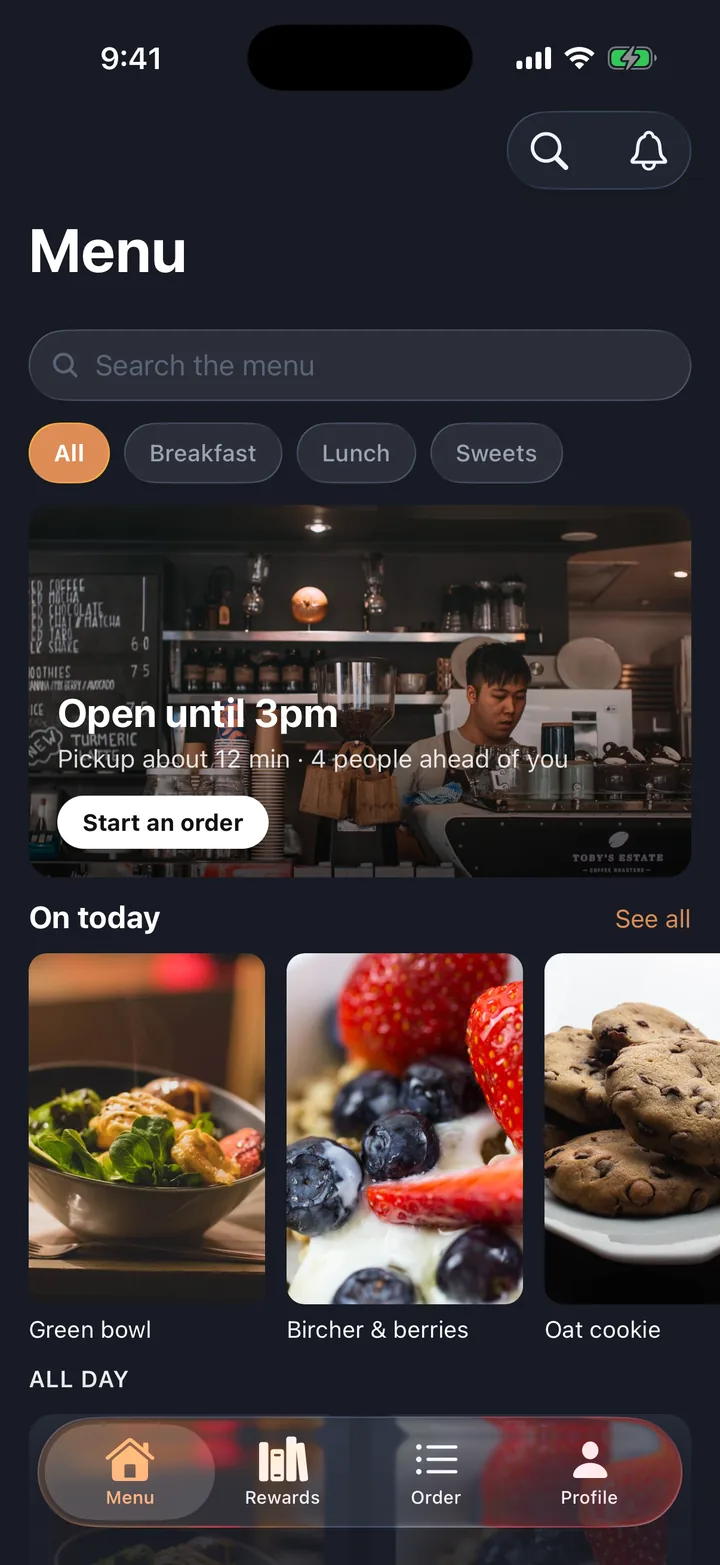
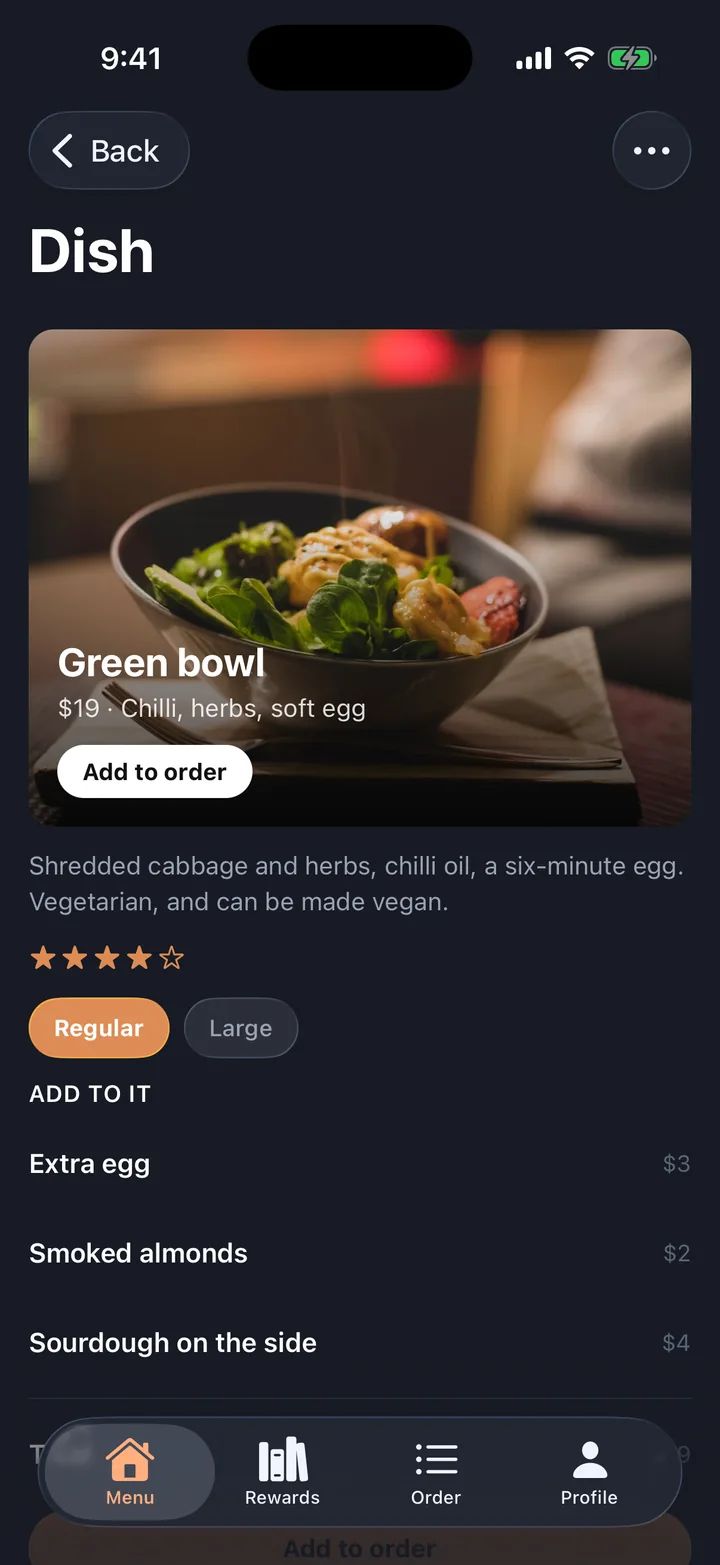
Every screen is a real capture of a working app, taken from the code you would export.
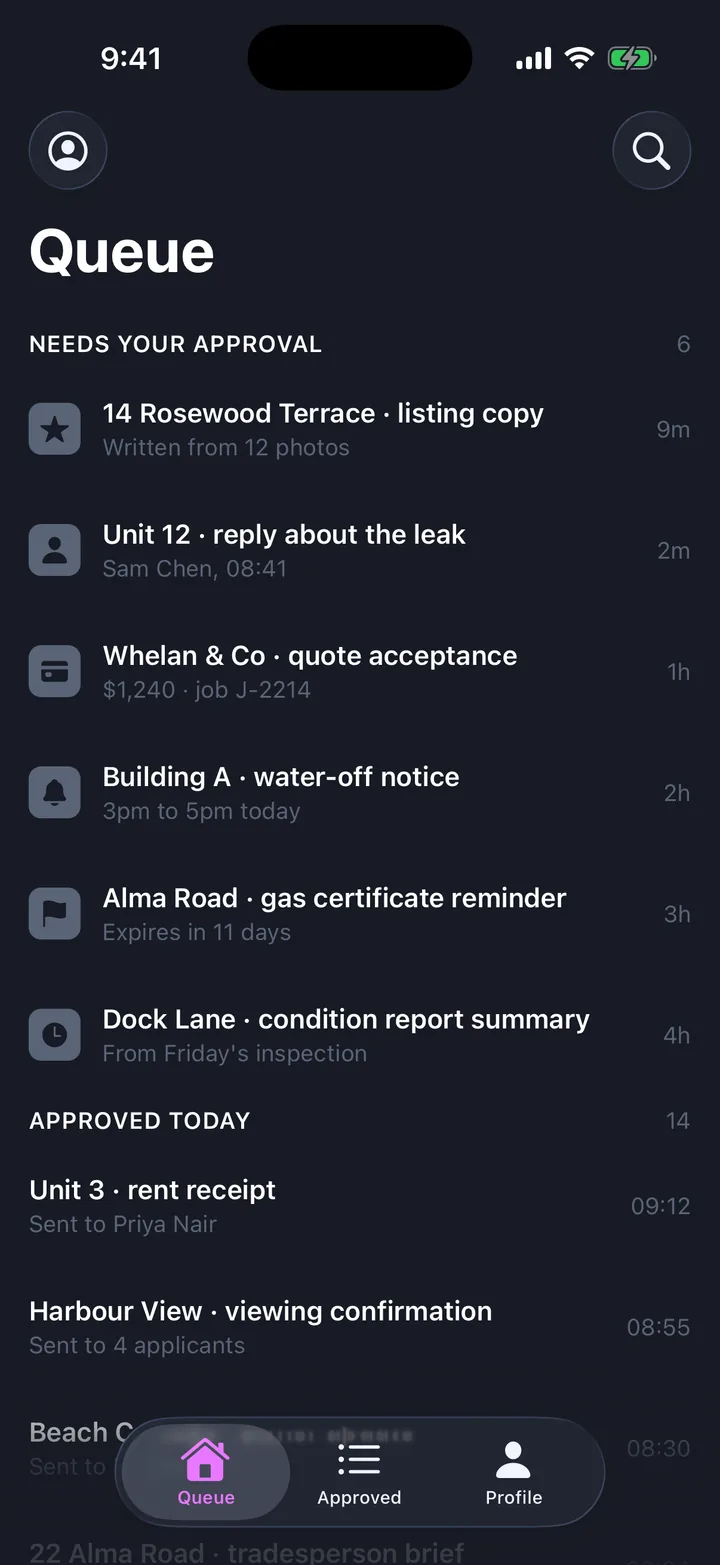
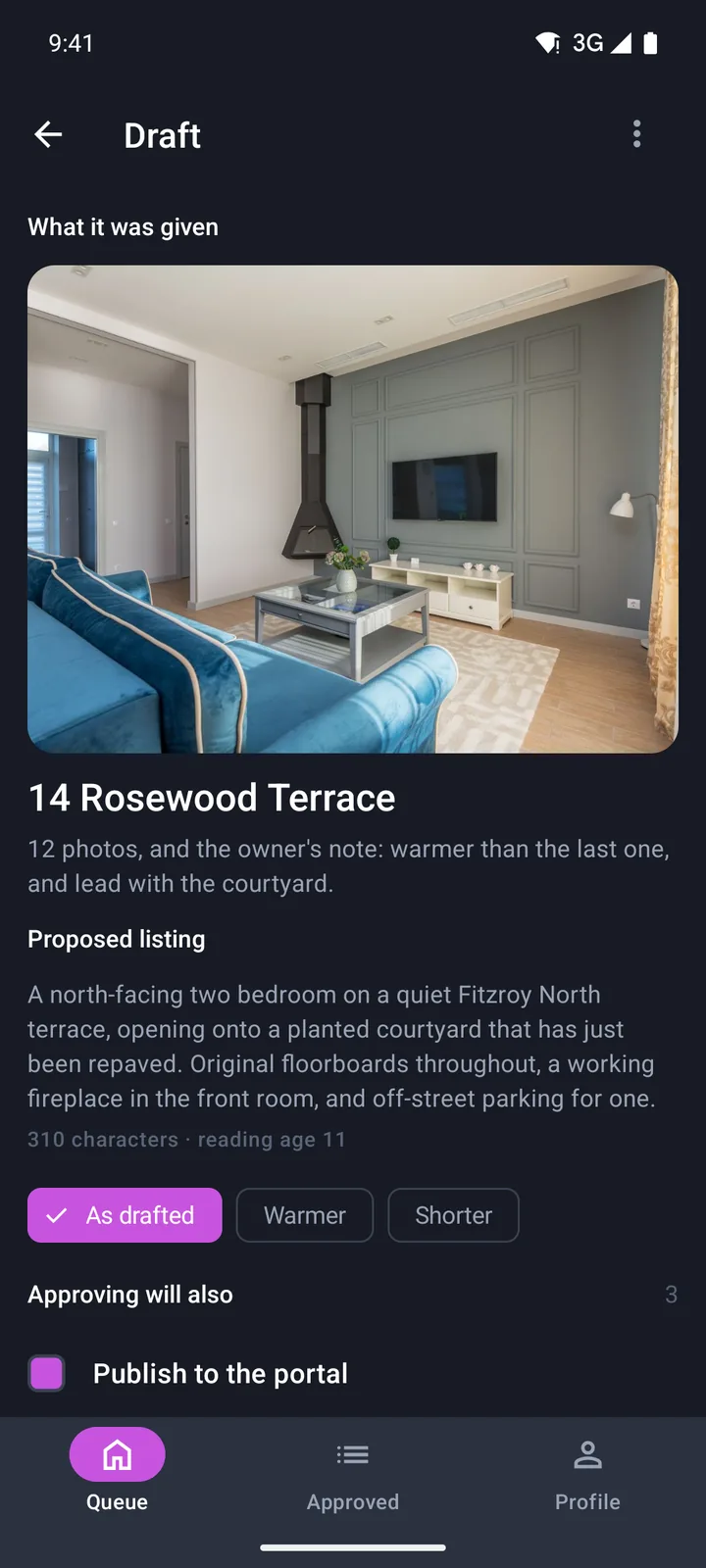
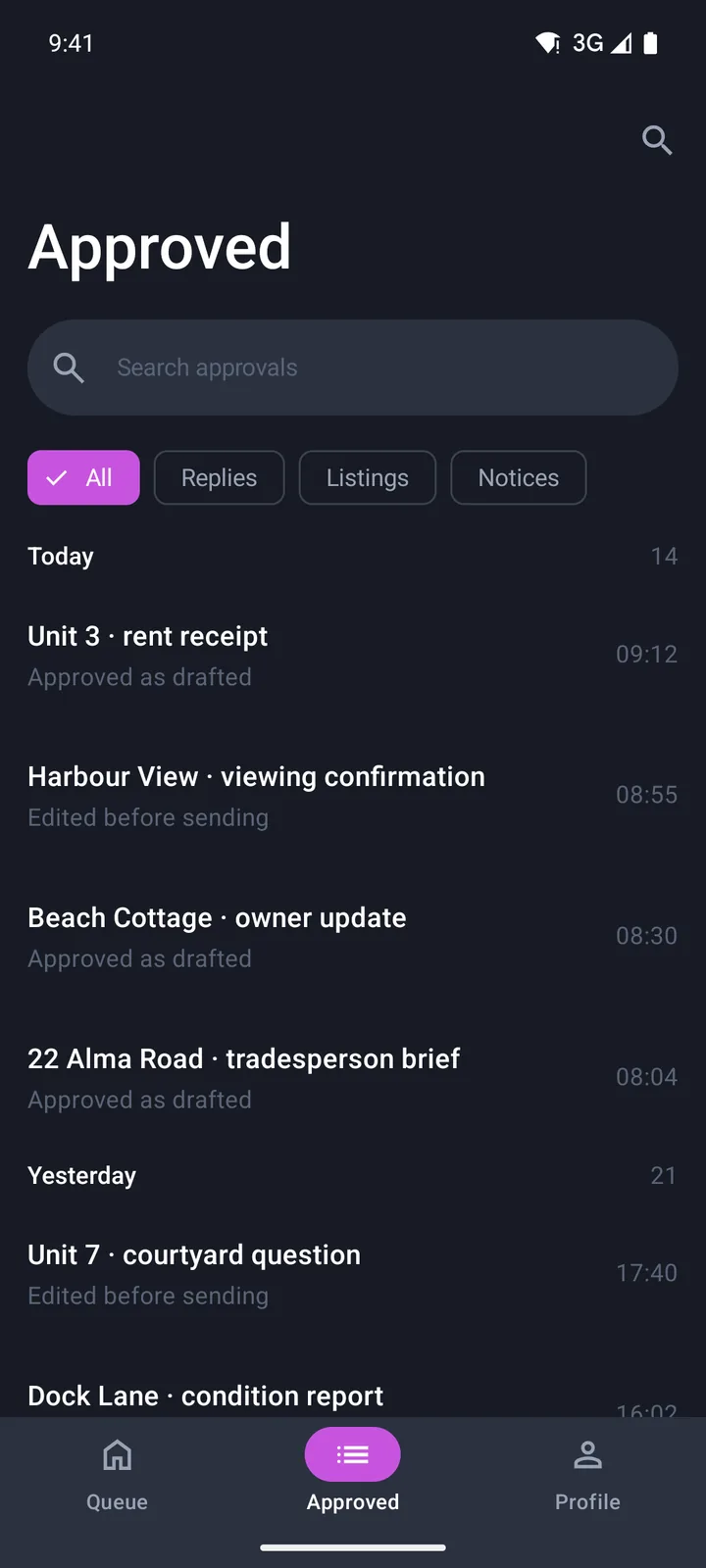
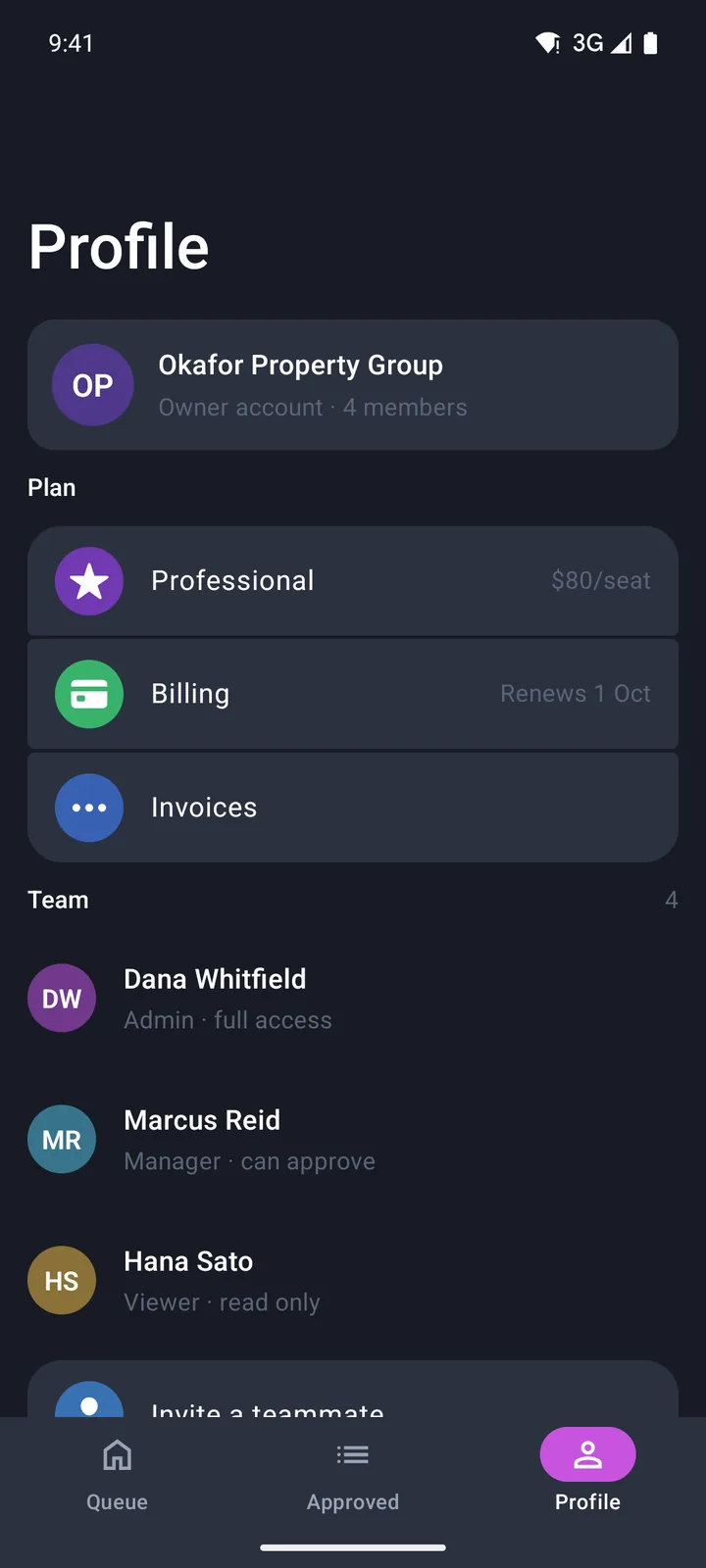
AI drafts & approvals
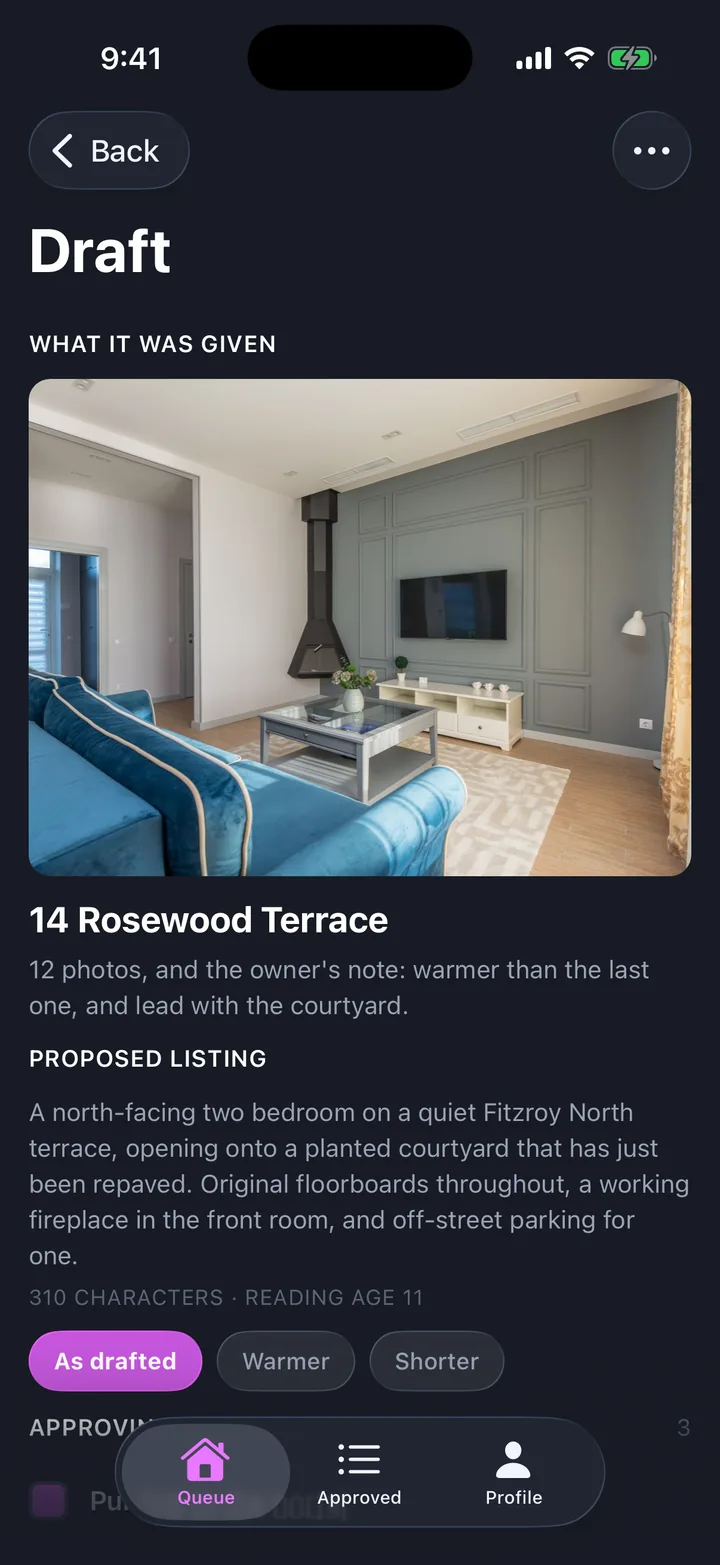
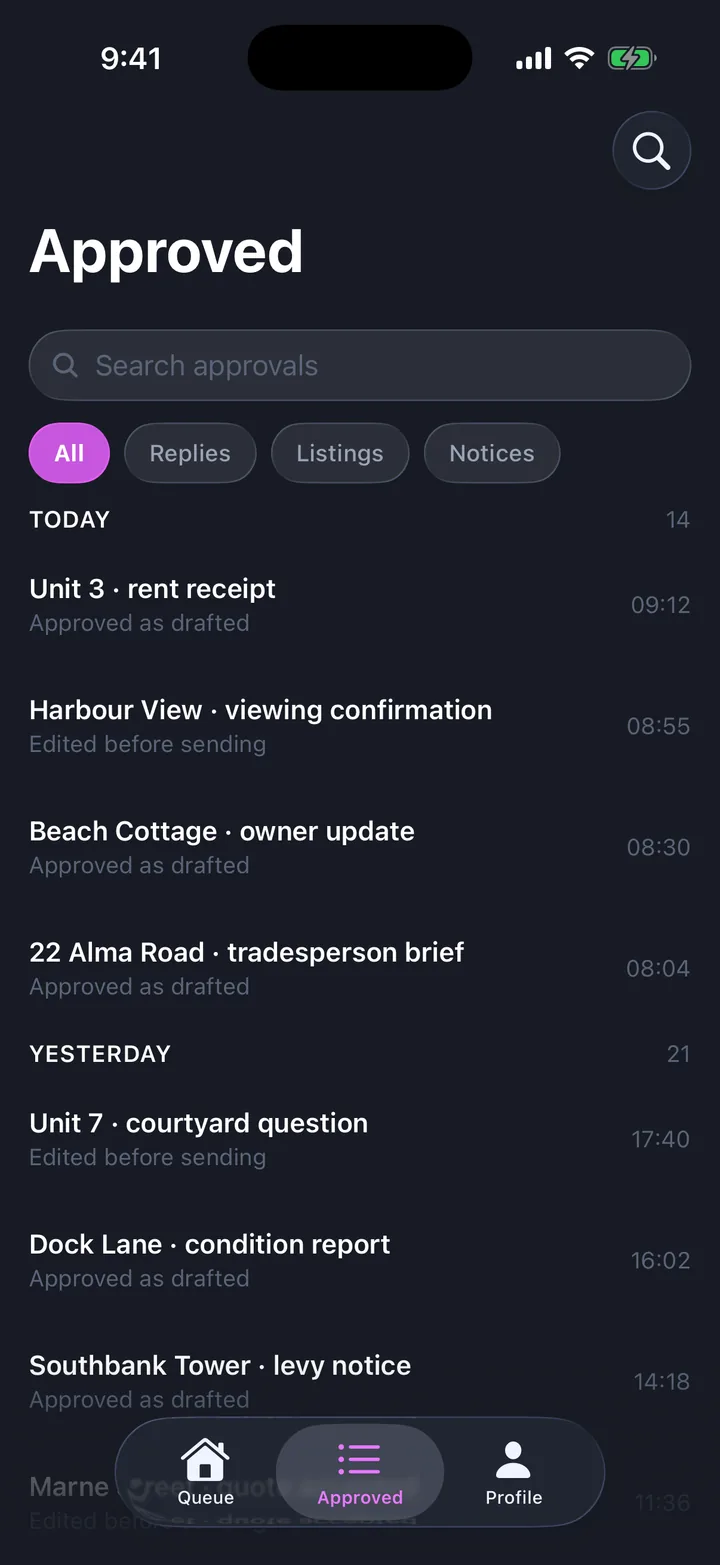
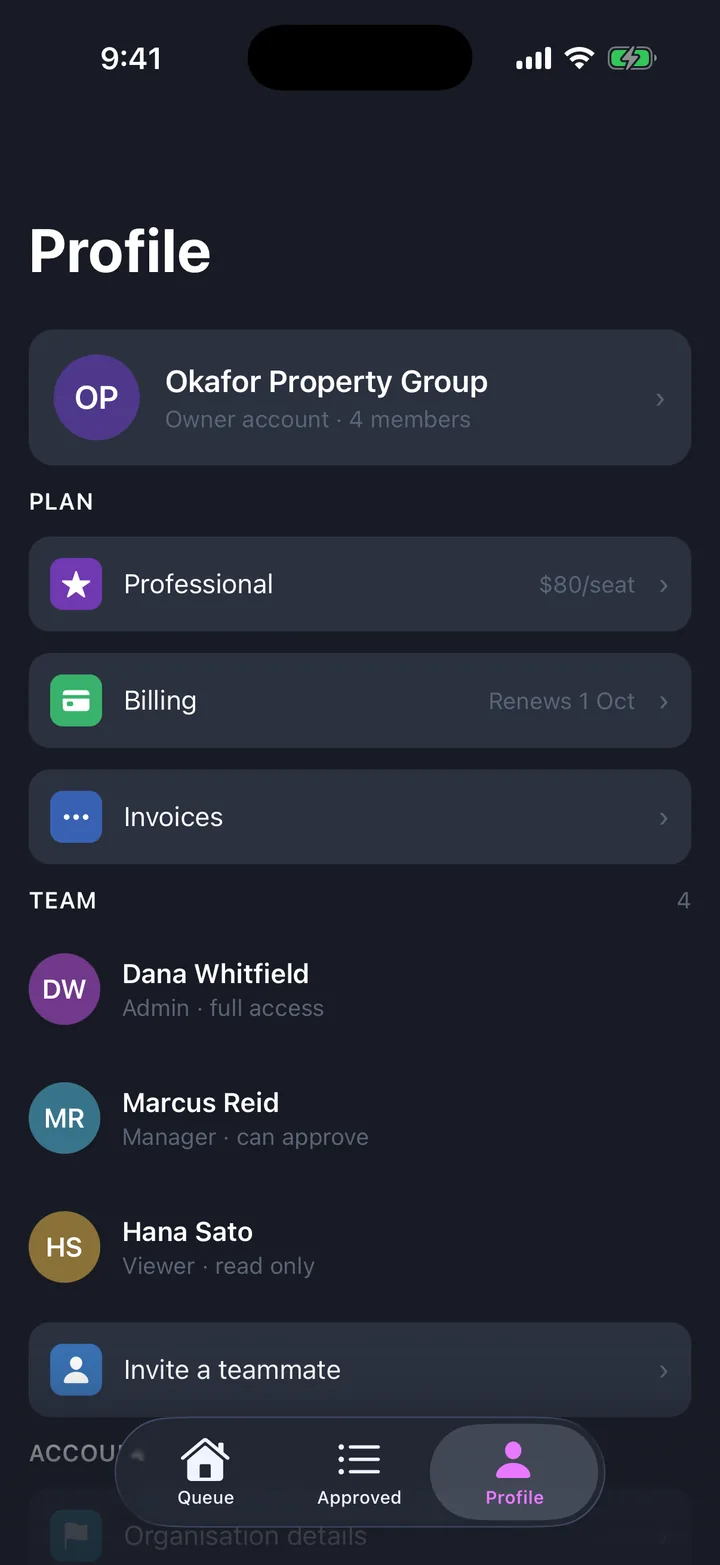
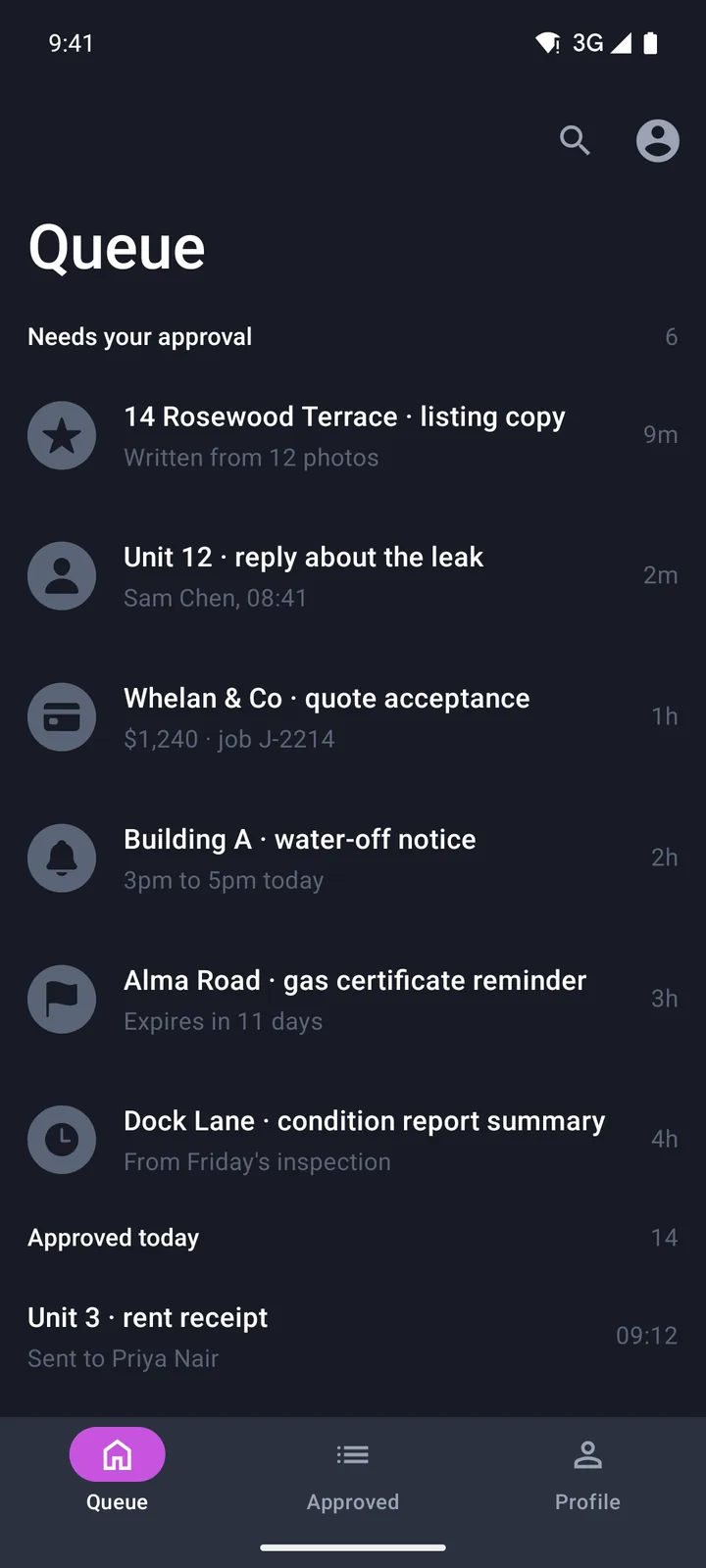
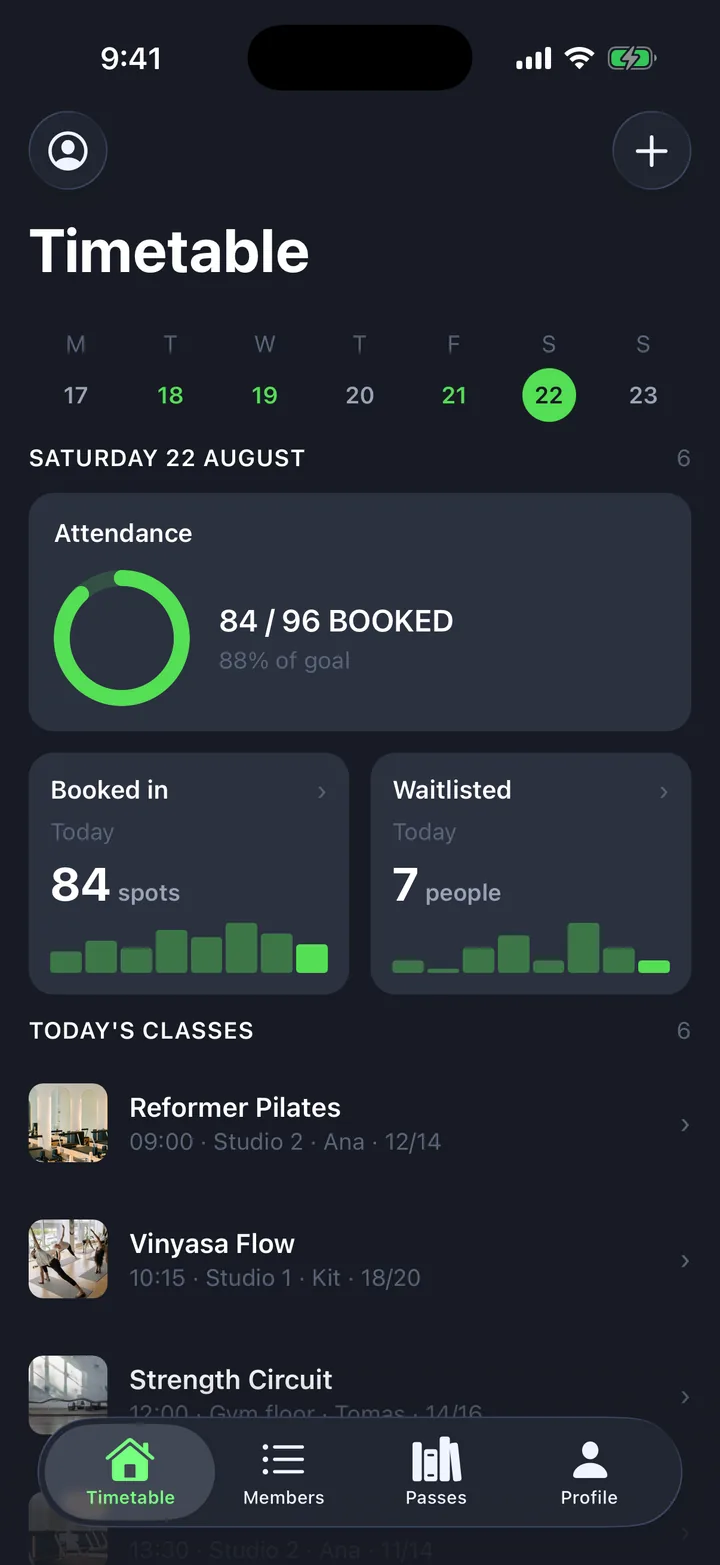
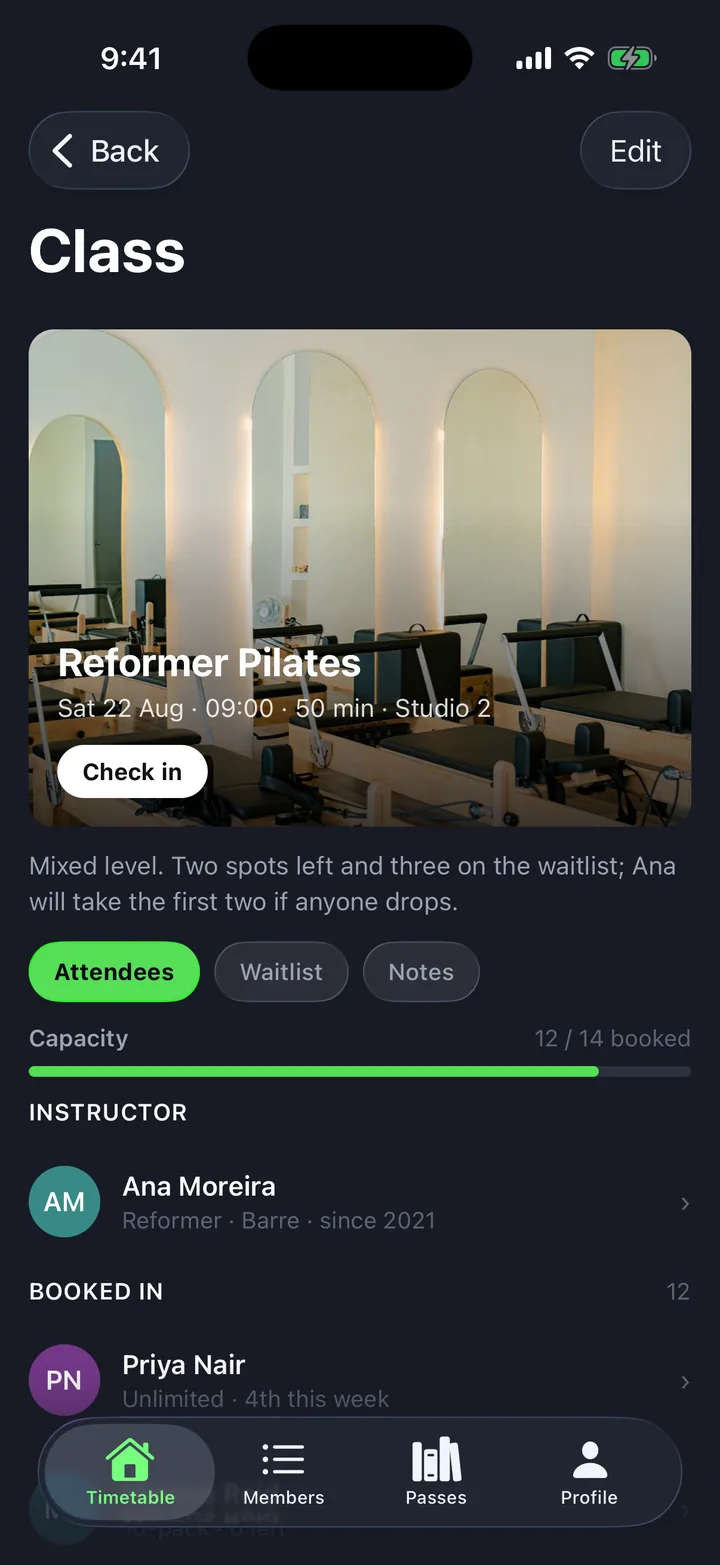
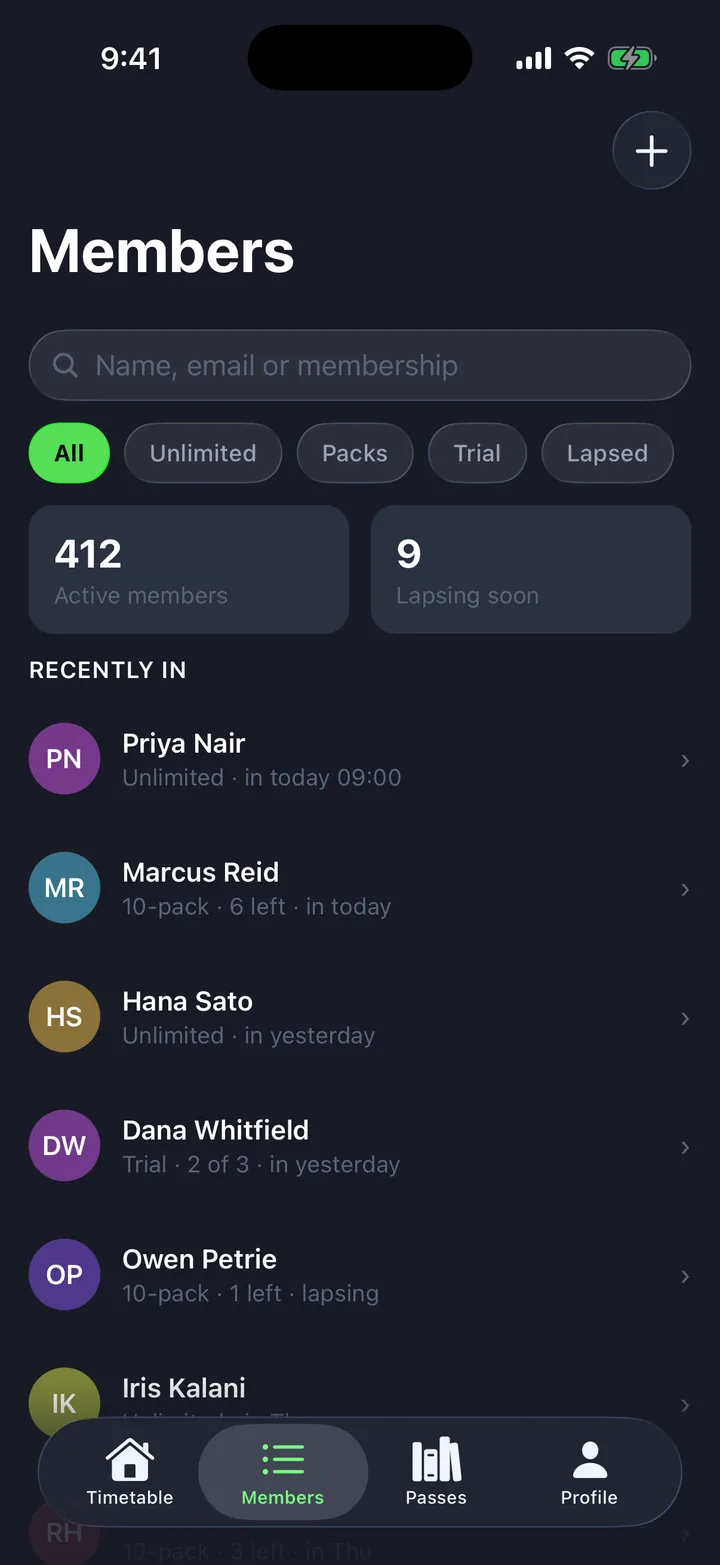
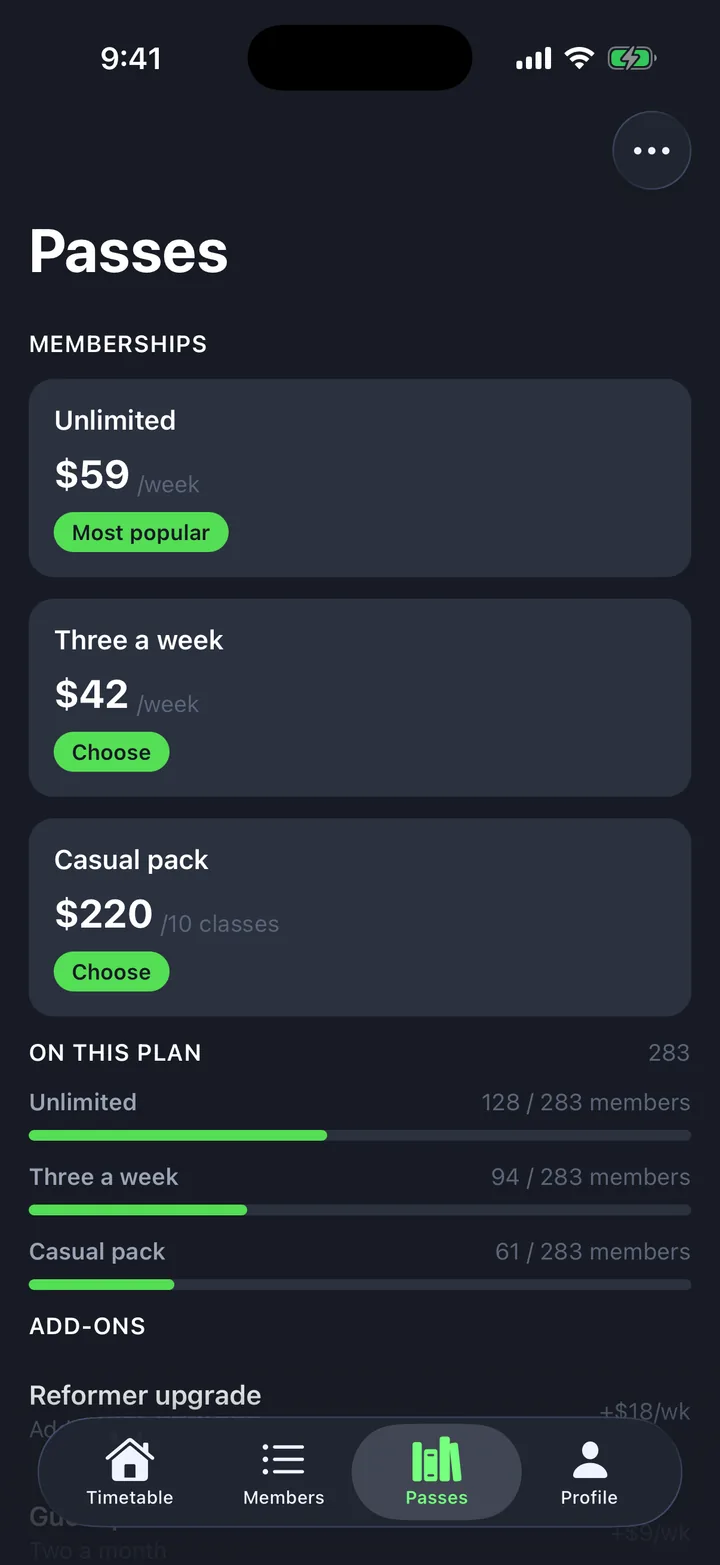
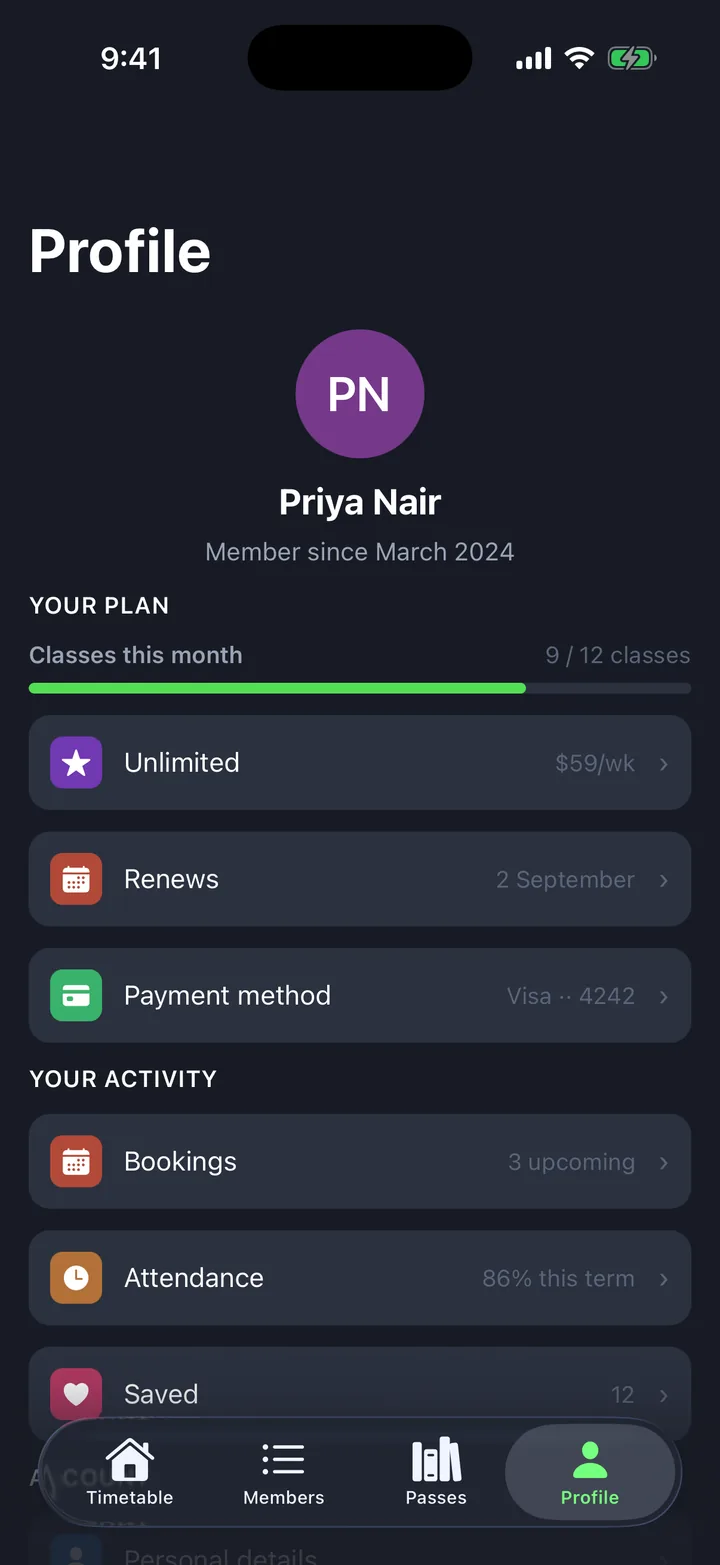
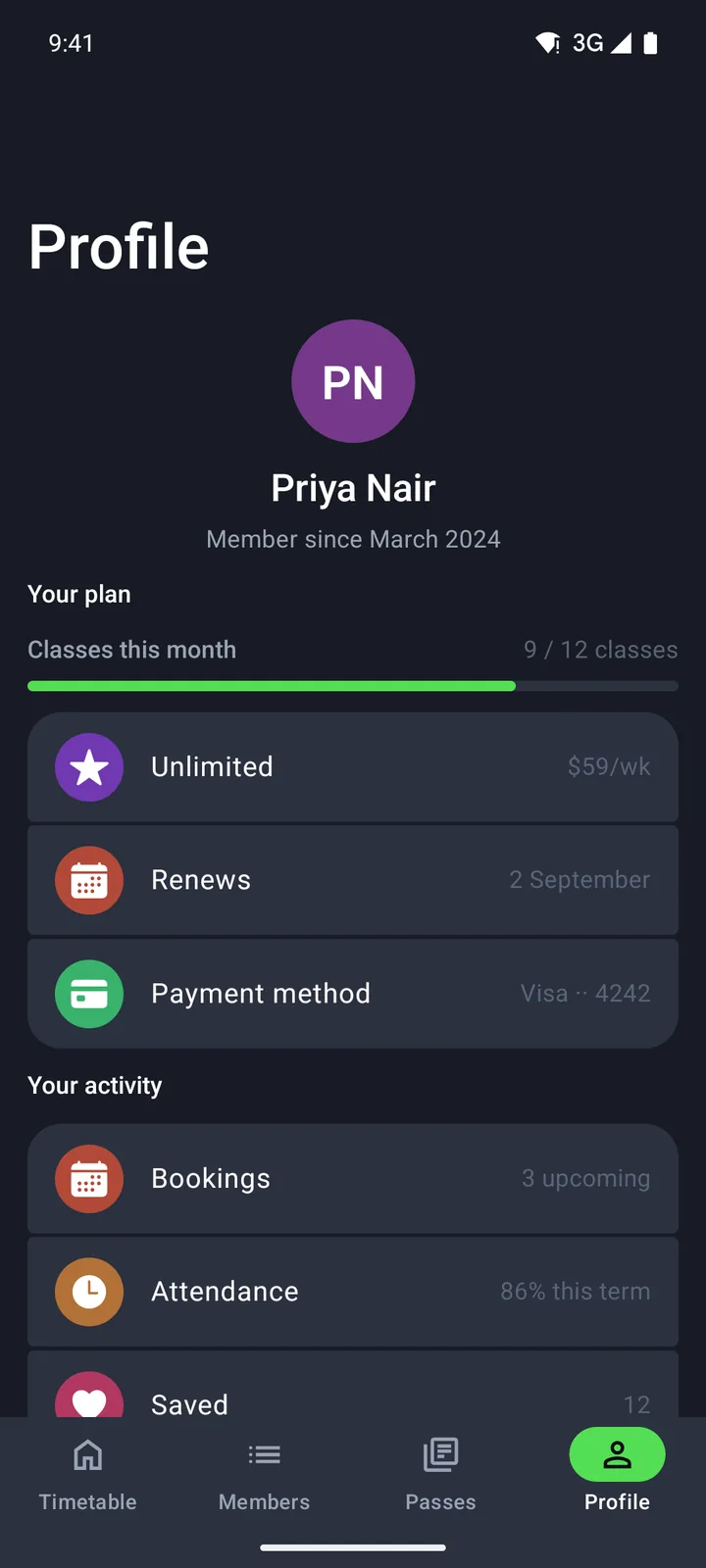
Members & classes
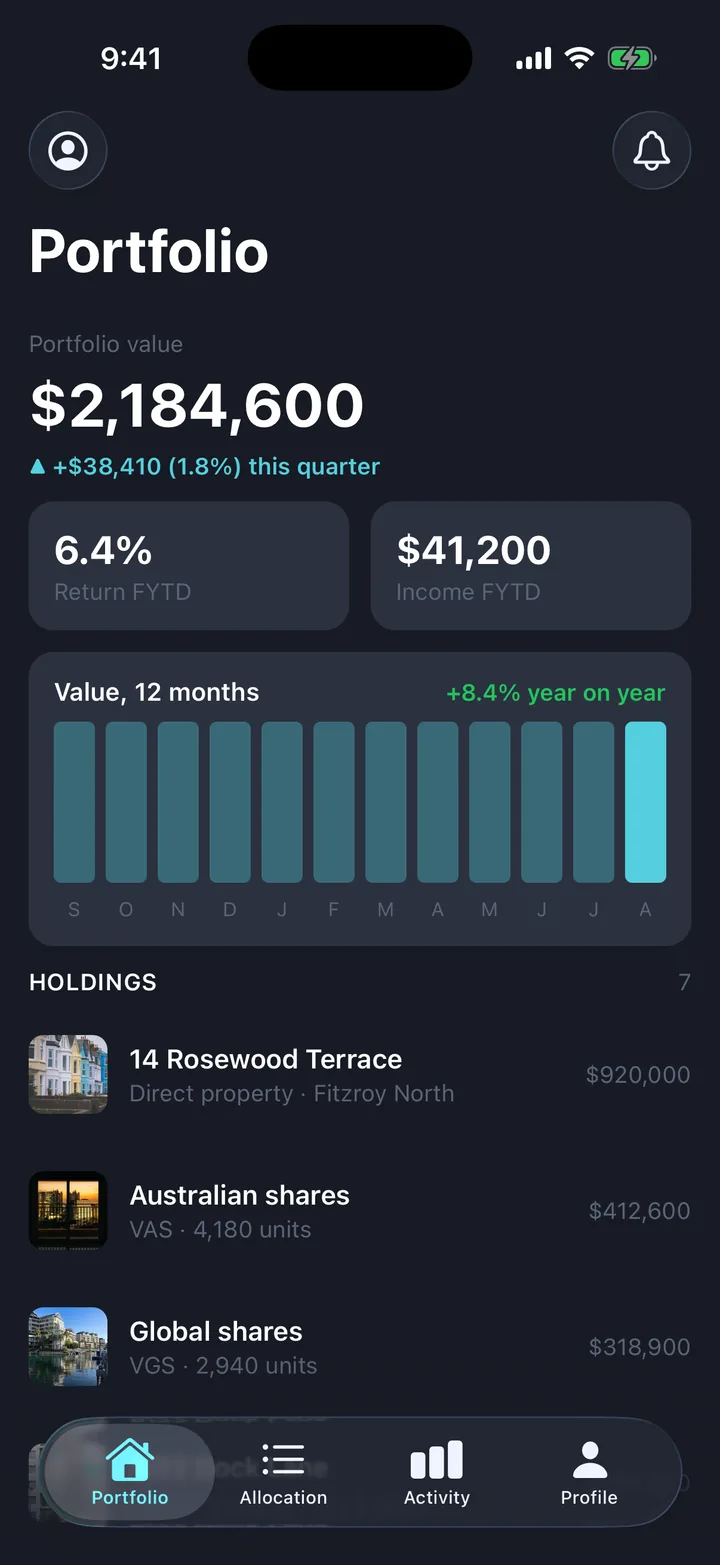
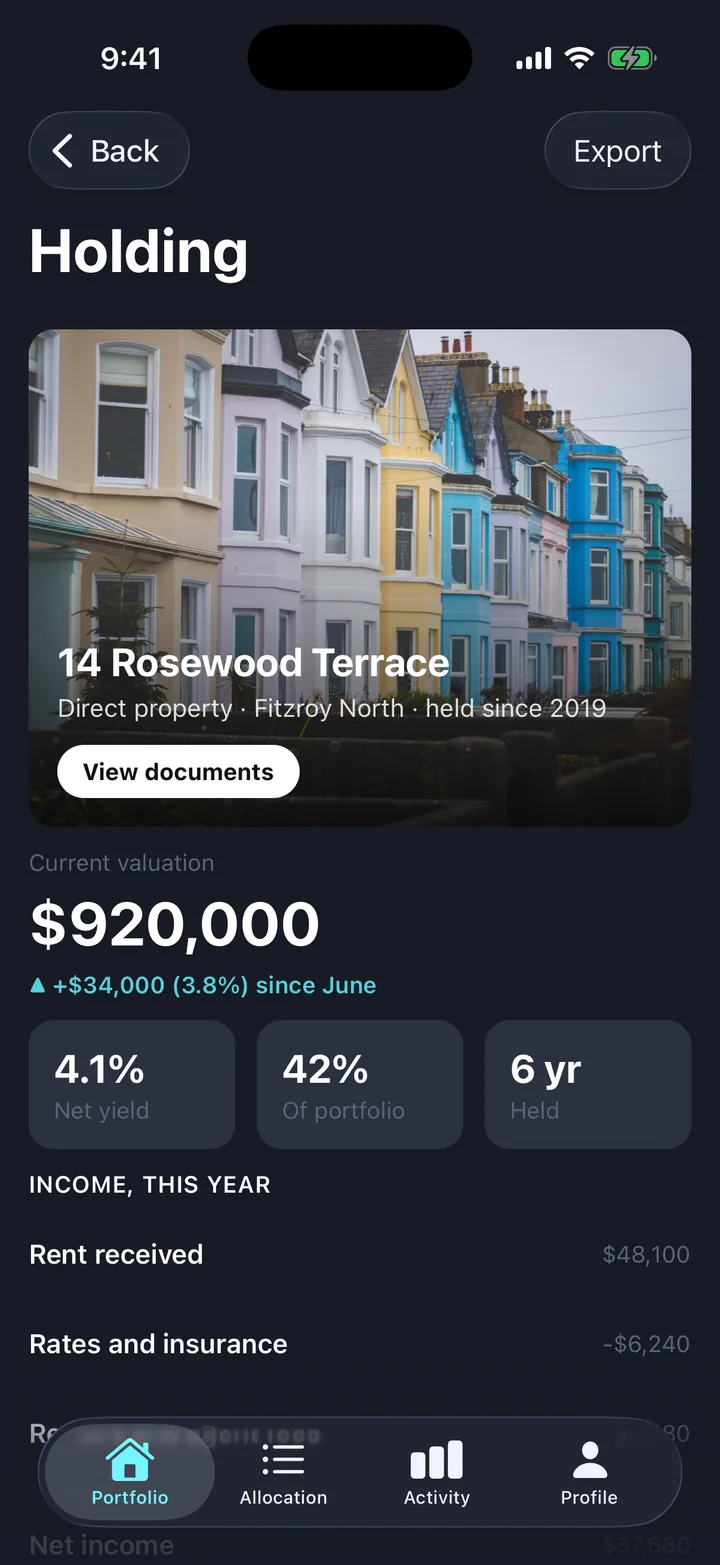
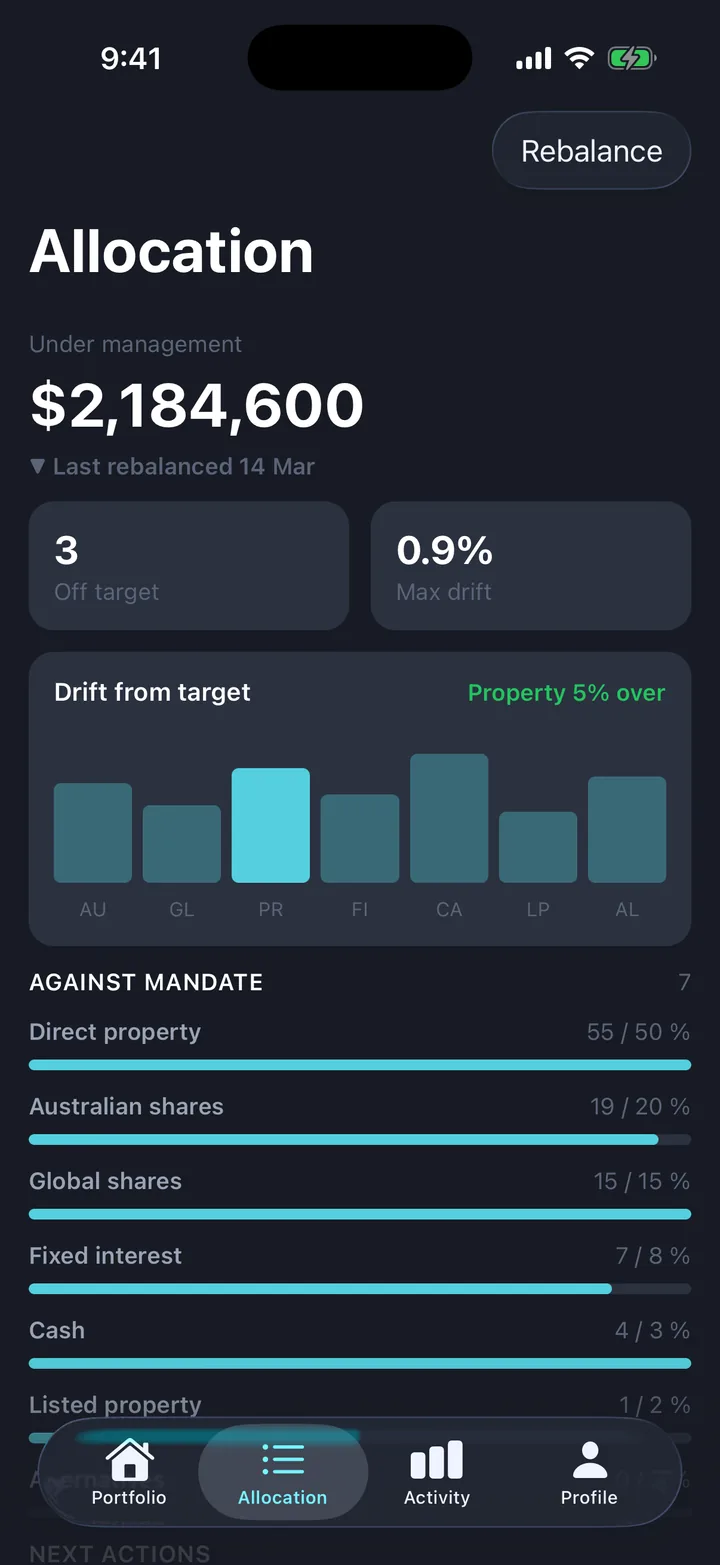
Portfolio & holdings
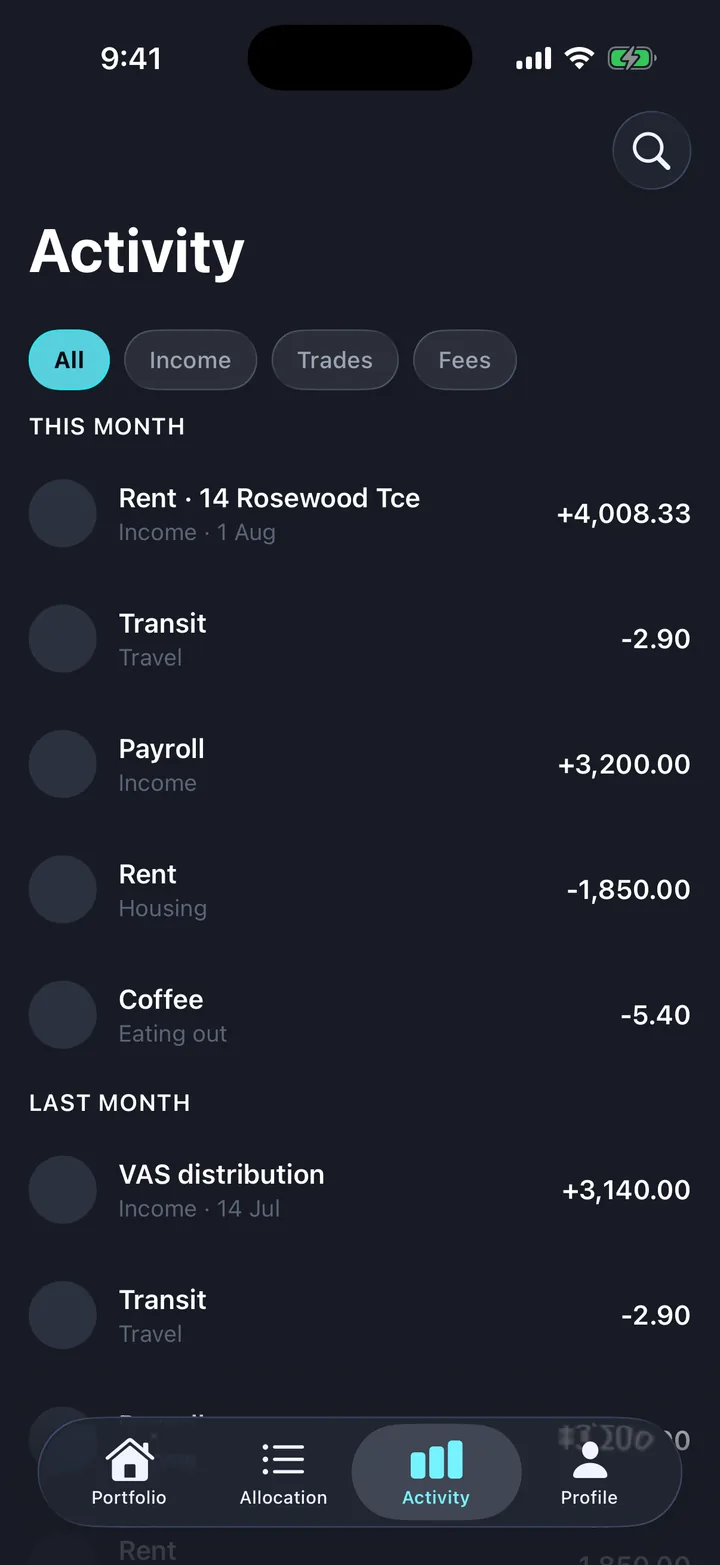
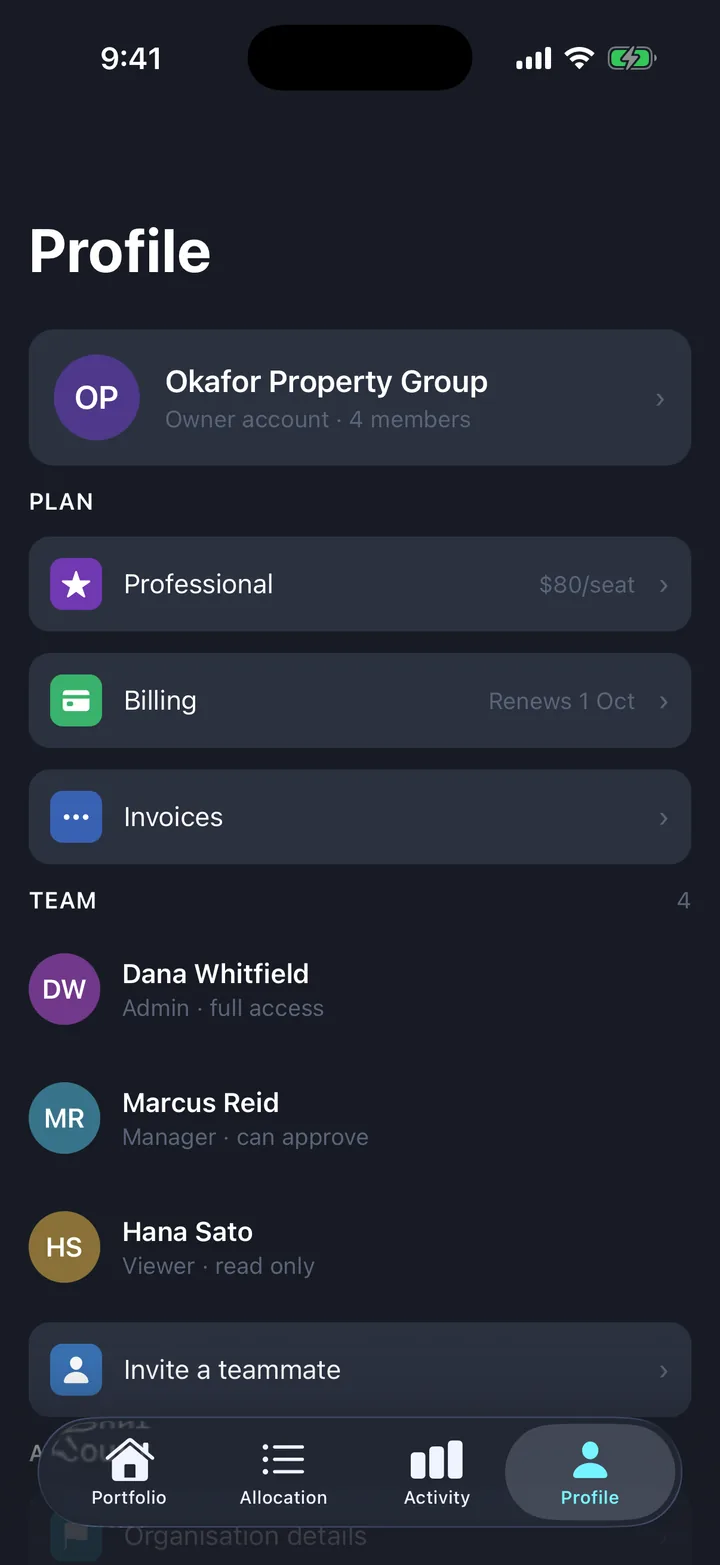
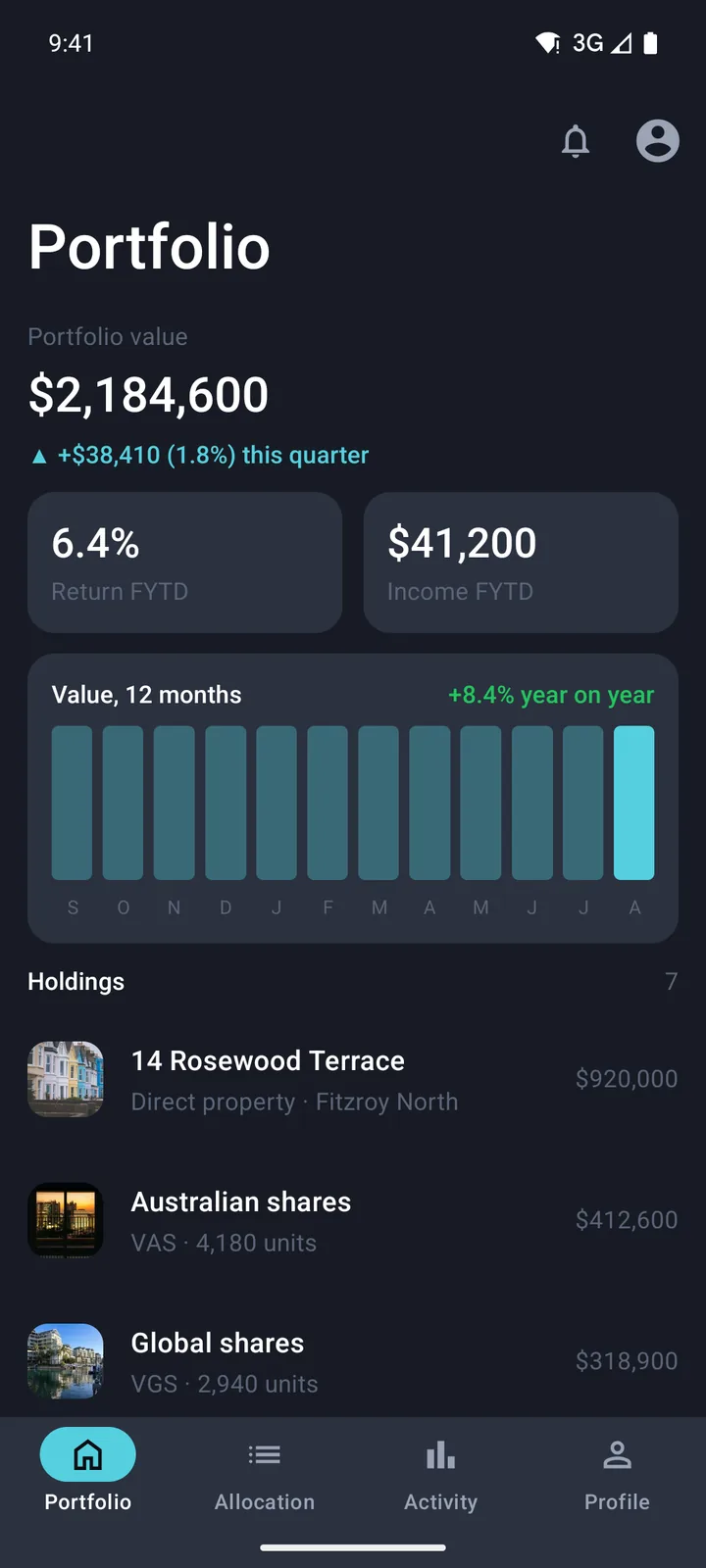
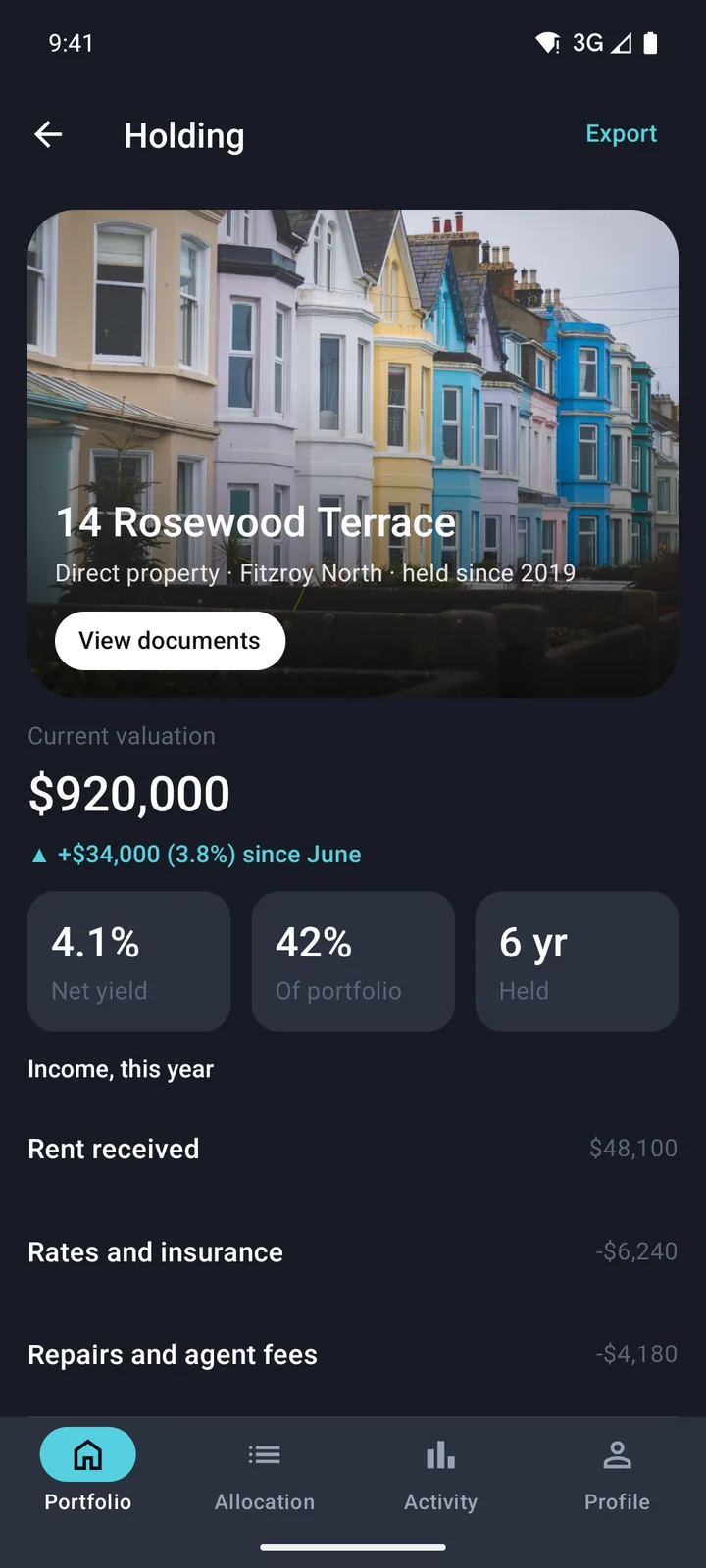
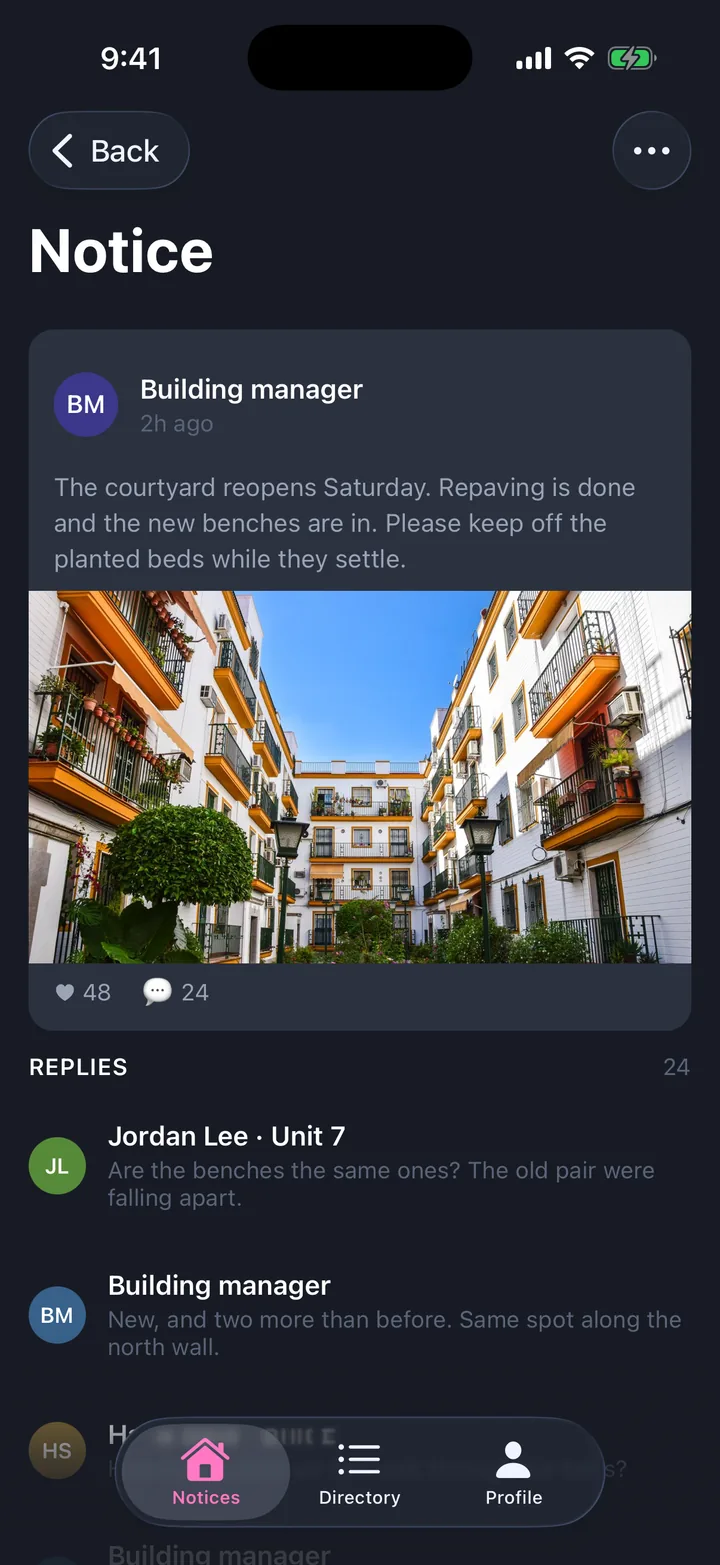
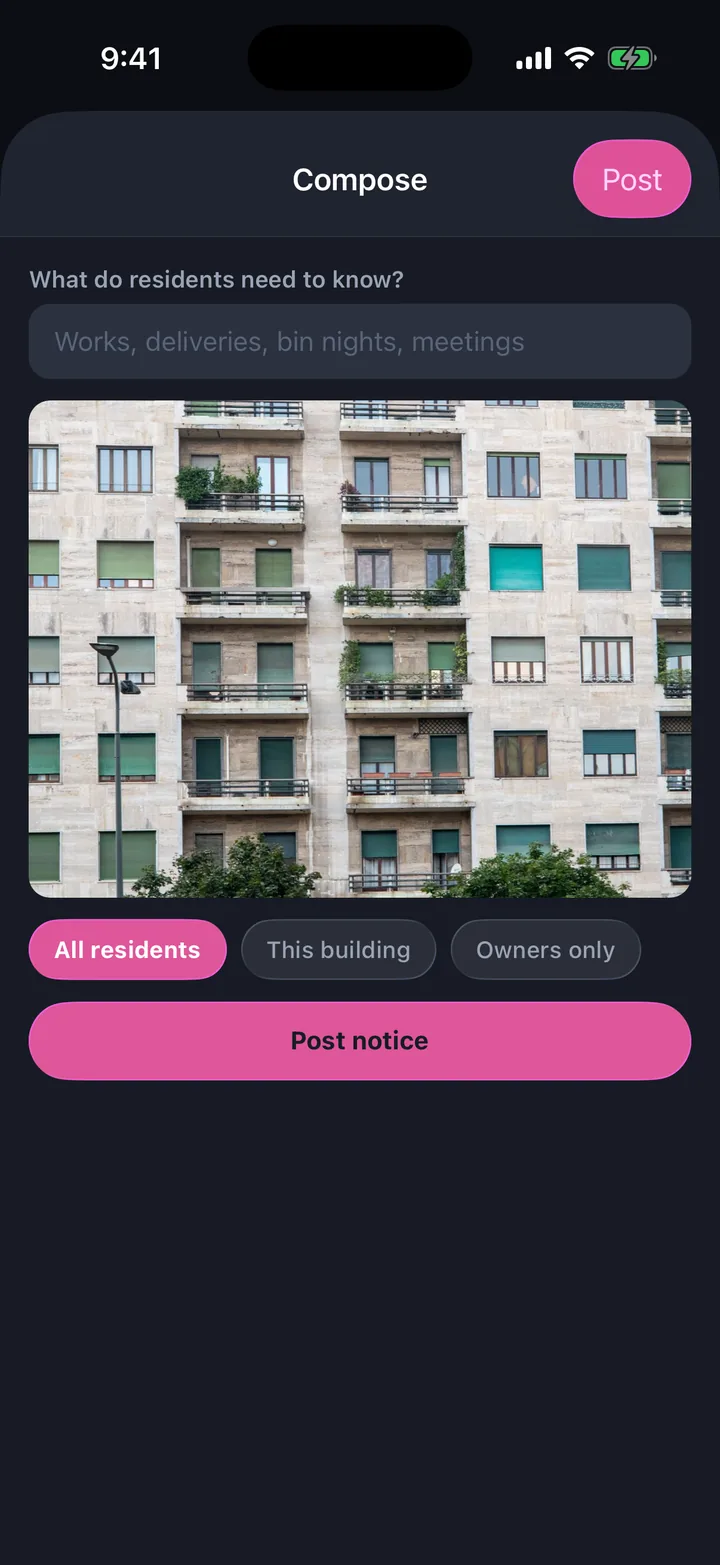
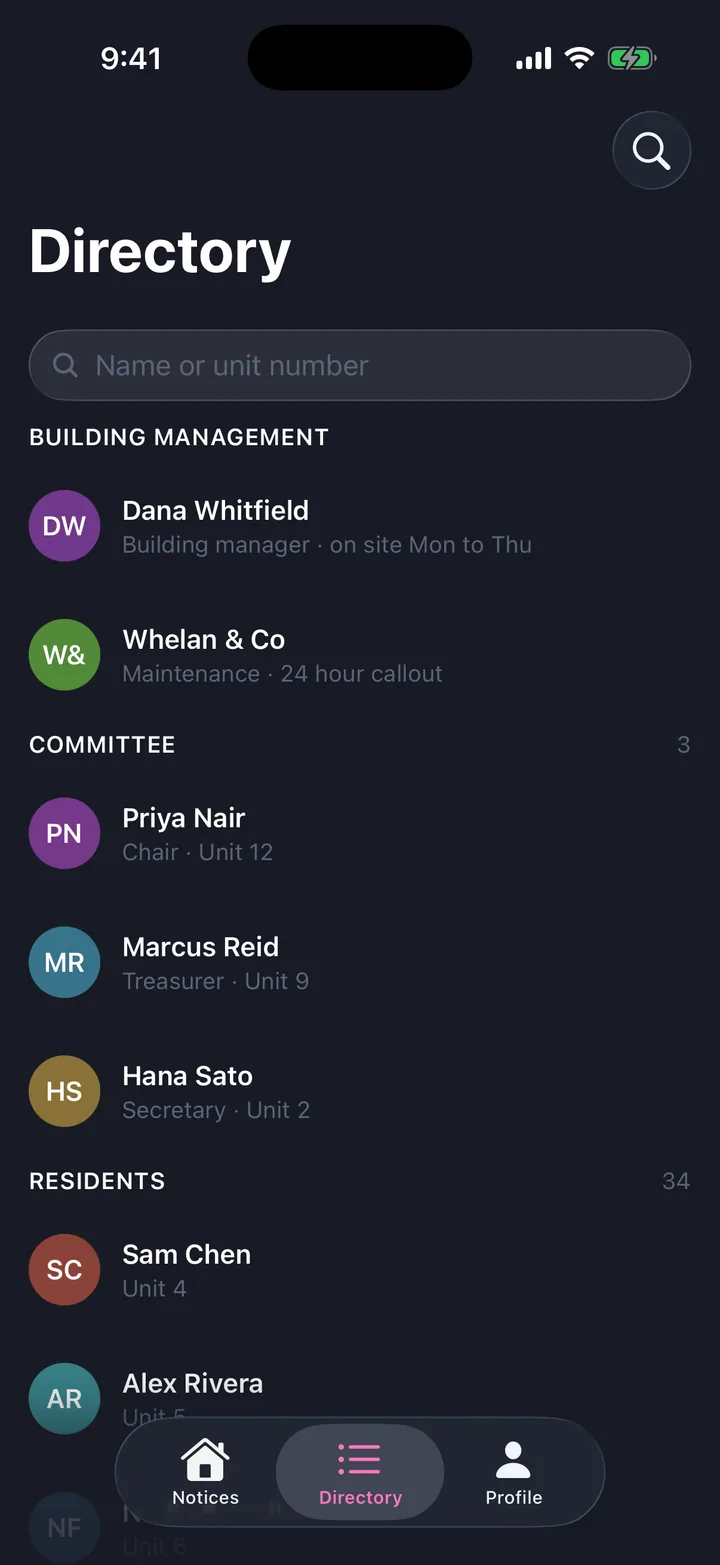
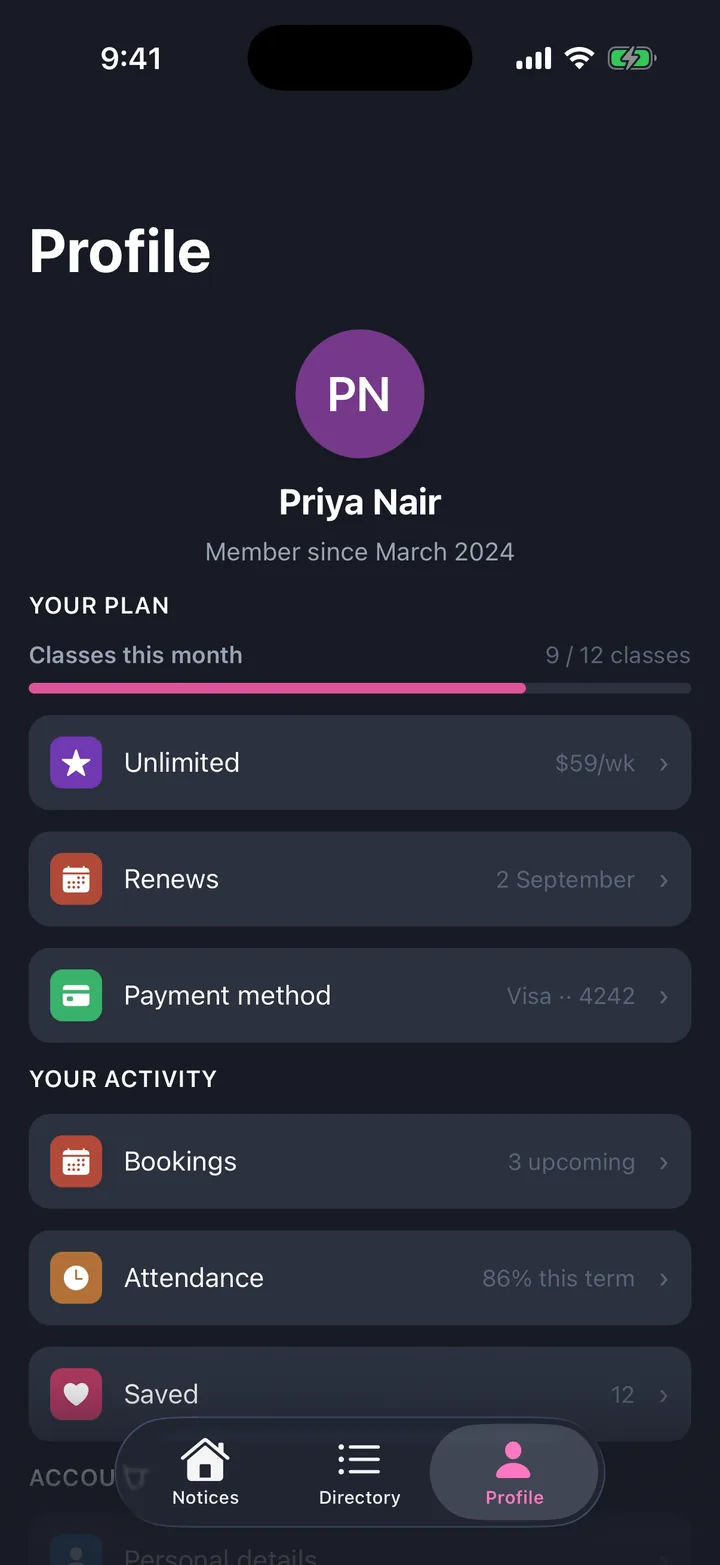
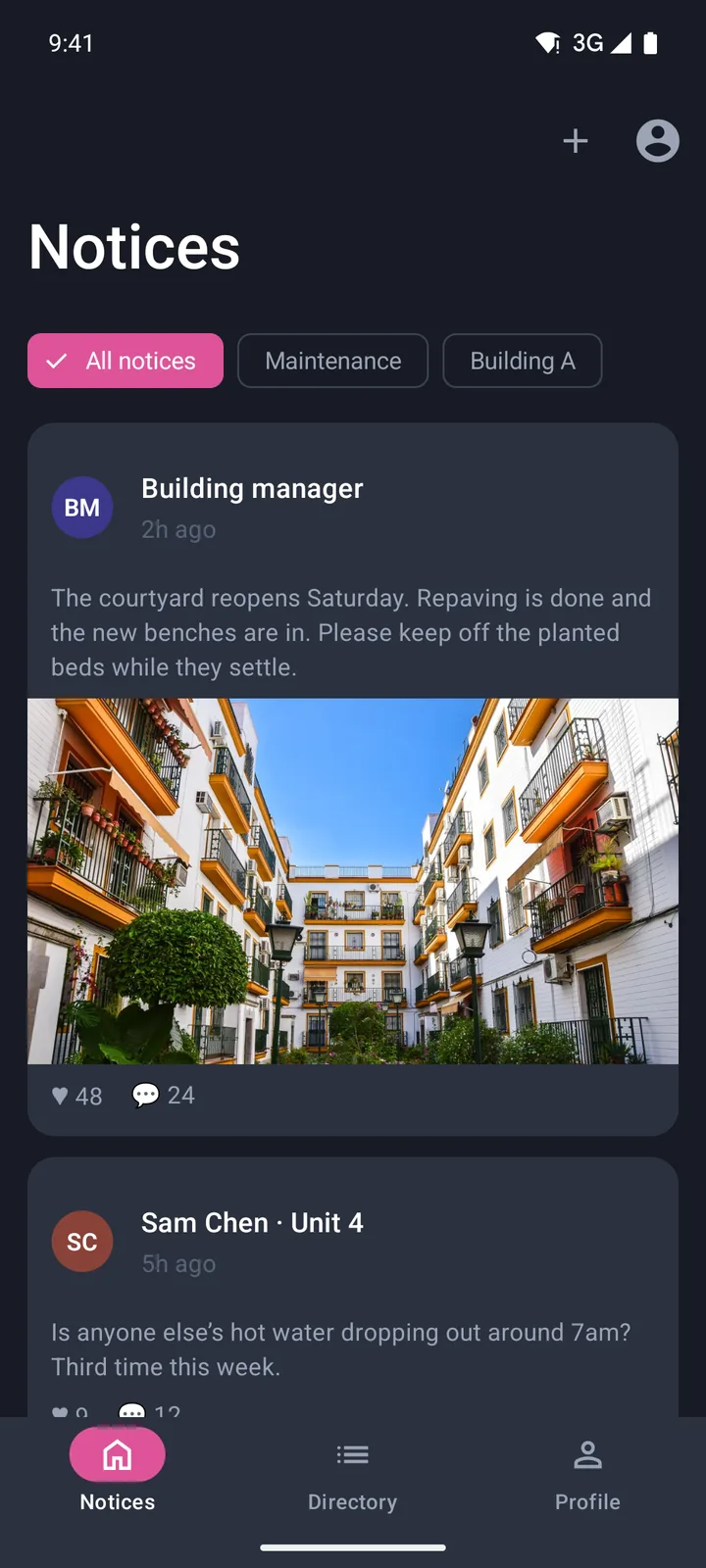
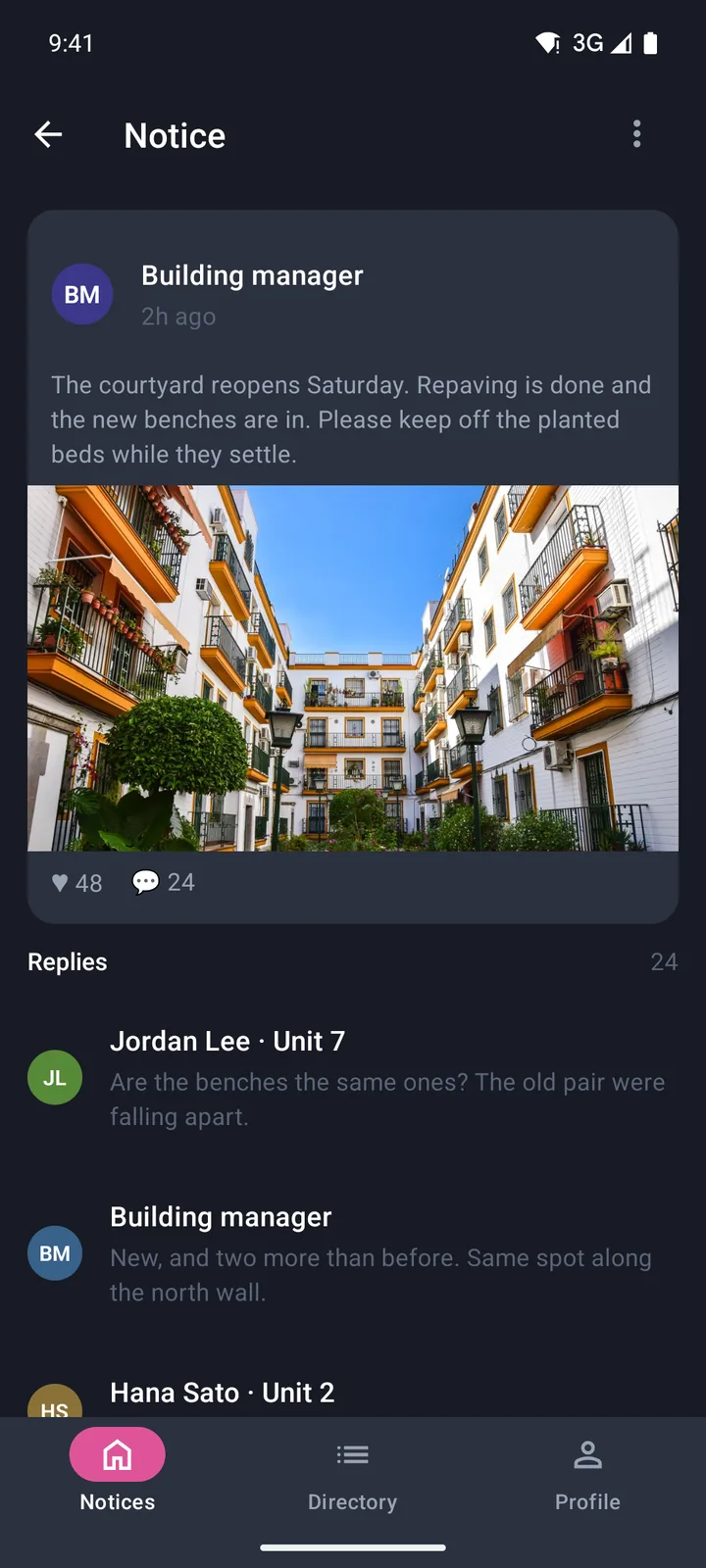
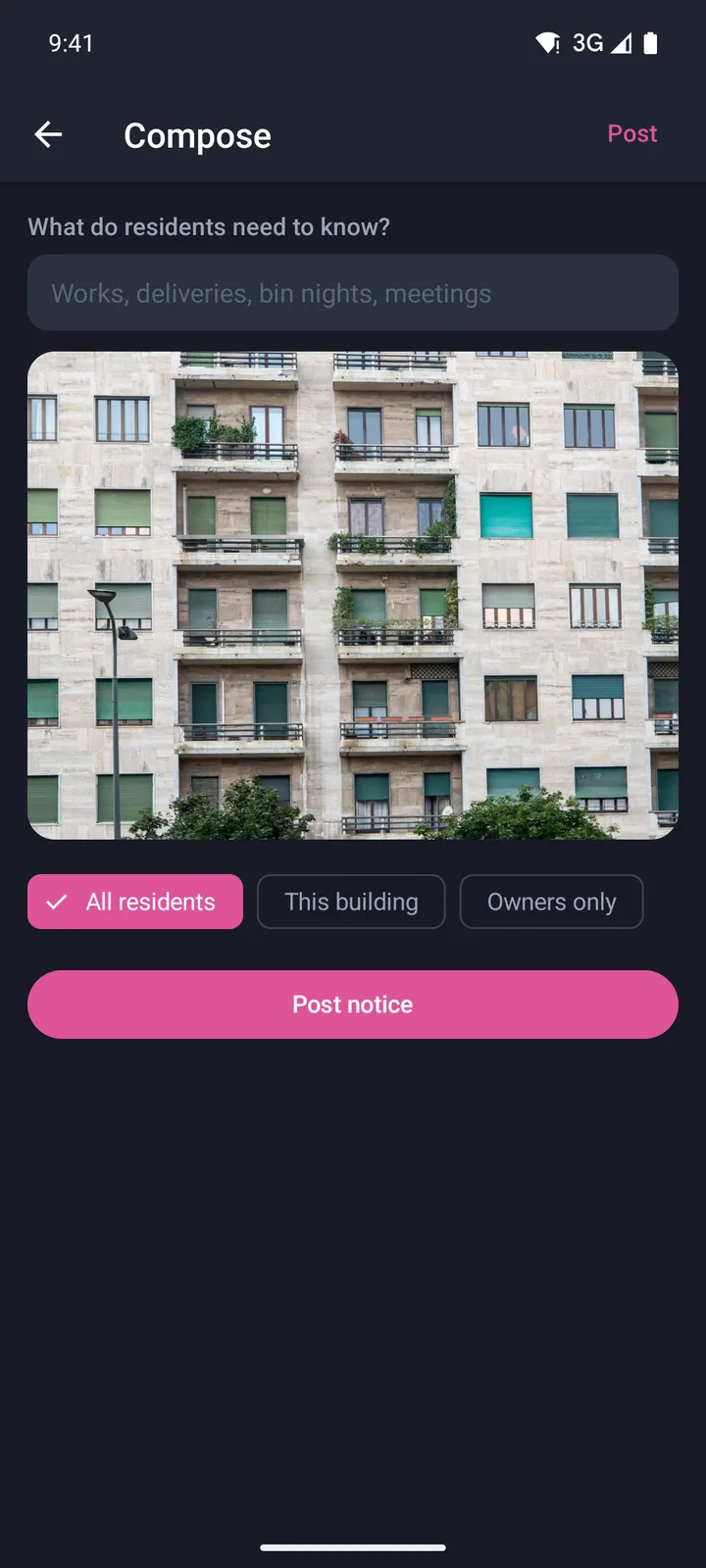
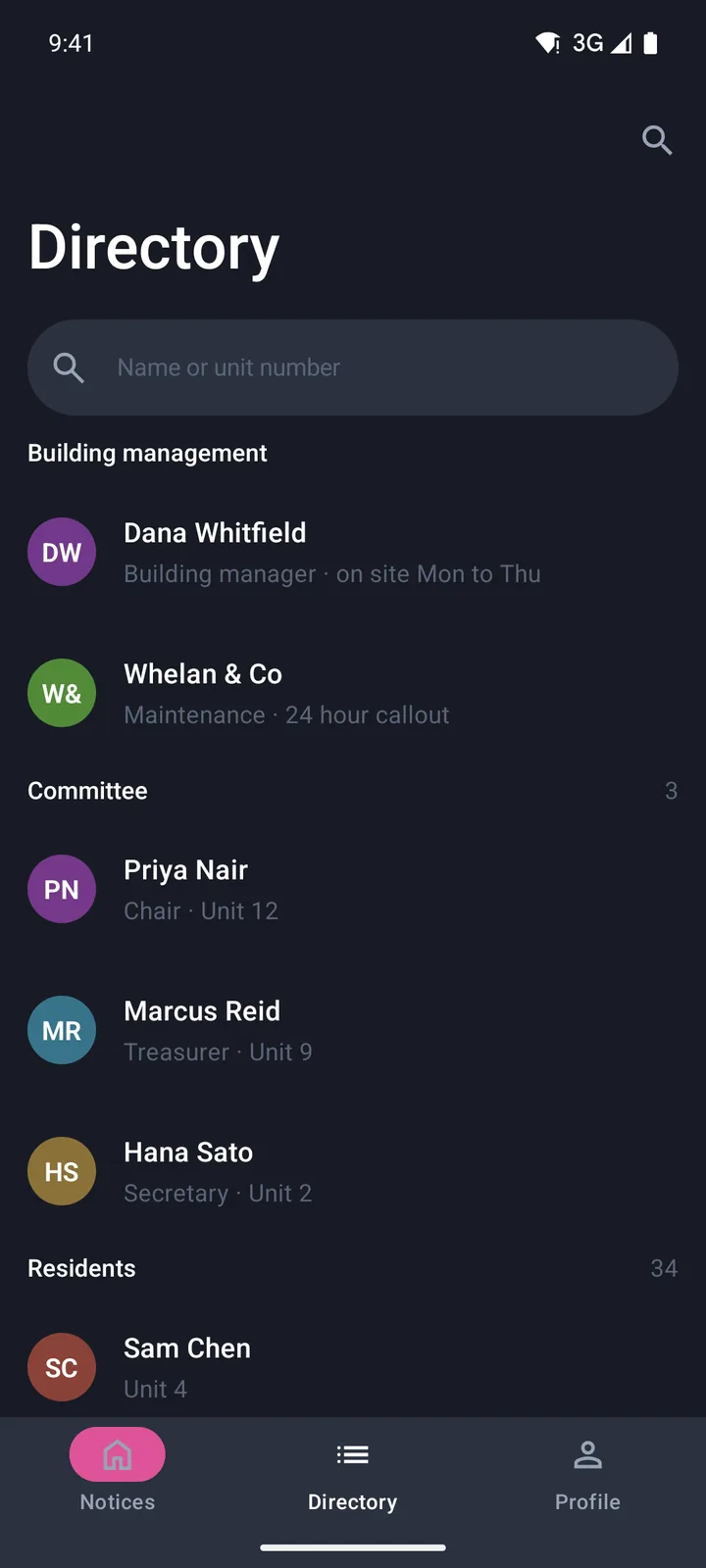
Community & updates
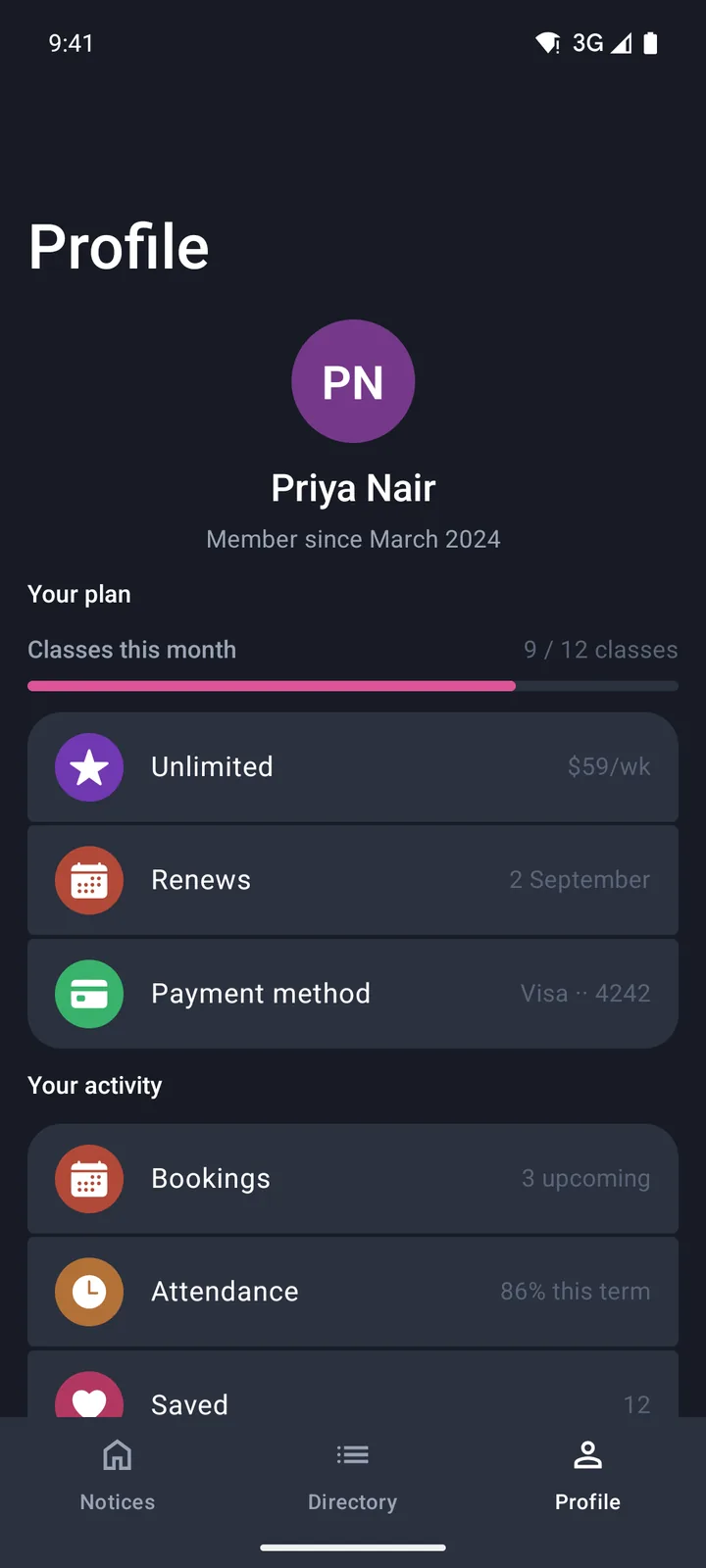
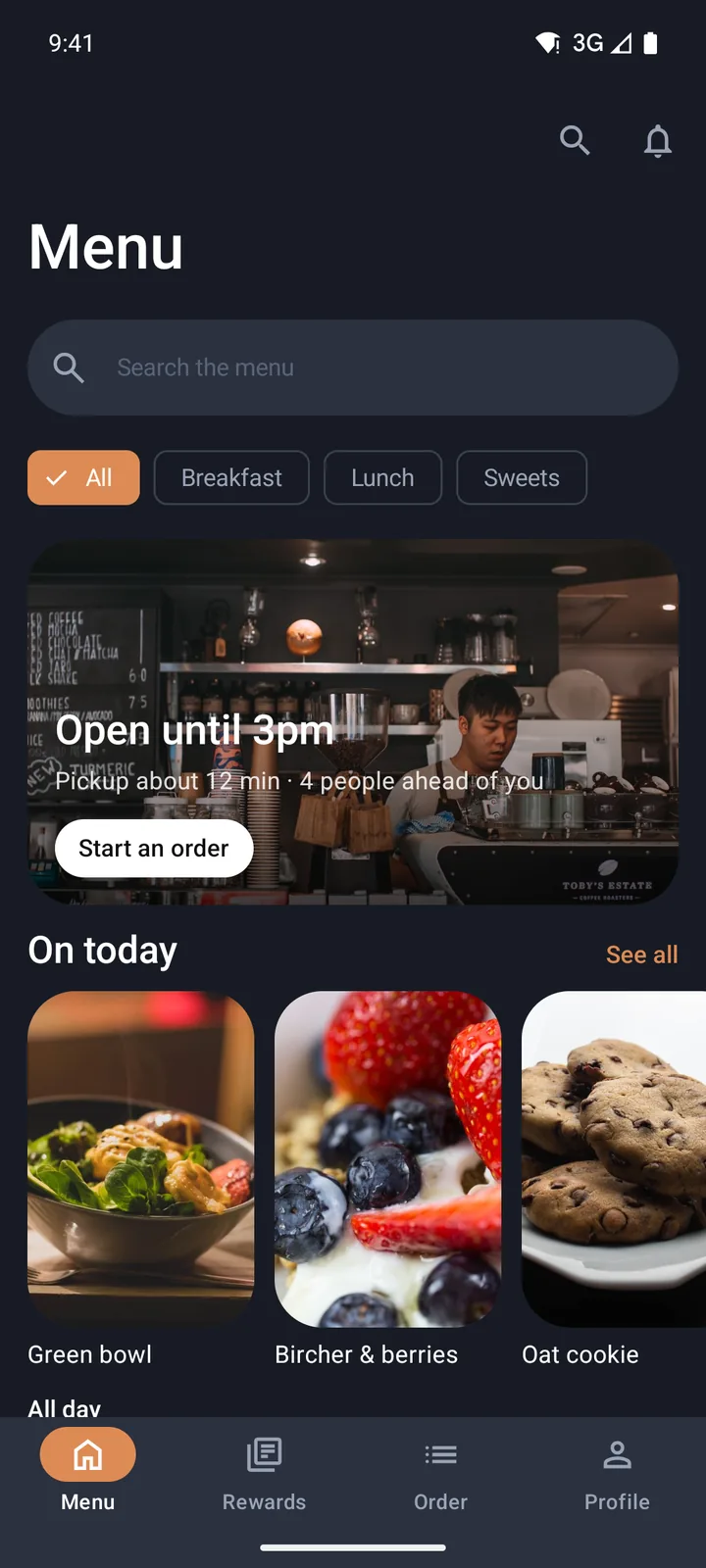
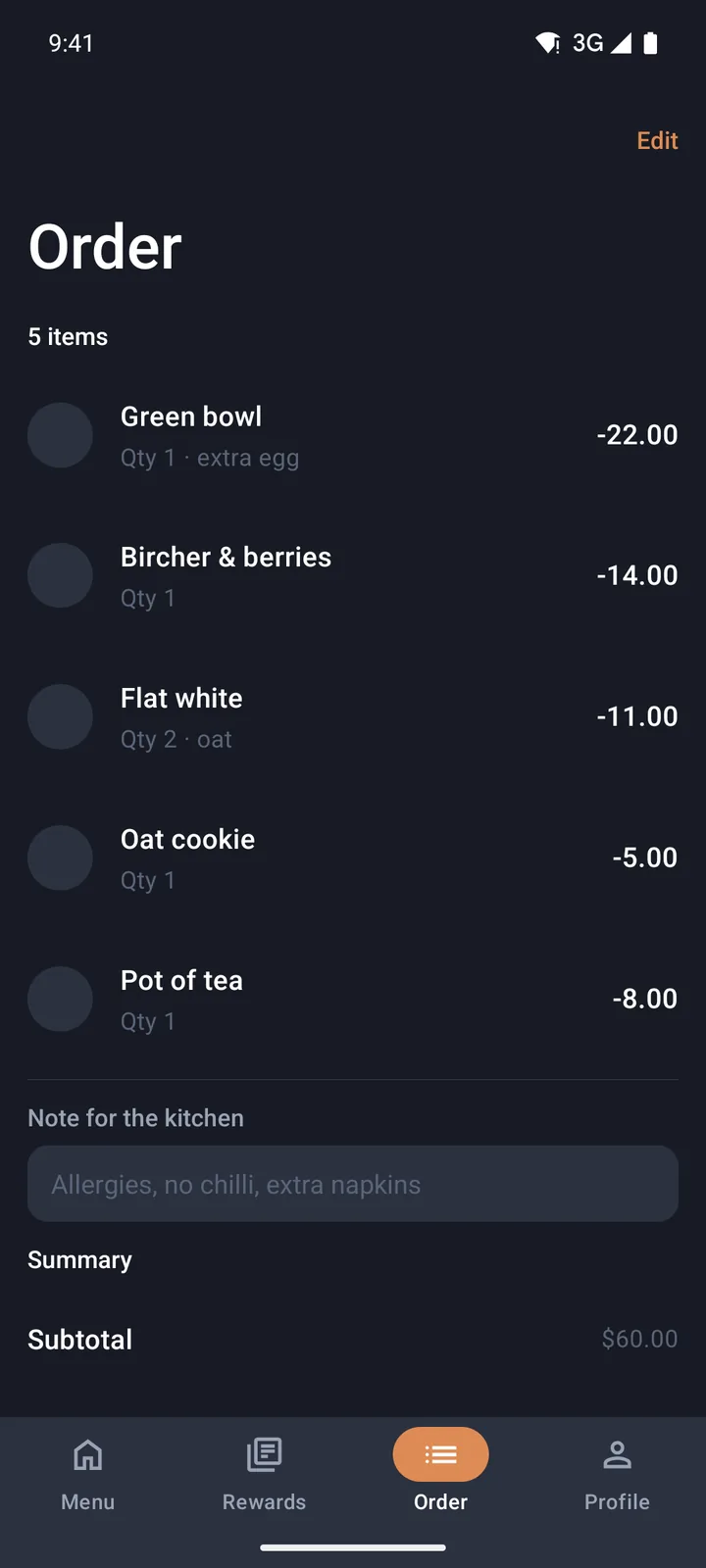
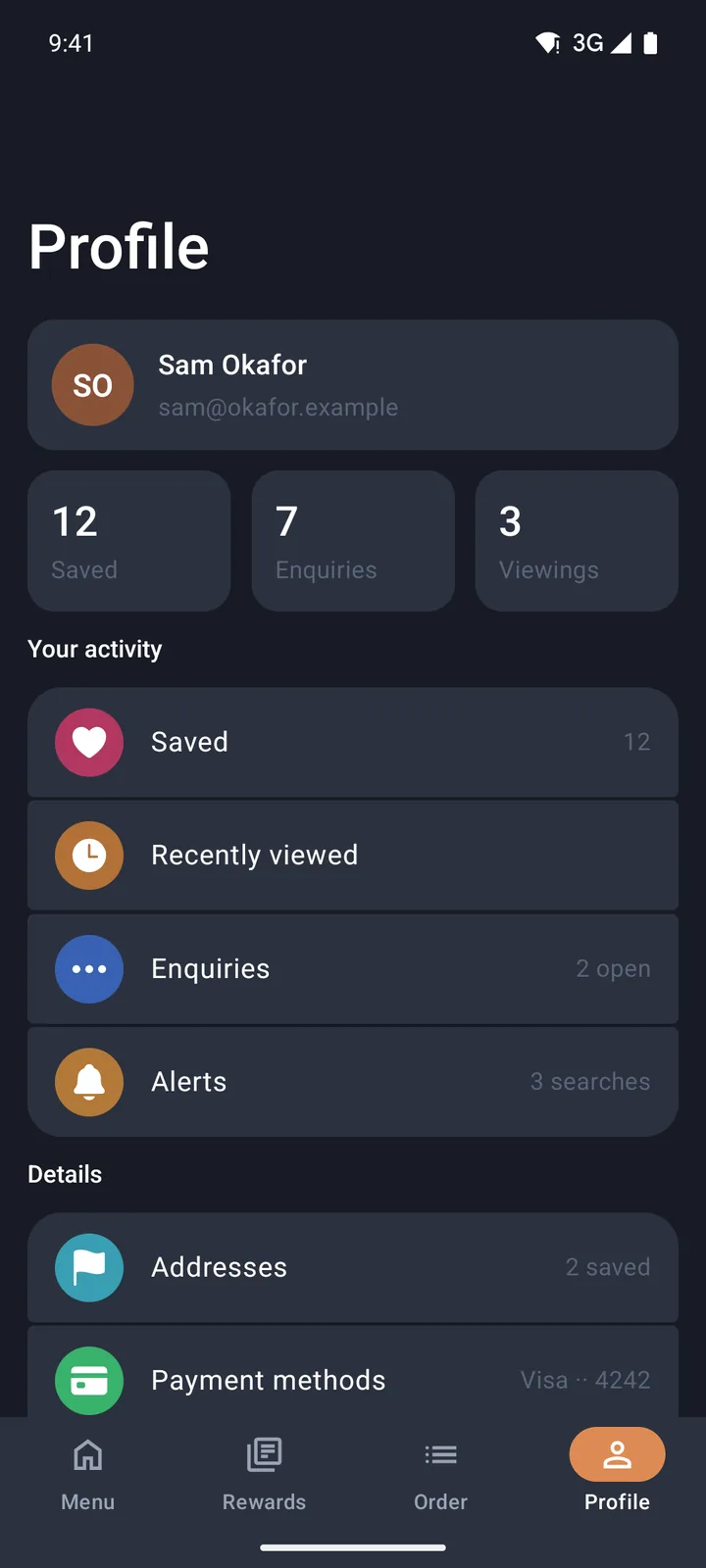
Orders & menu
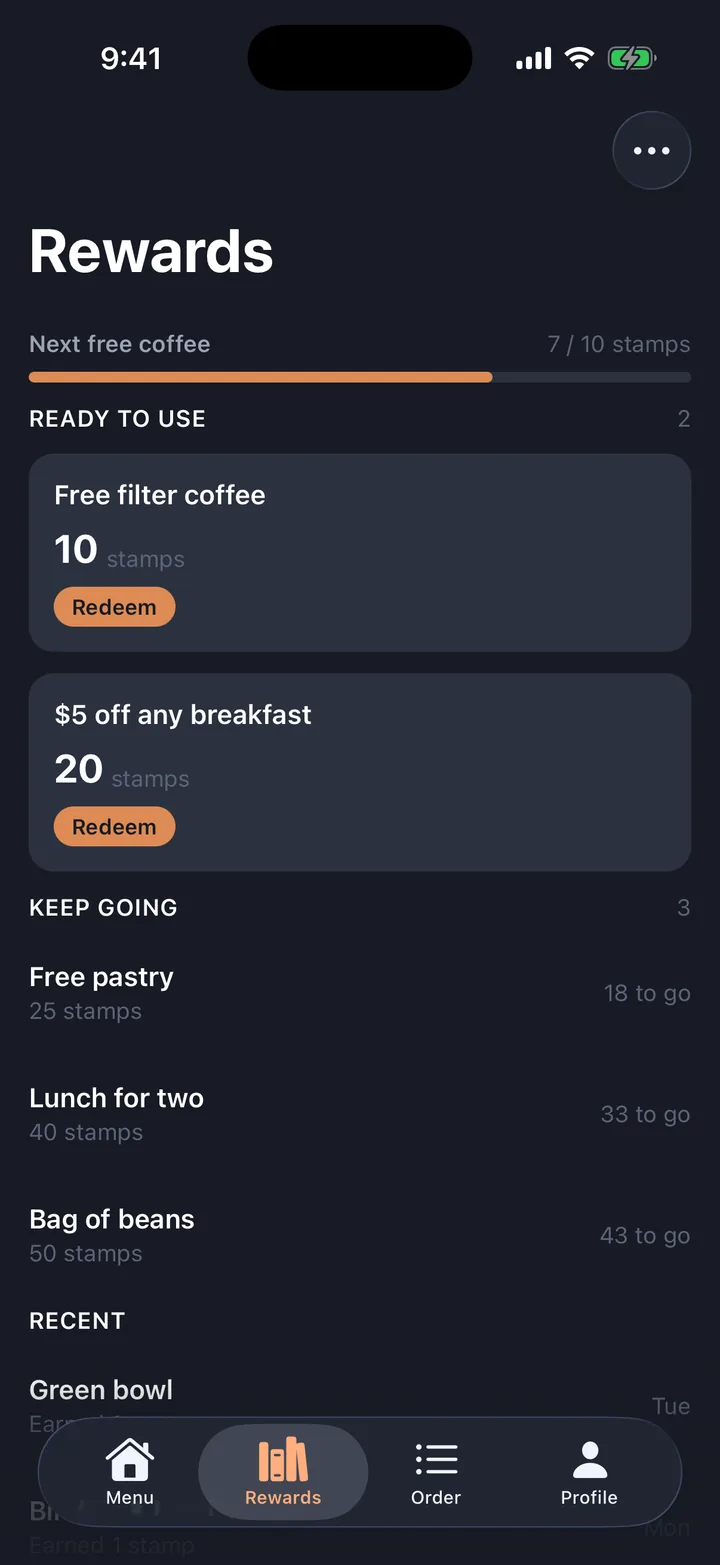
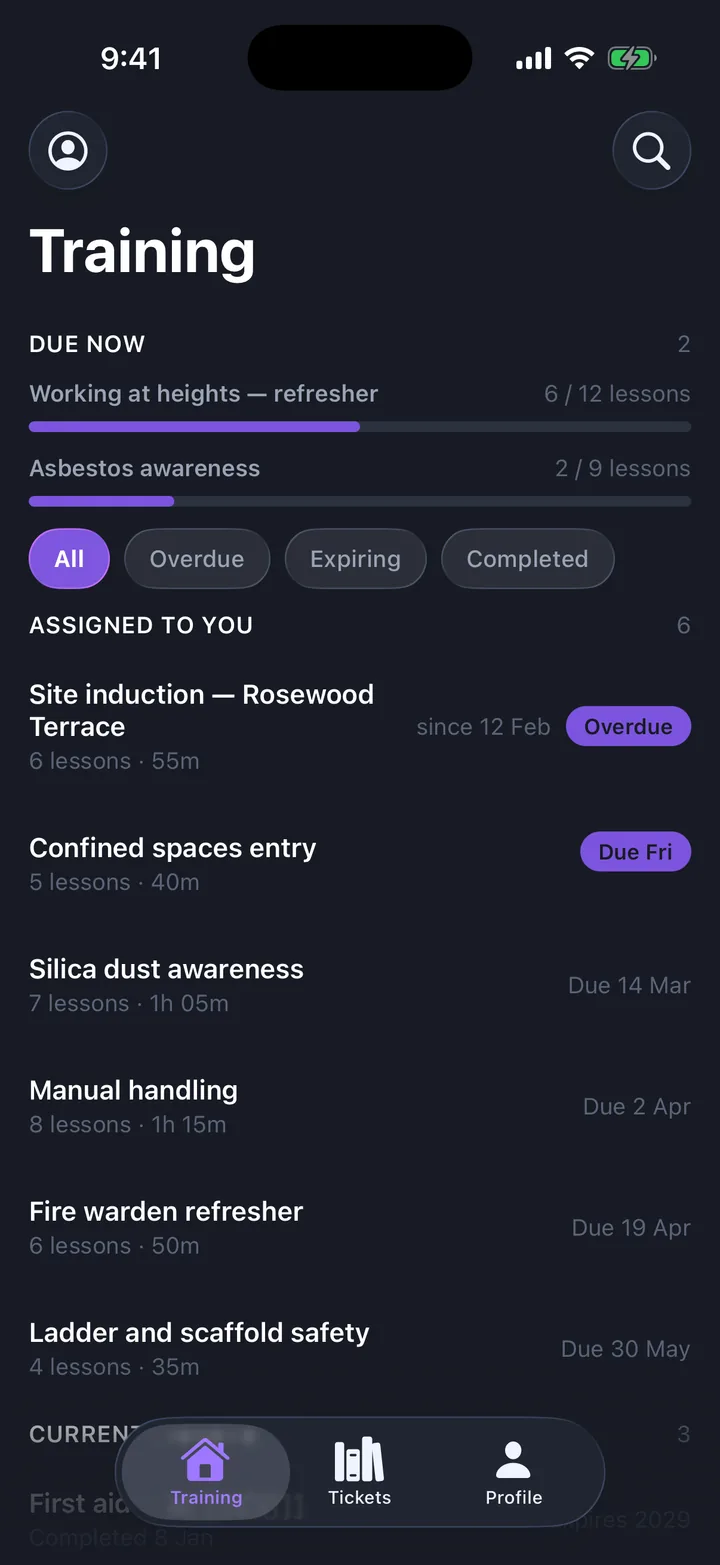
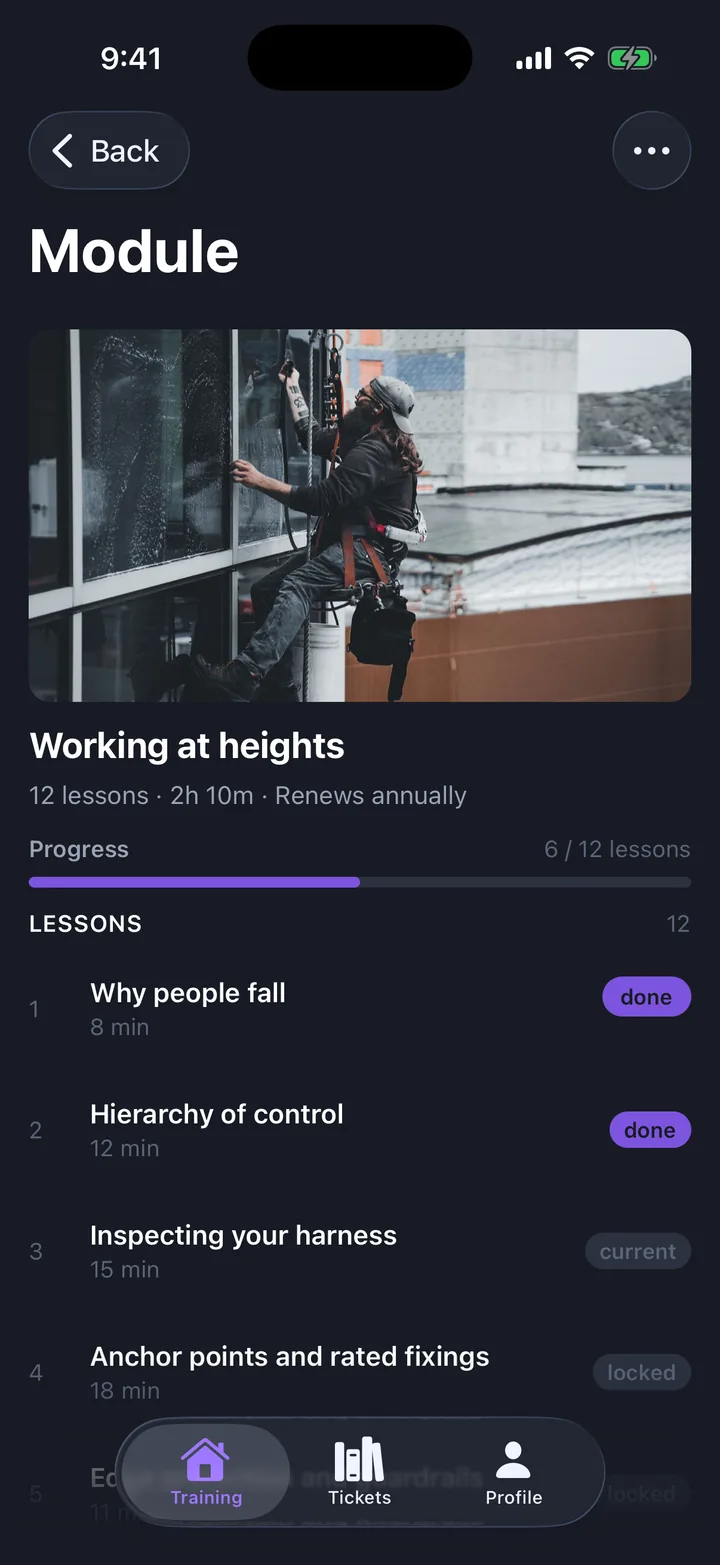
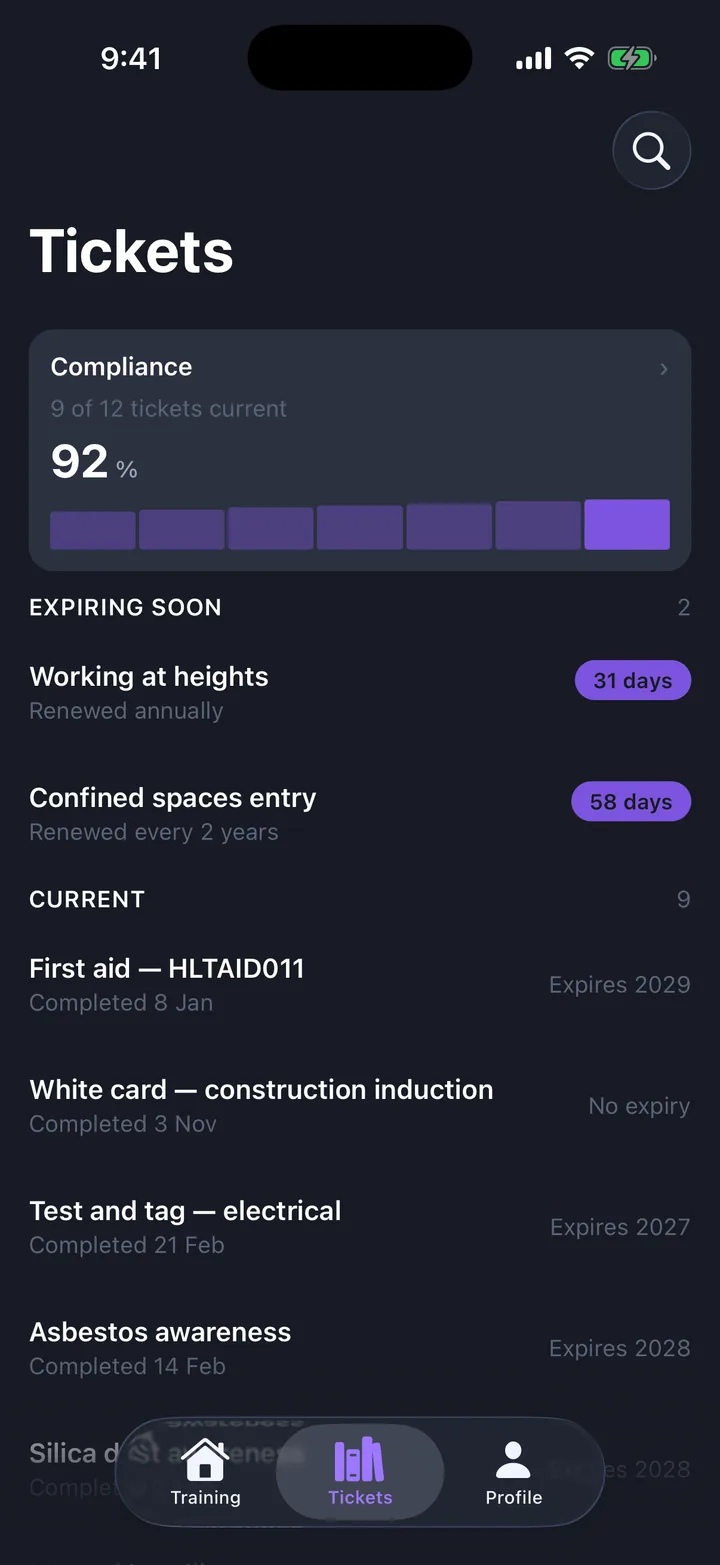
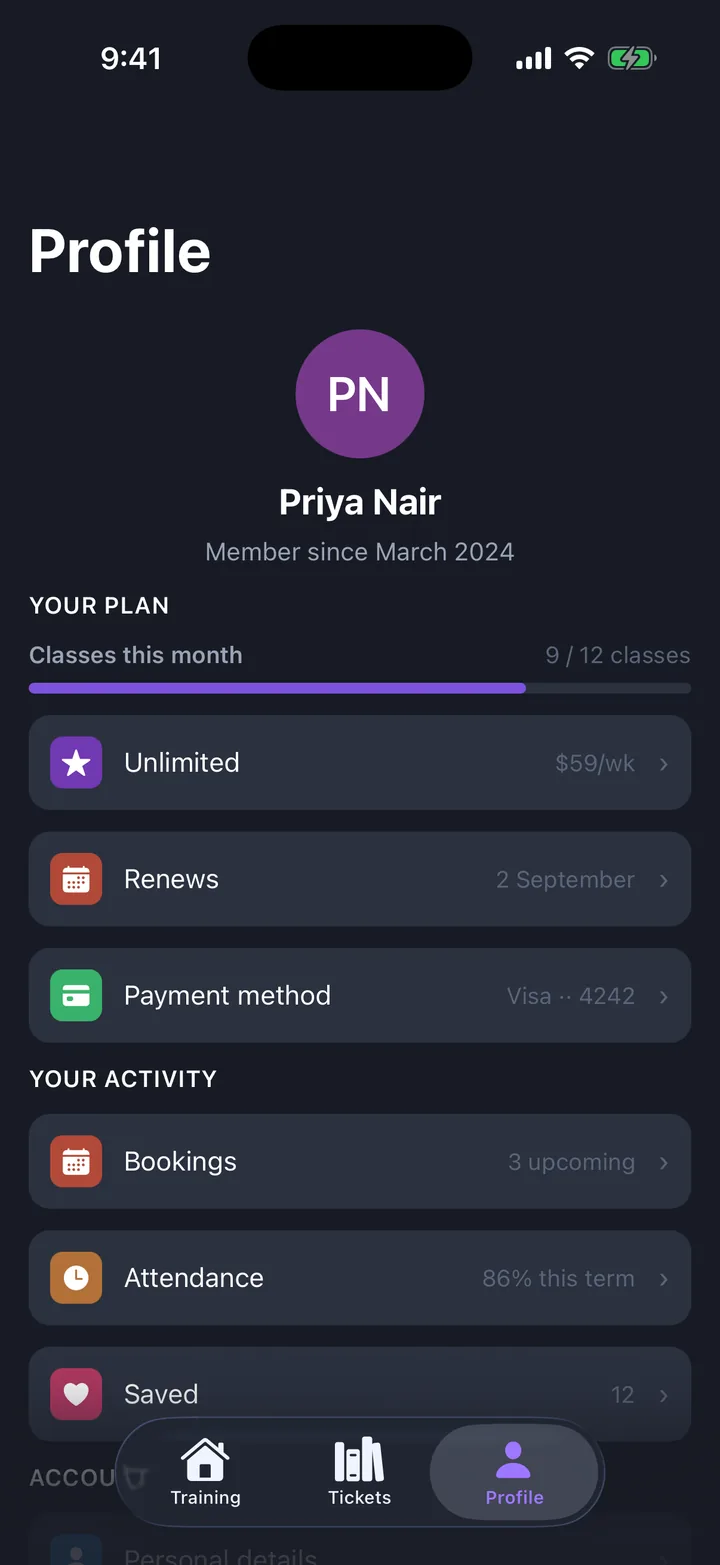
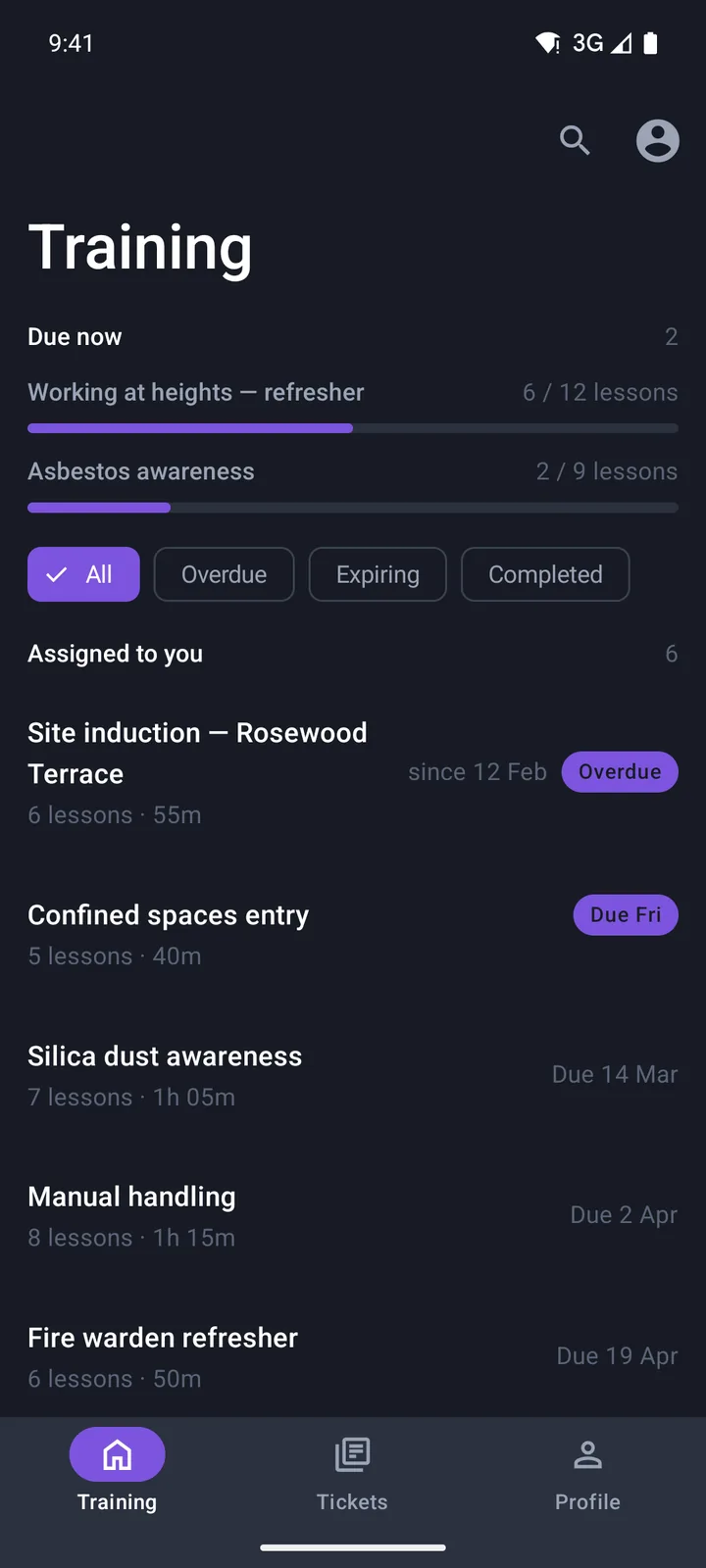
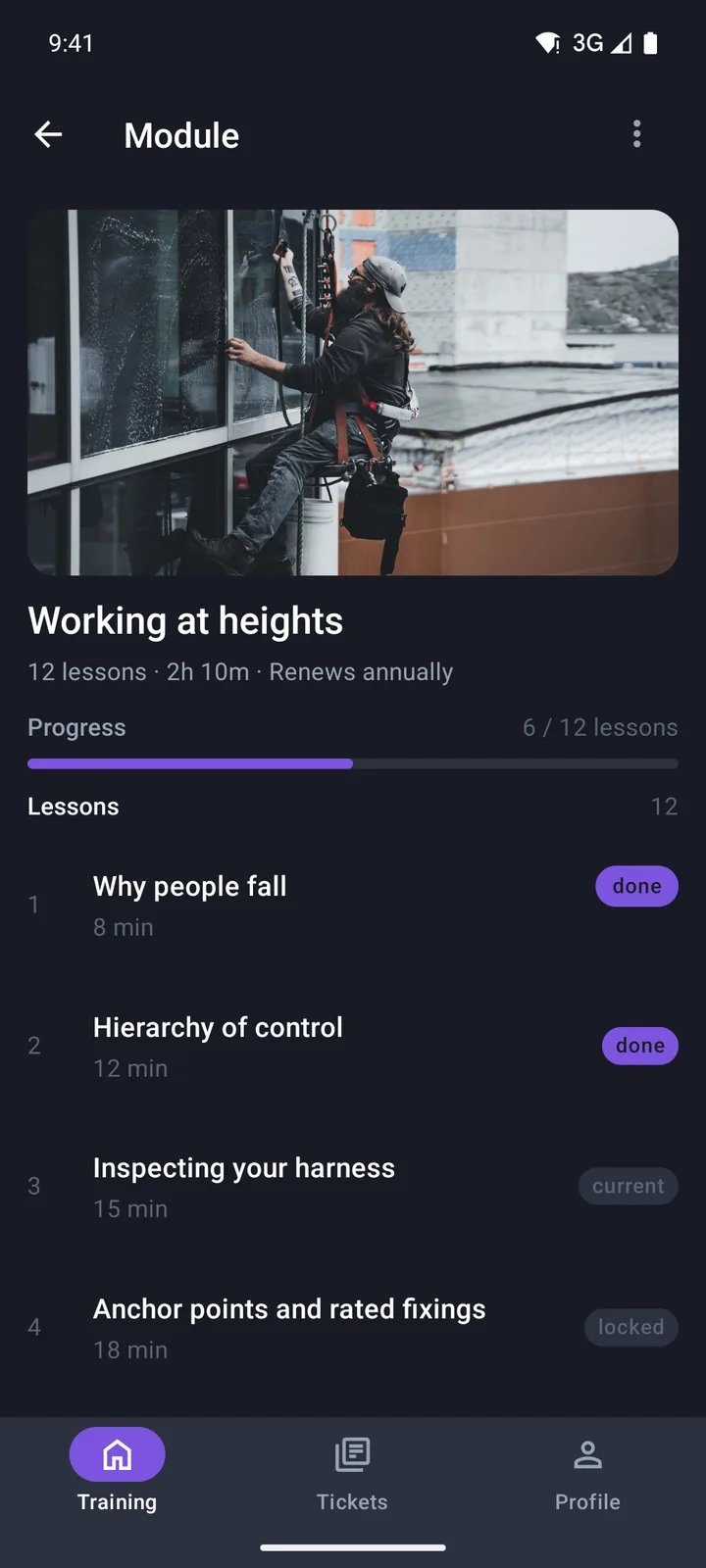
Training & compliance
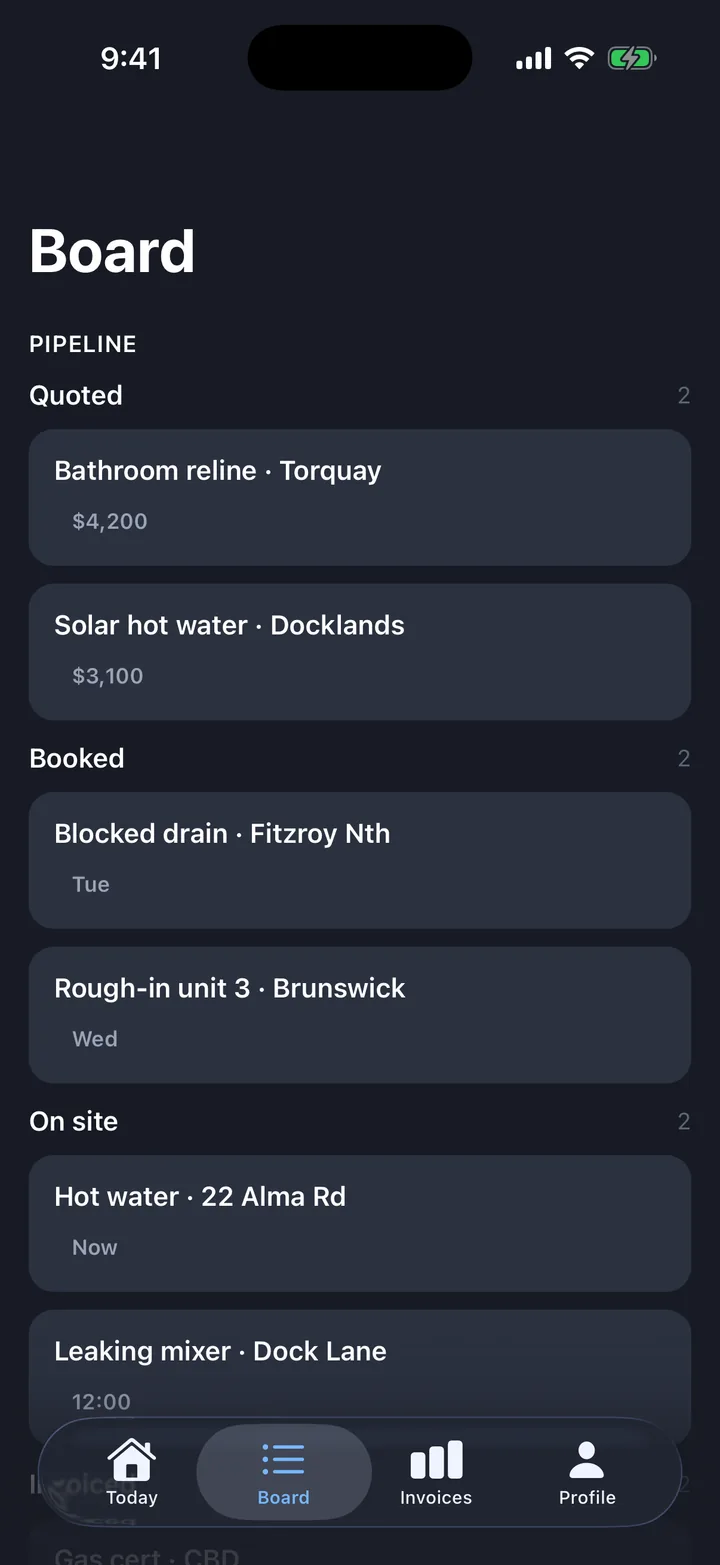
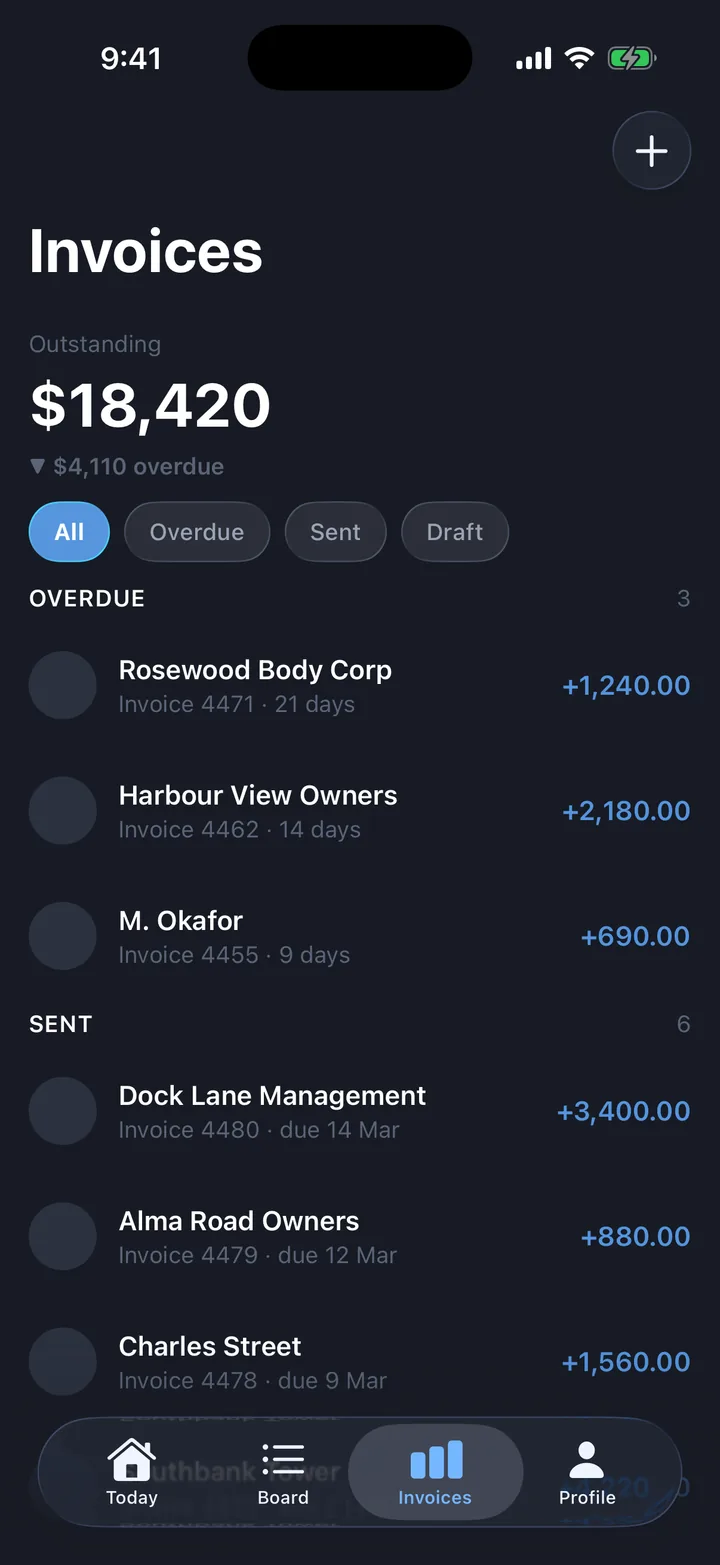
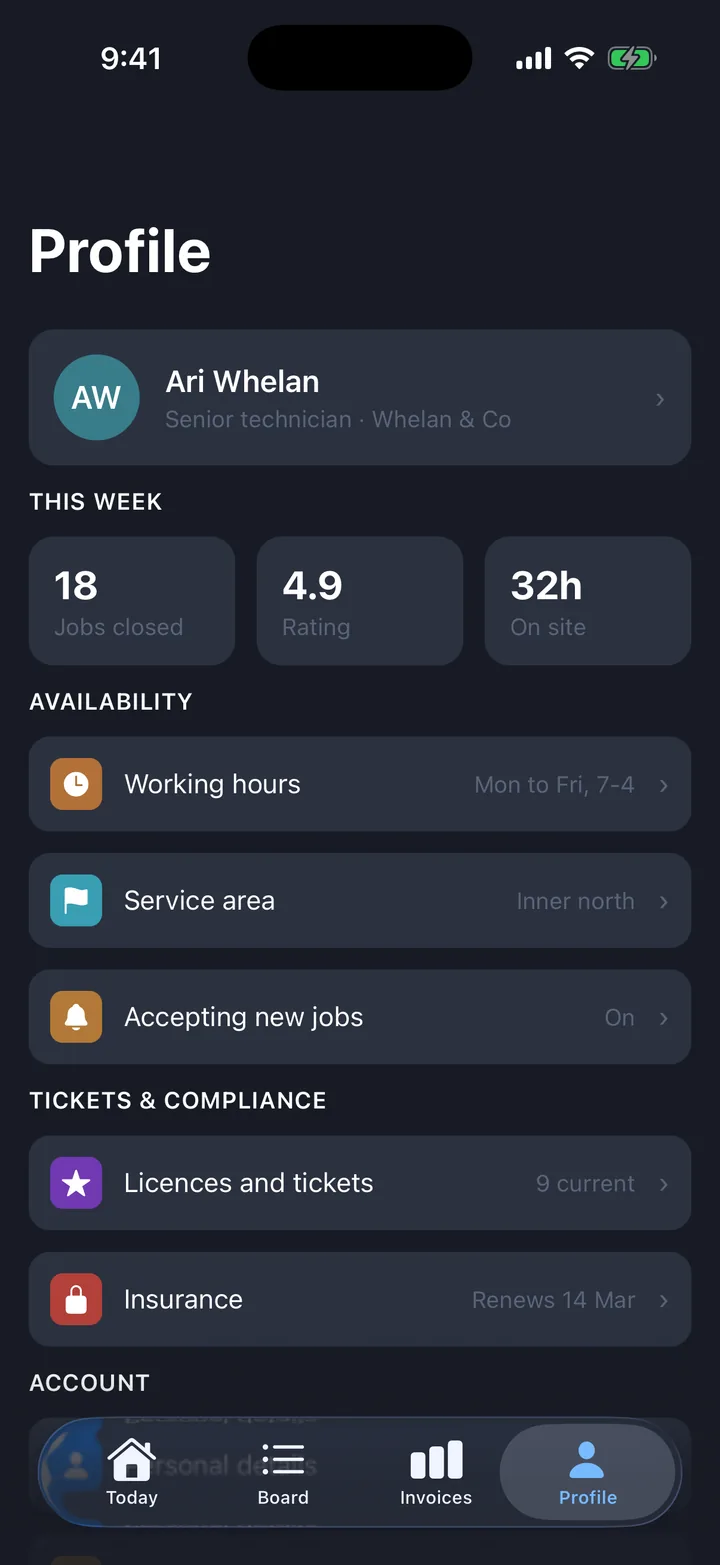
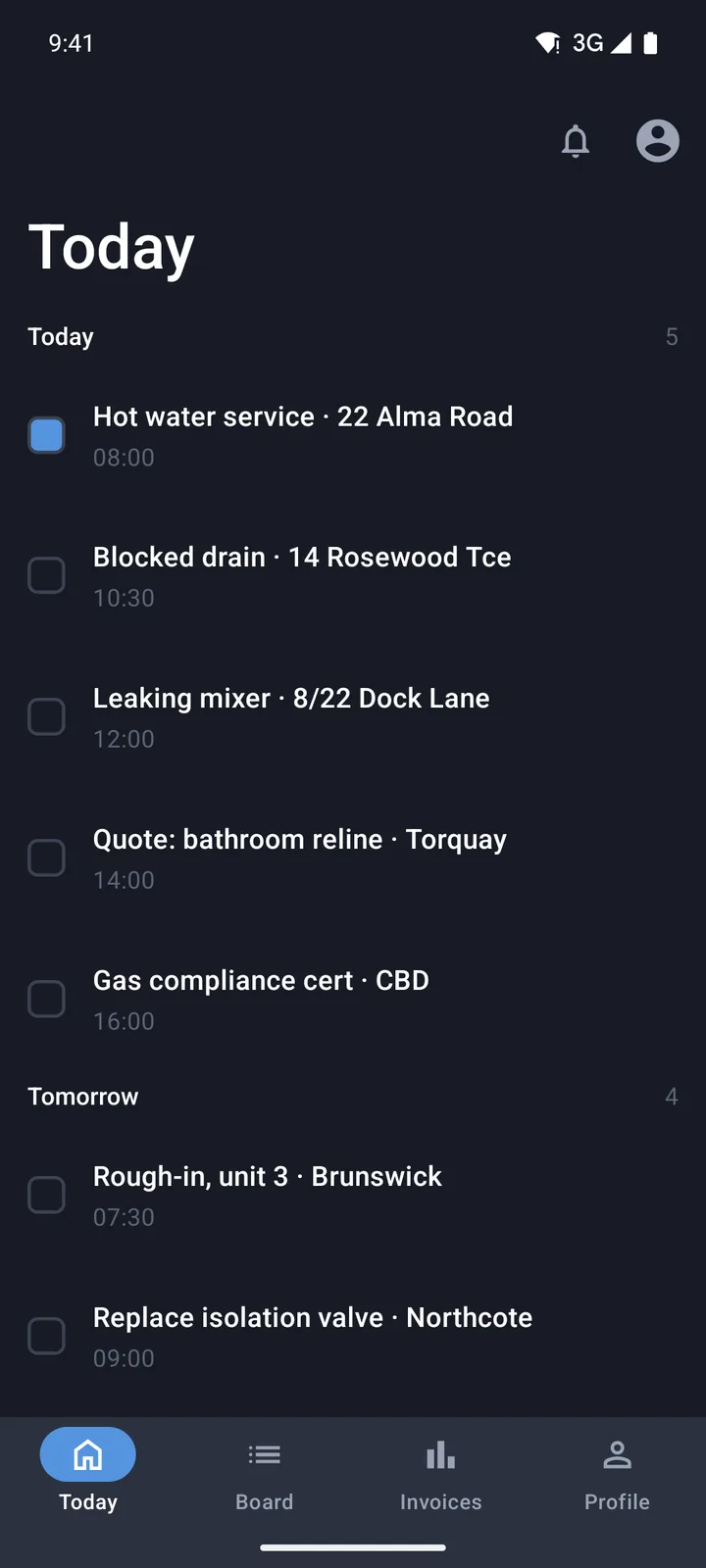
Jobs & field service
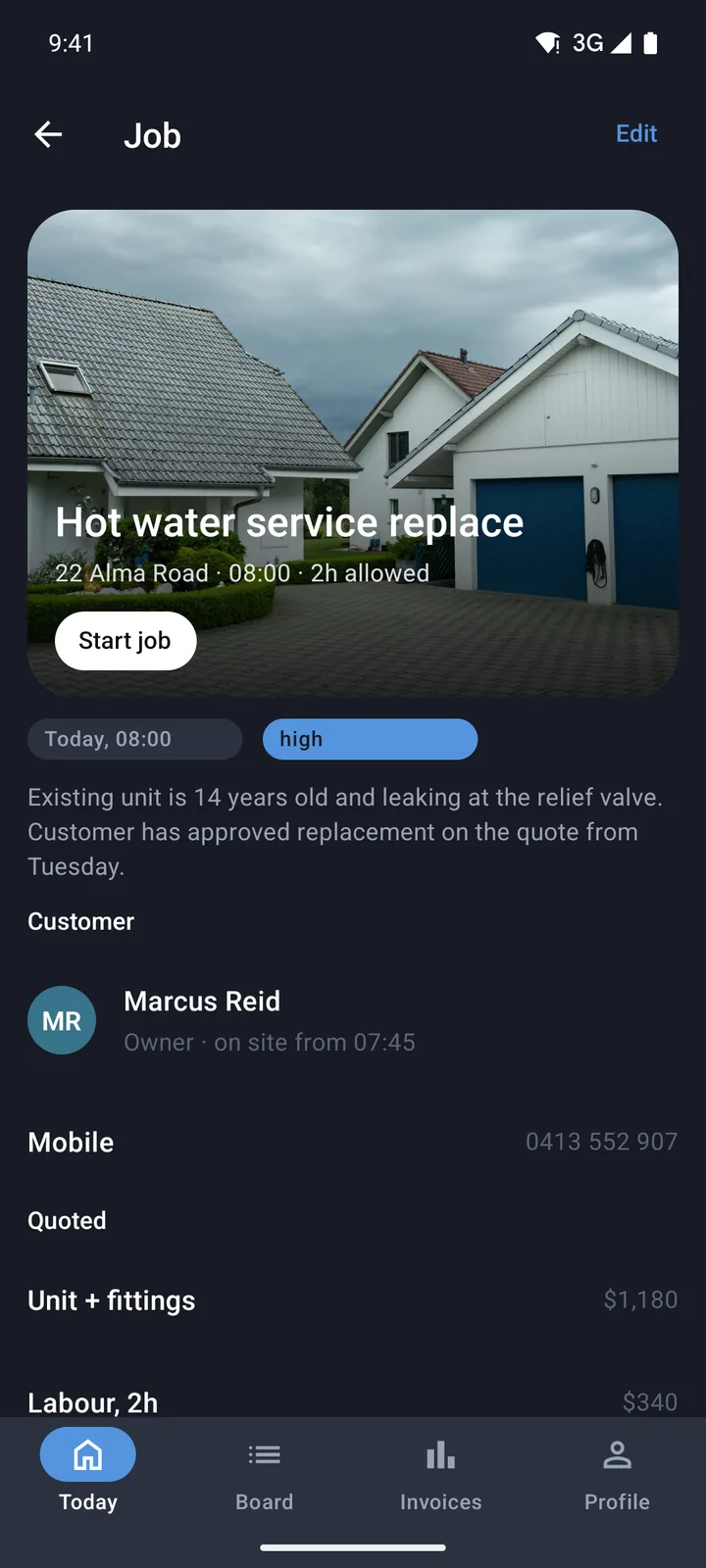
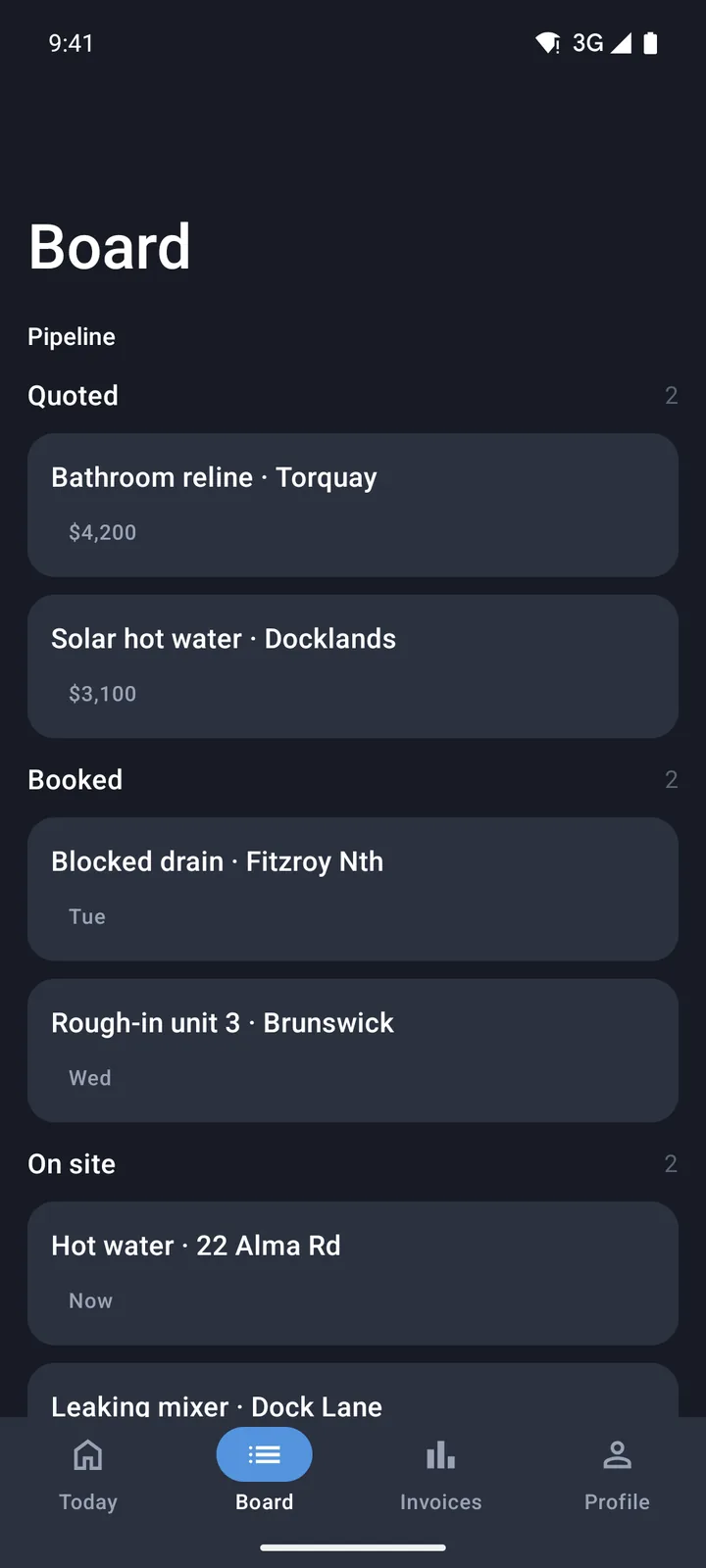
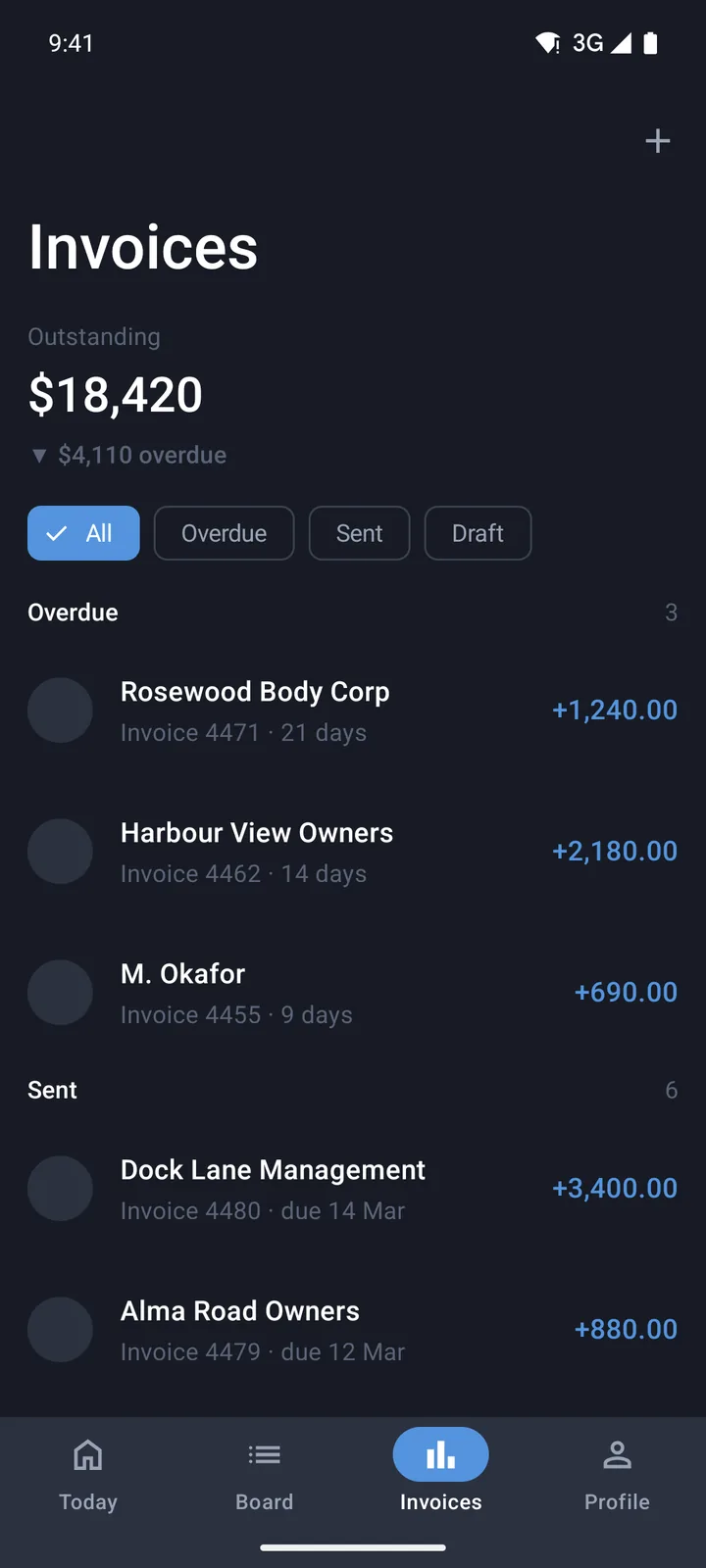
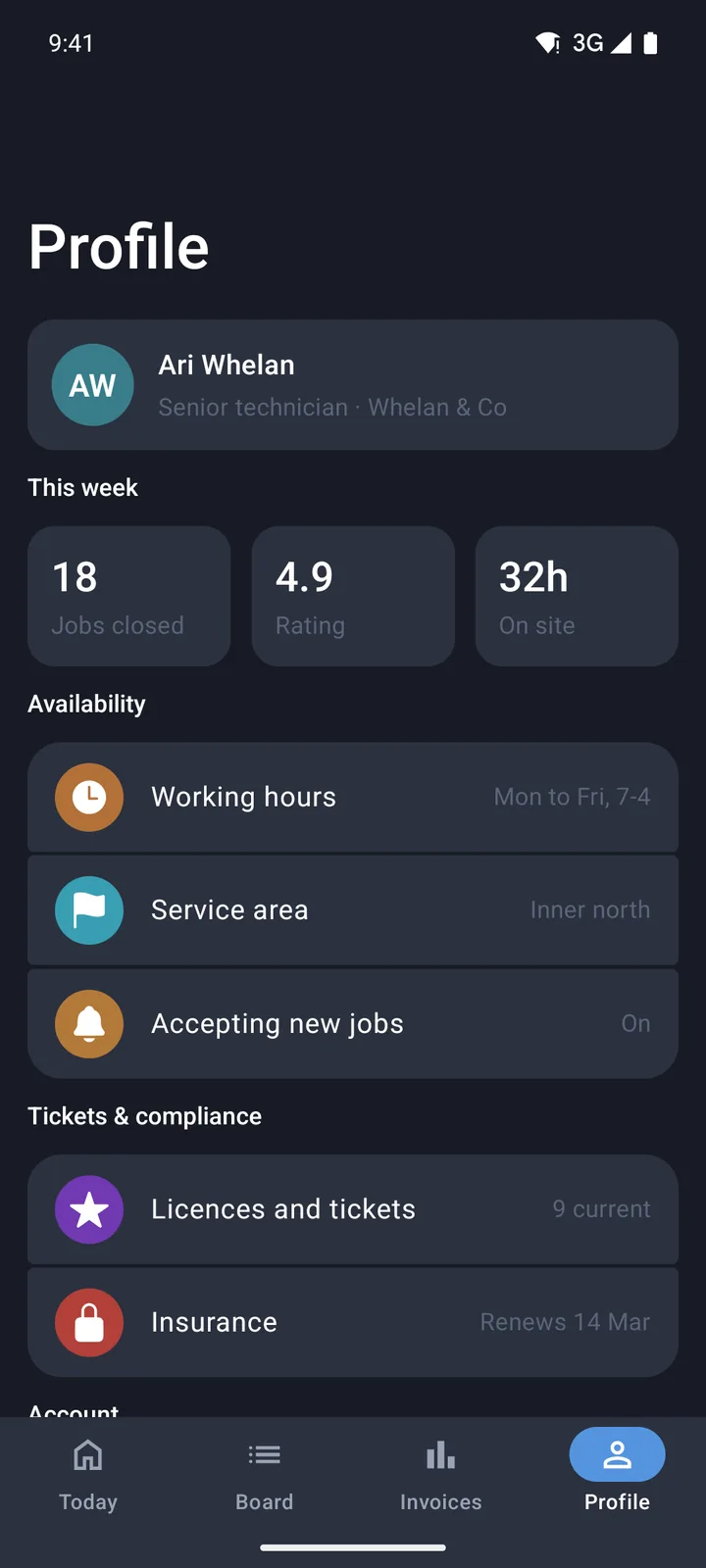
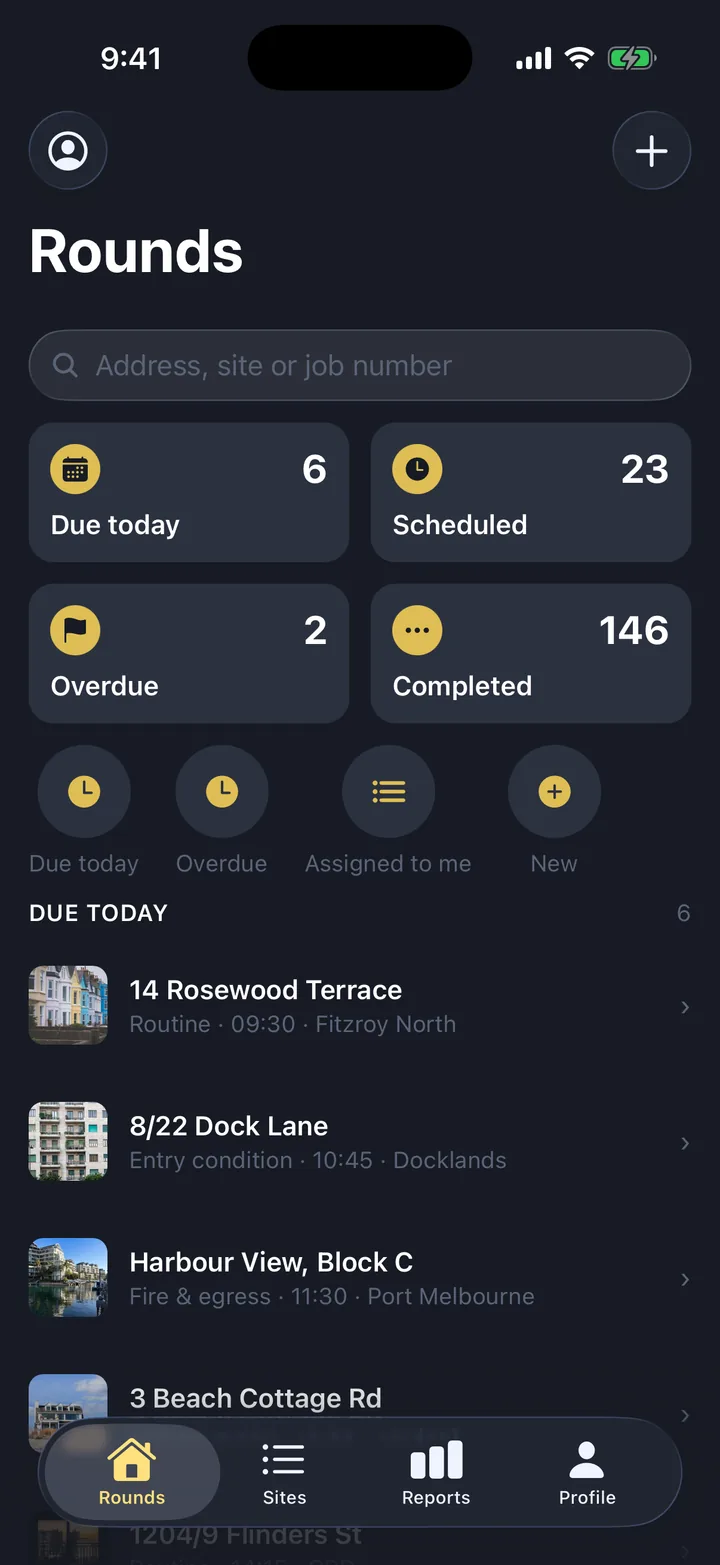
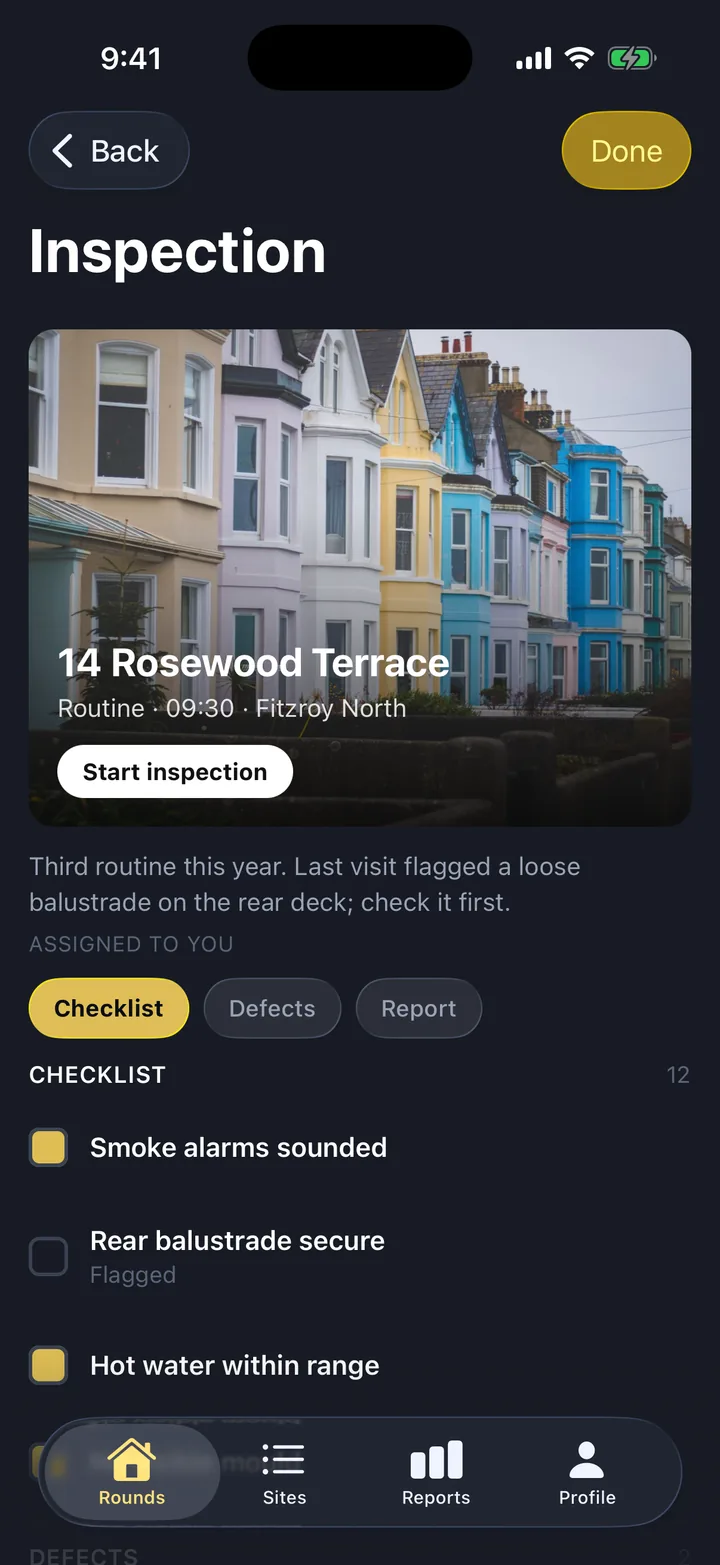
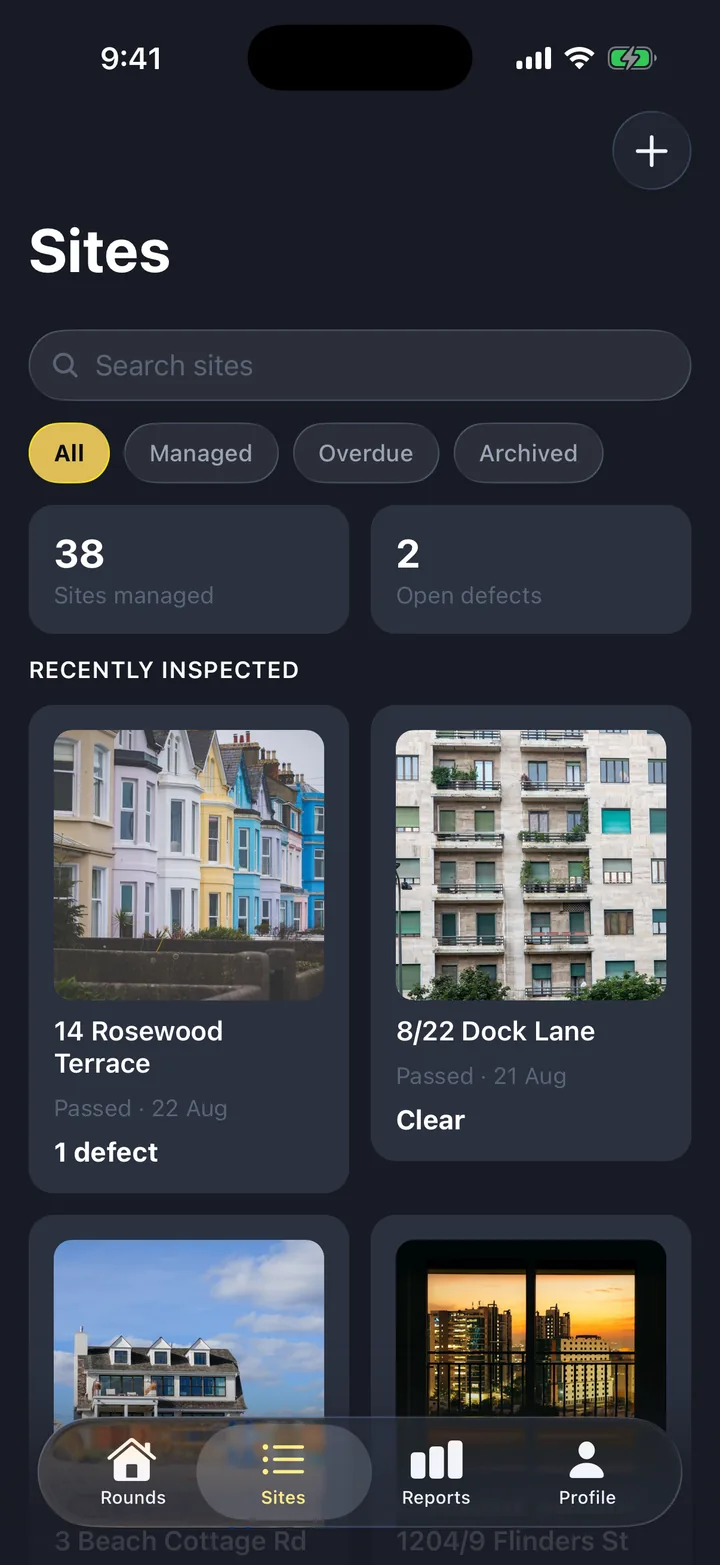
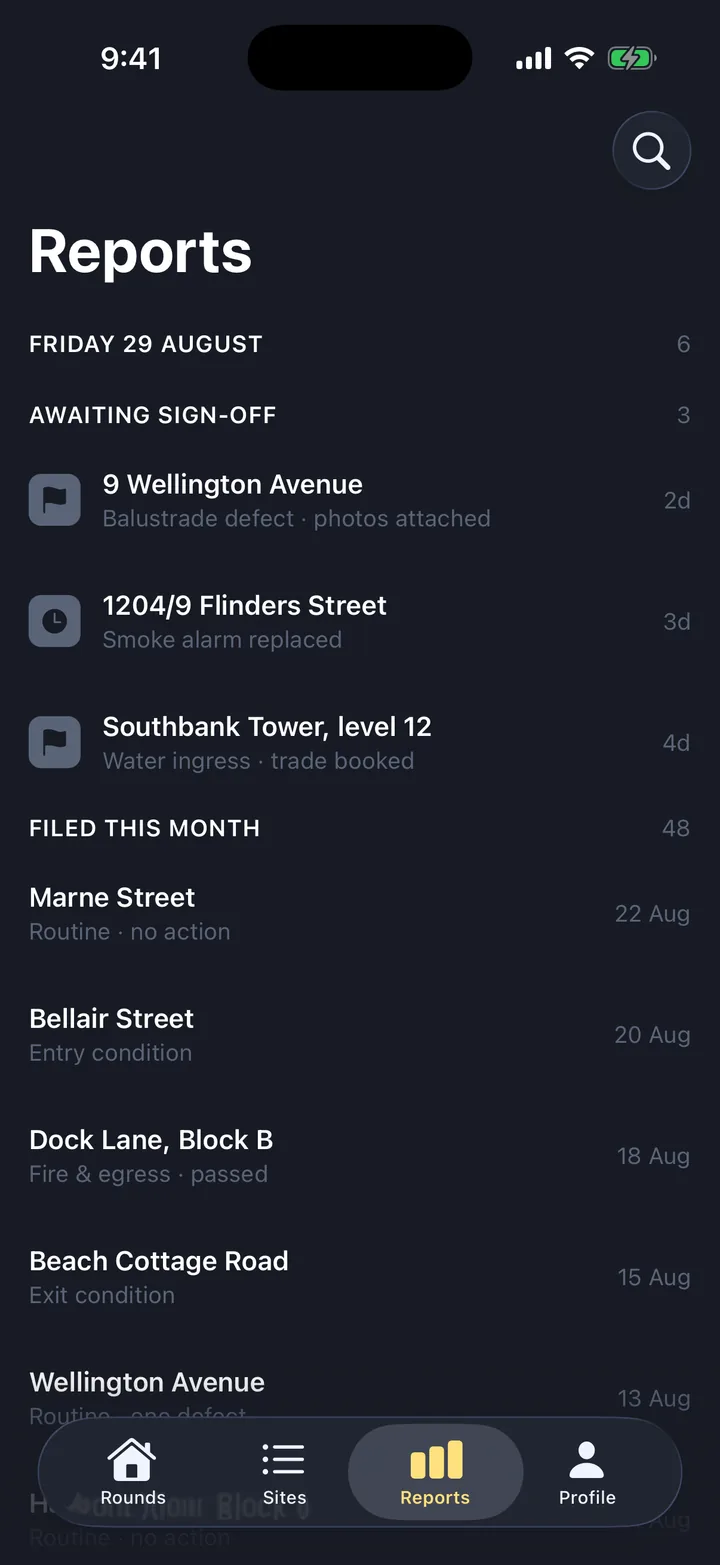
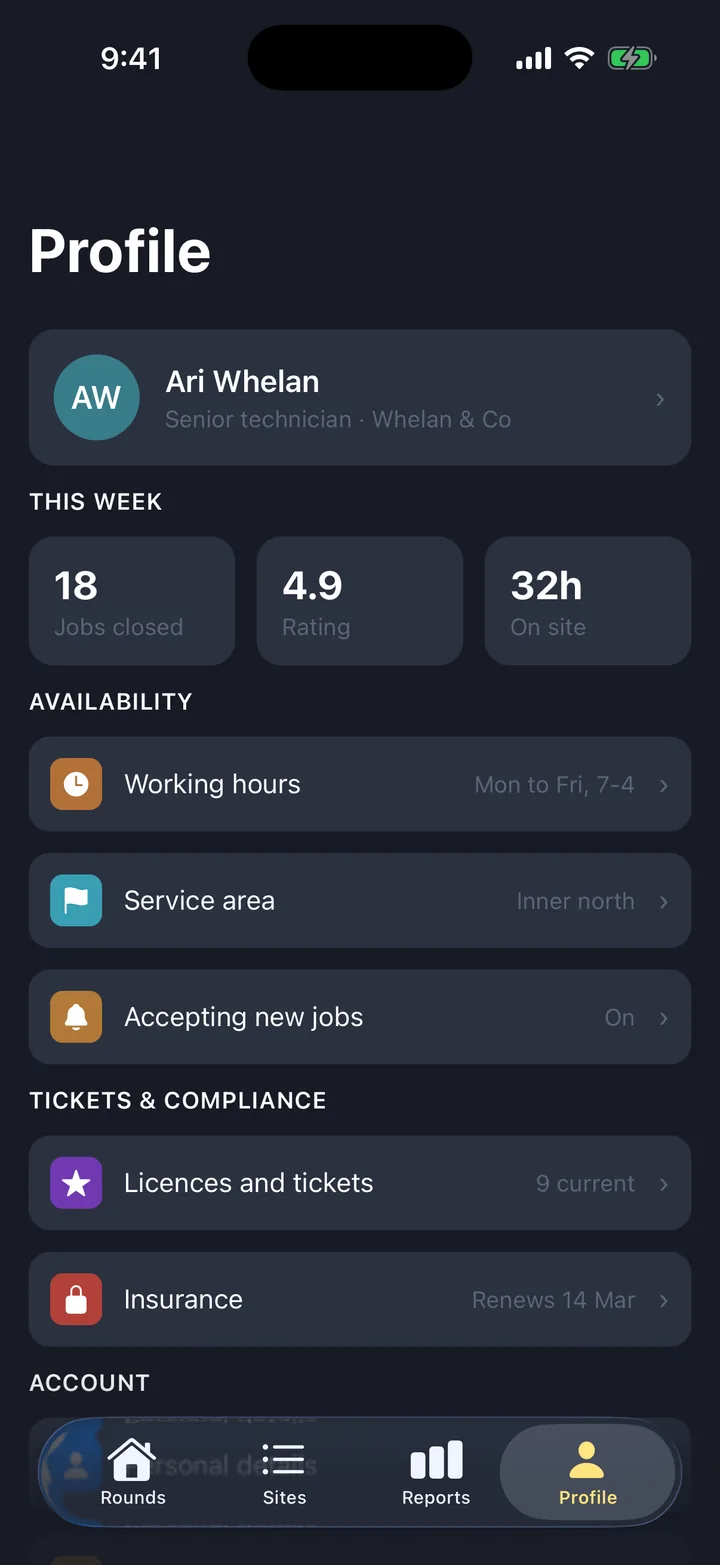
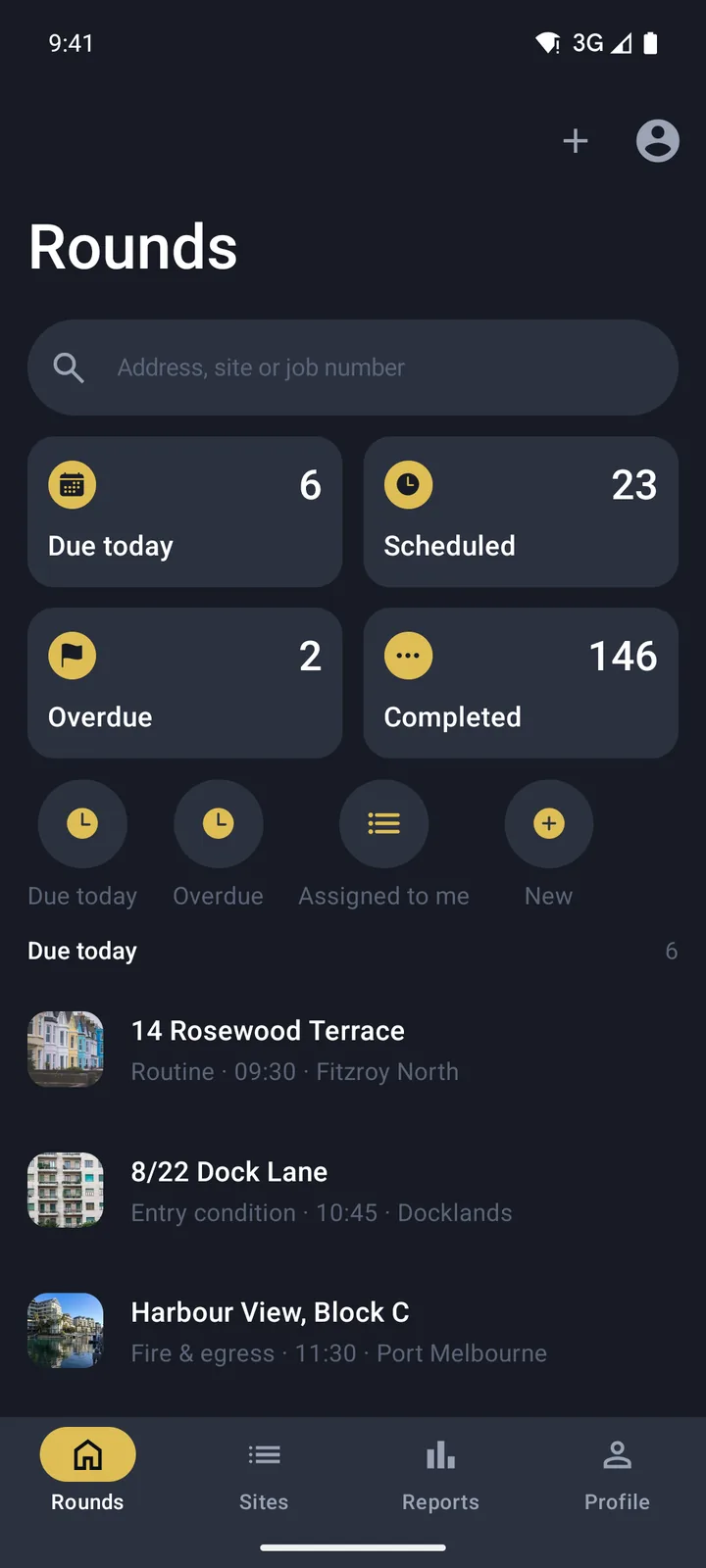
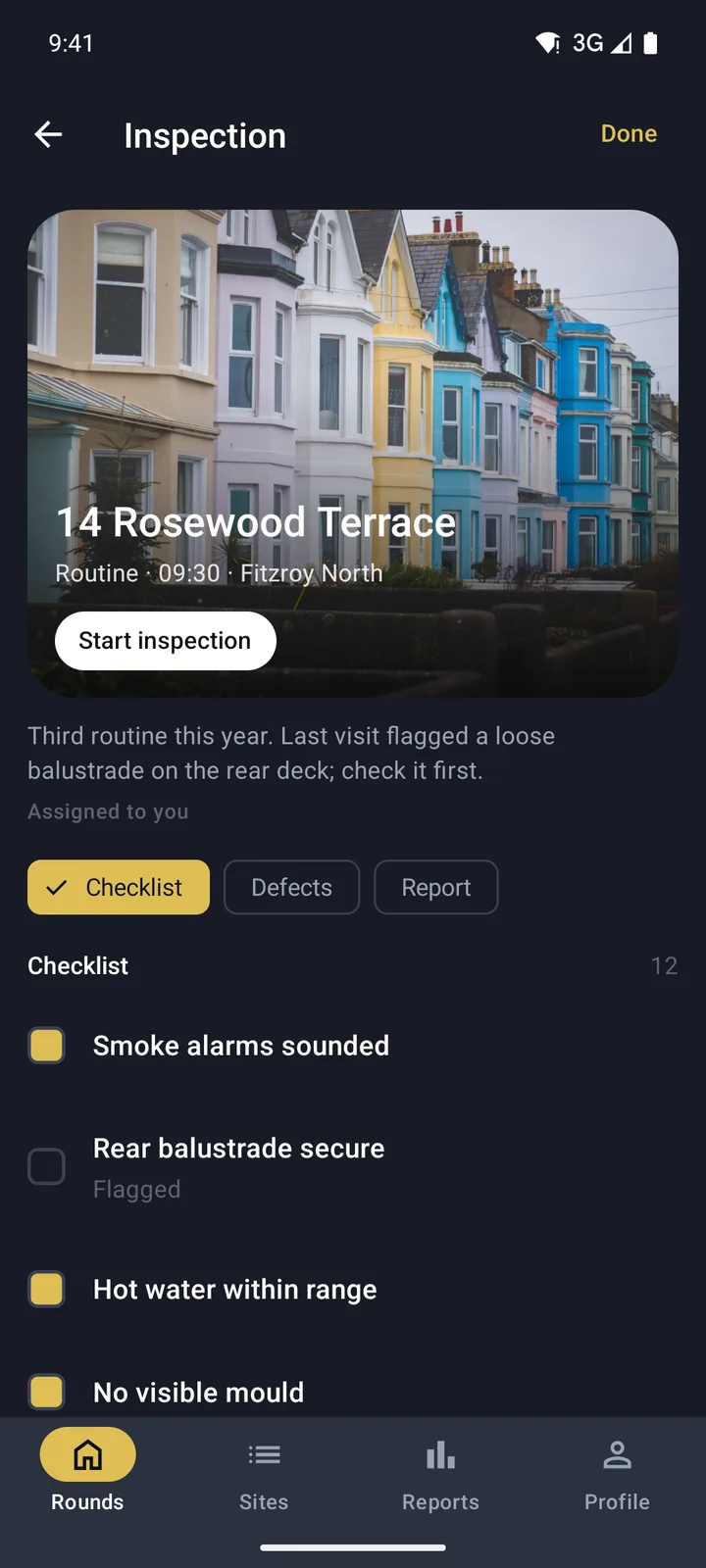
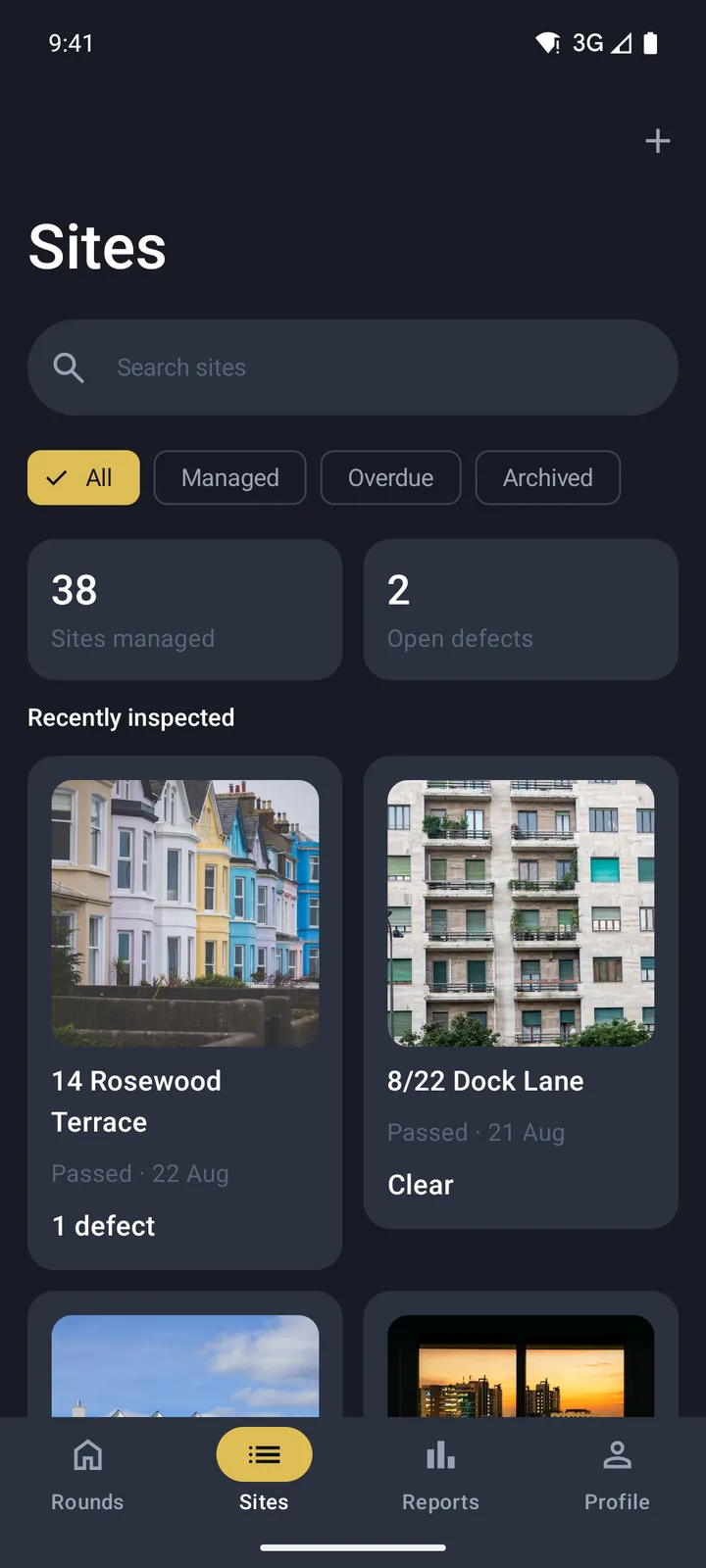
Inspections & checklists
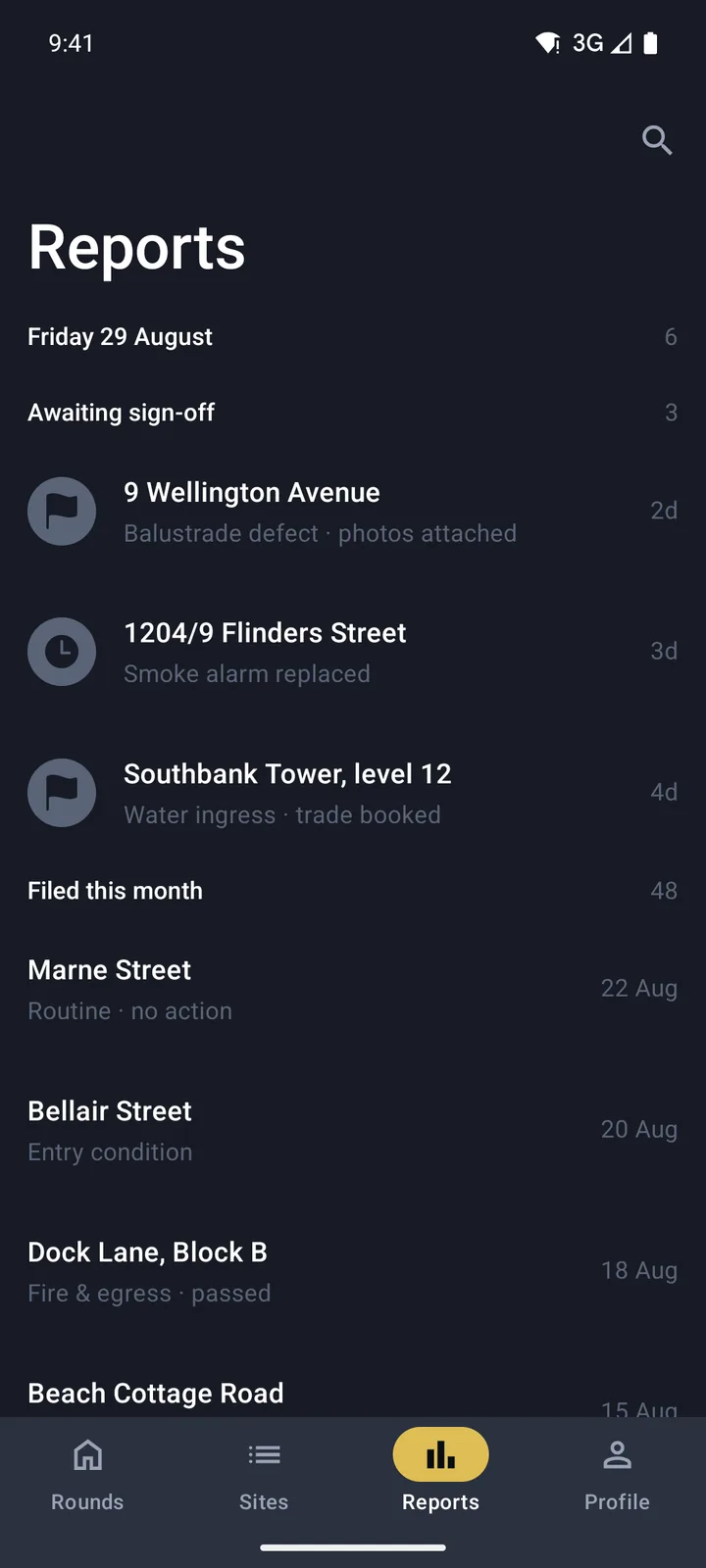
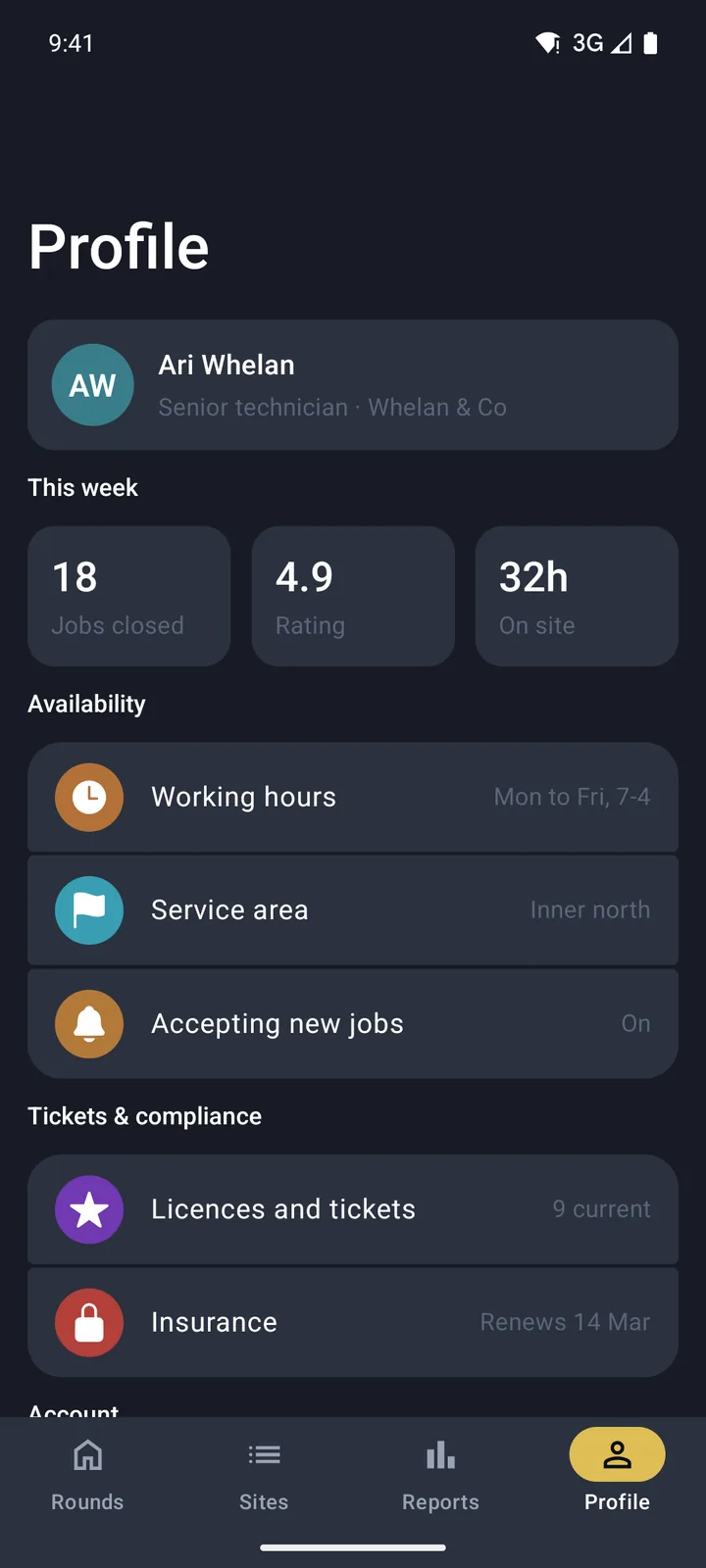
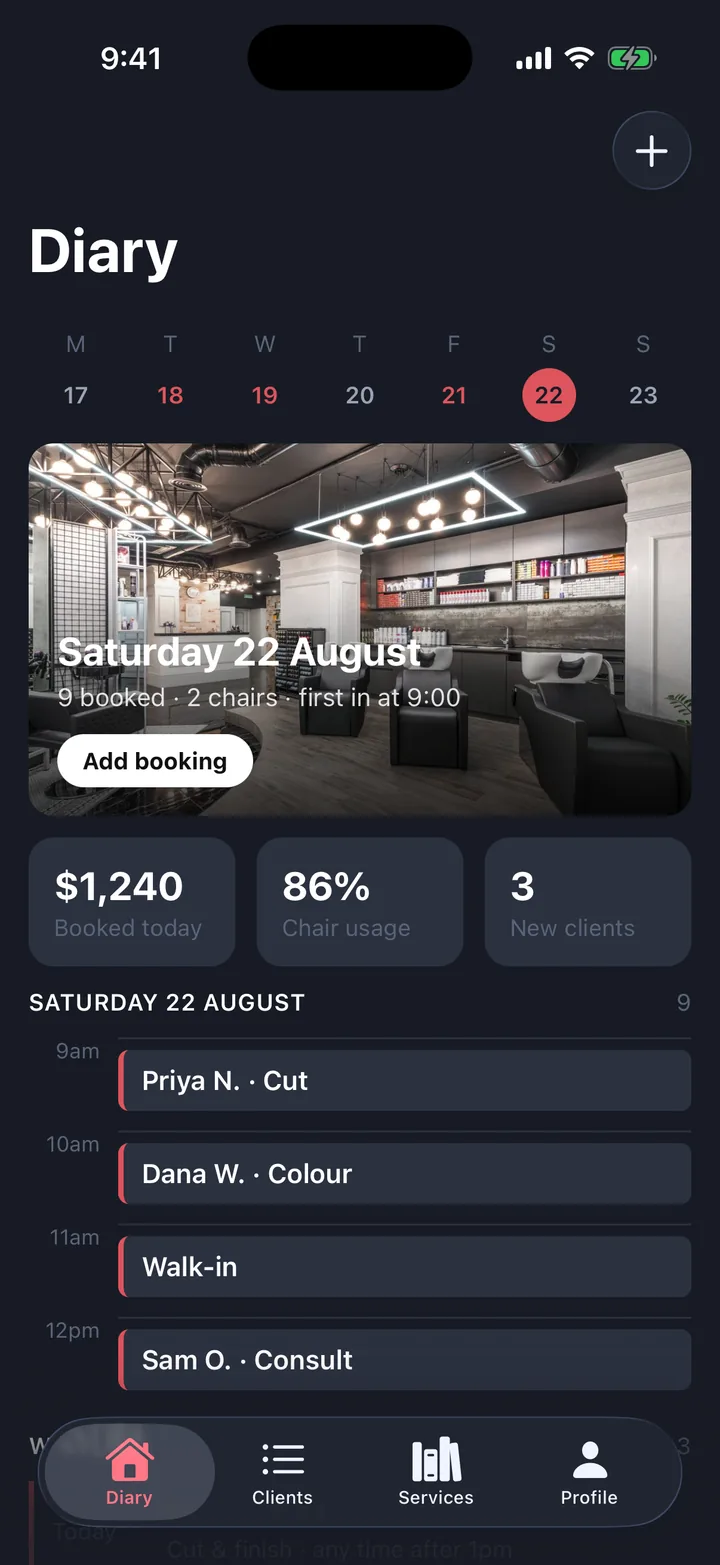
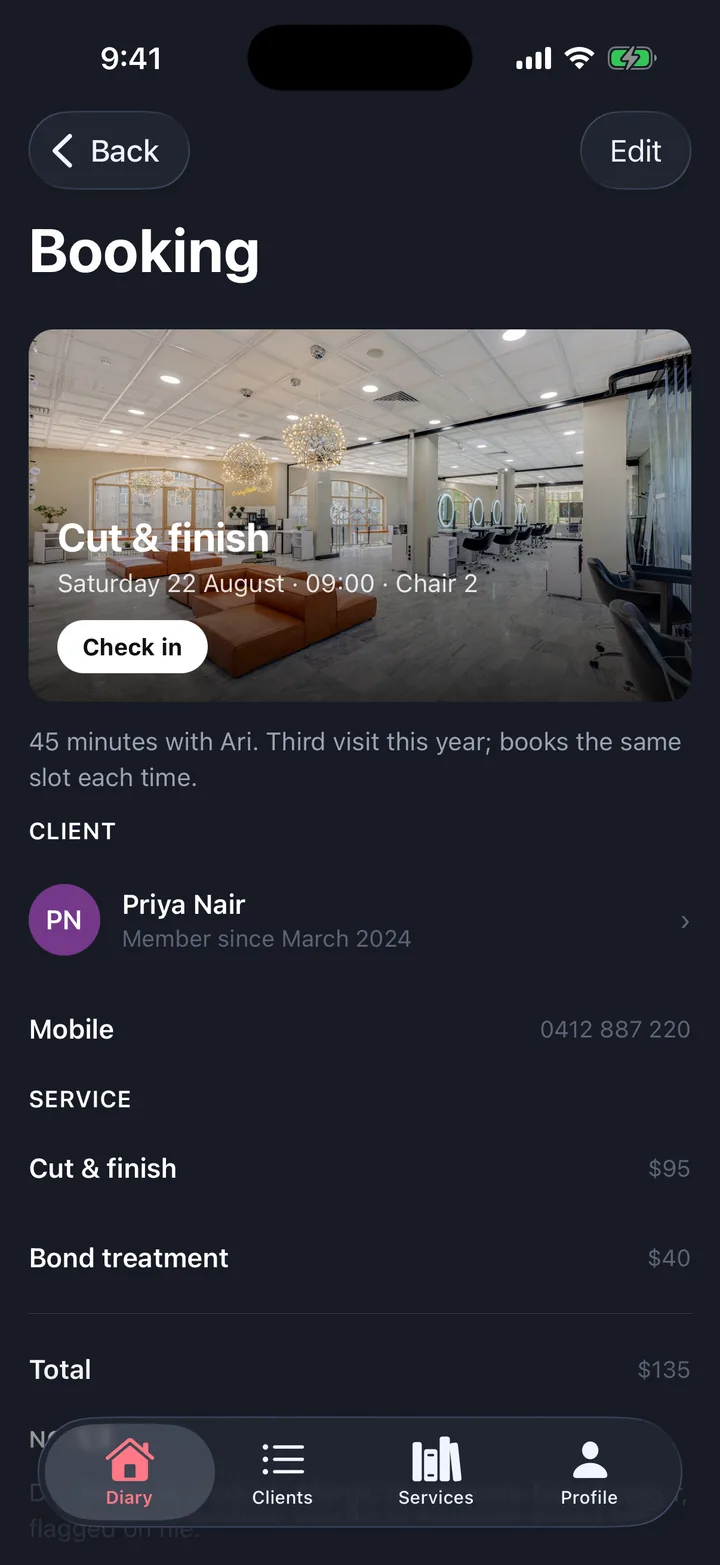
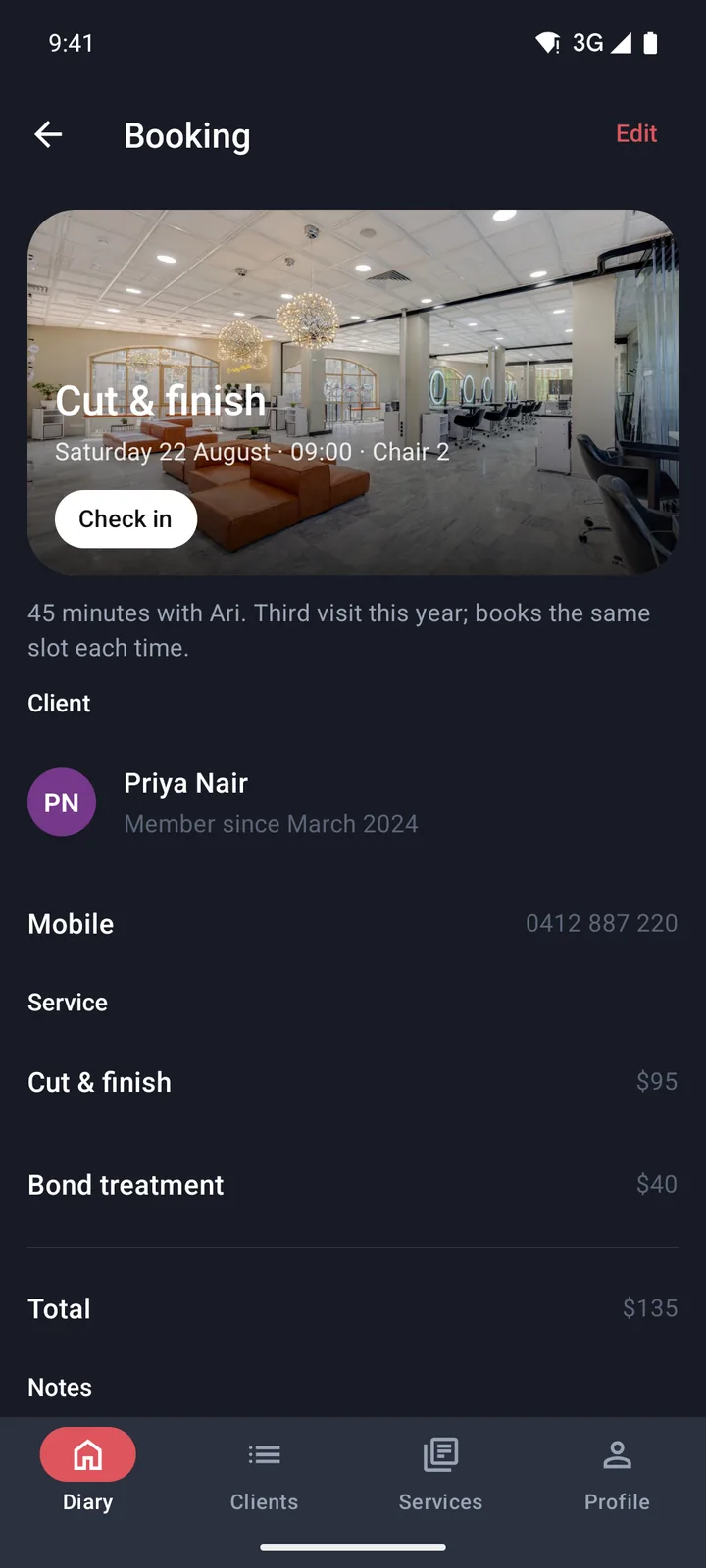
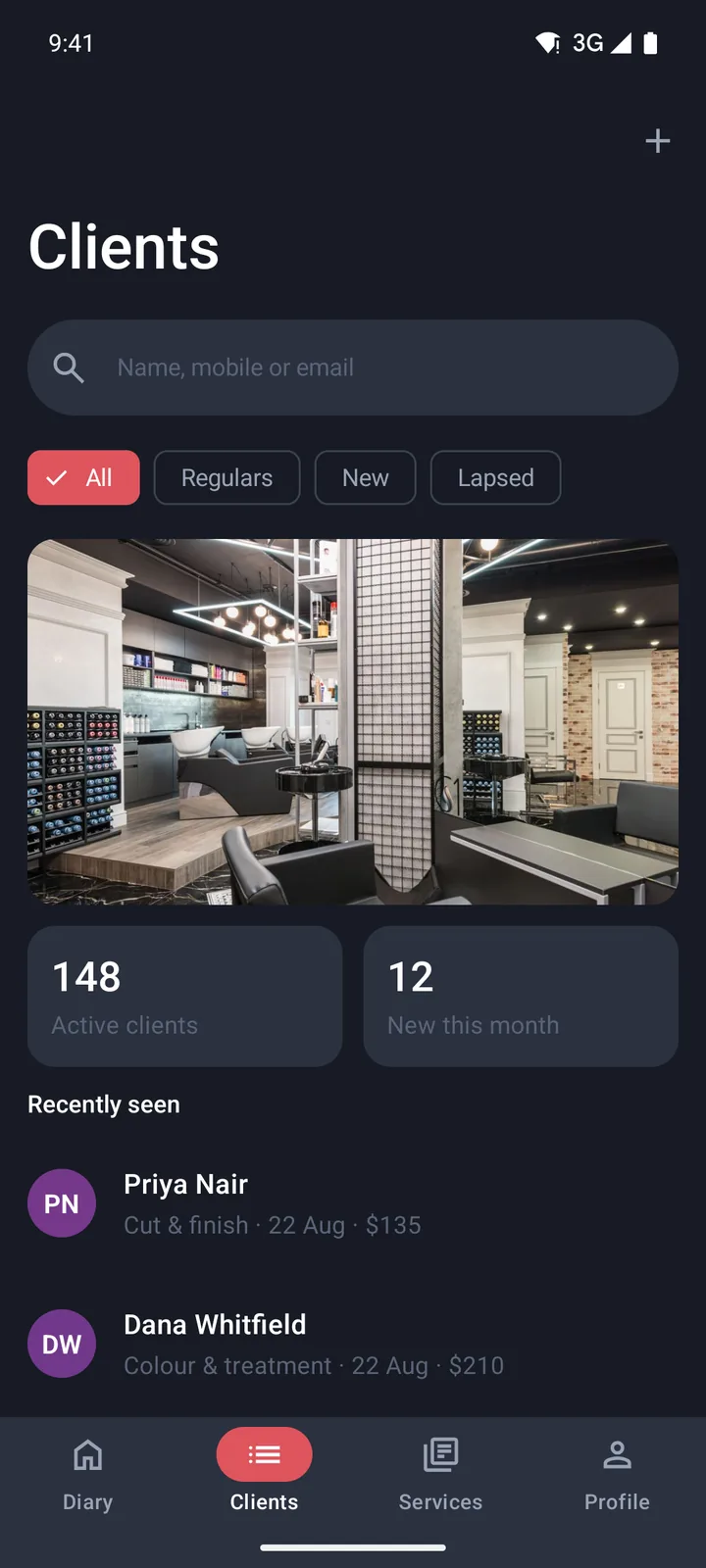
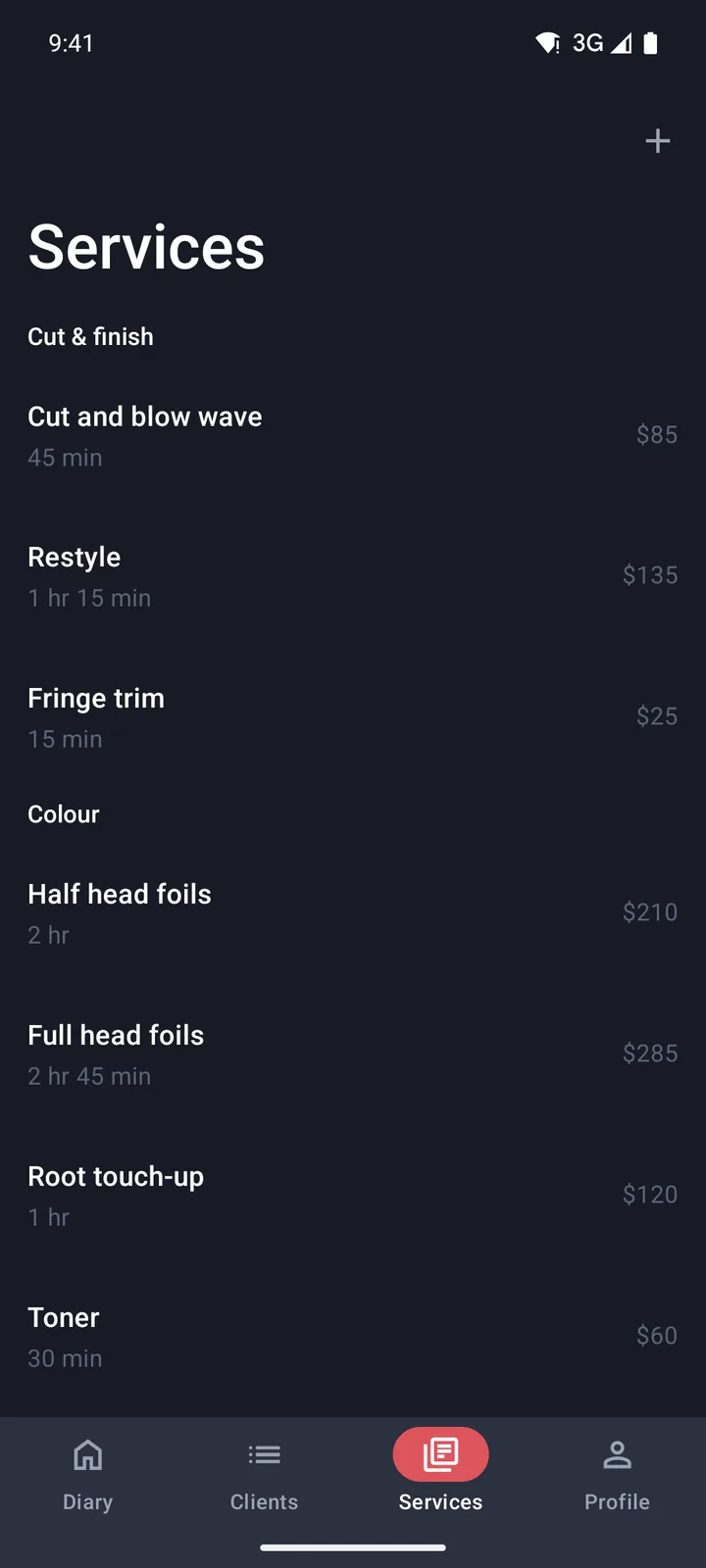
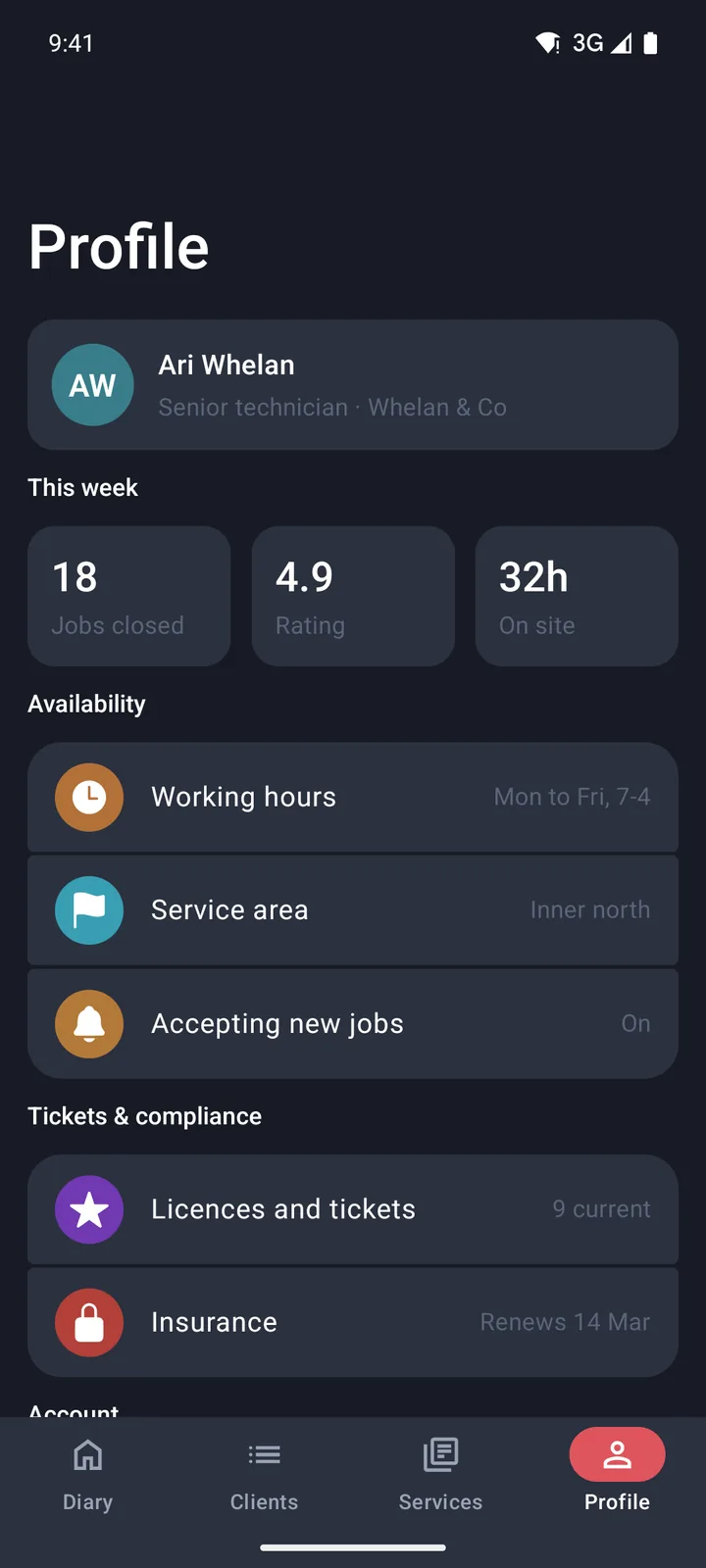
Bookings & appointments
Listings & stays
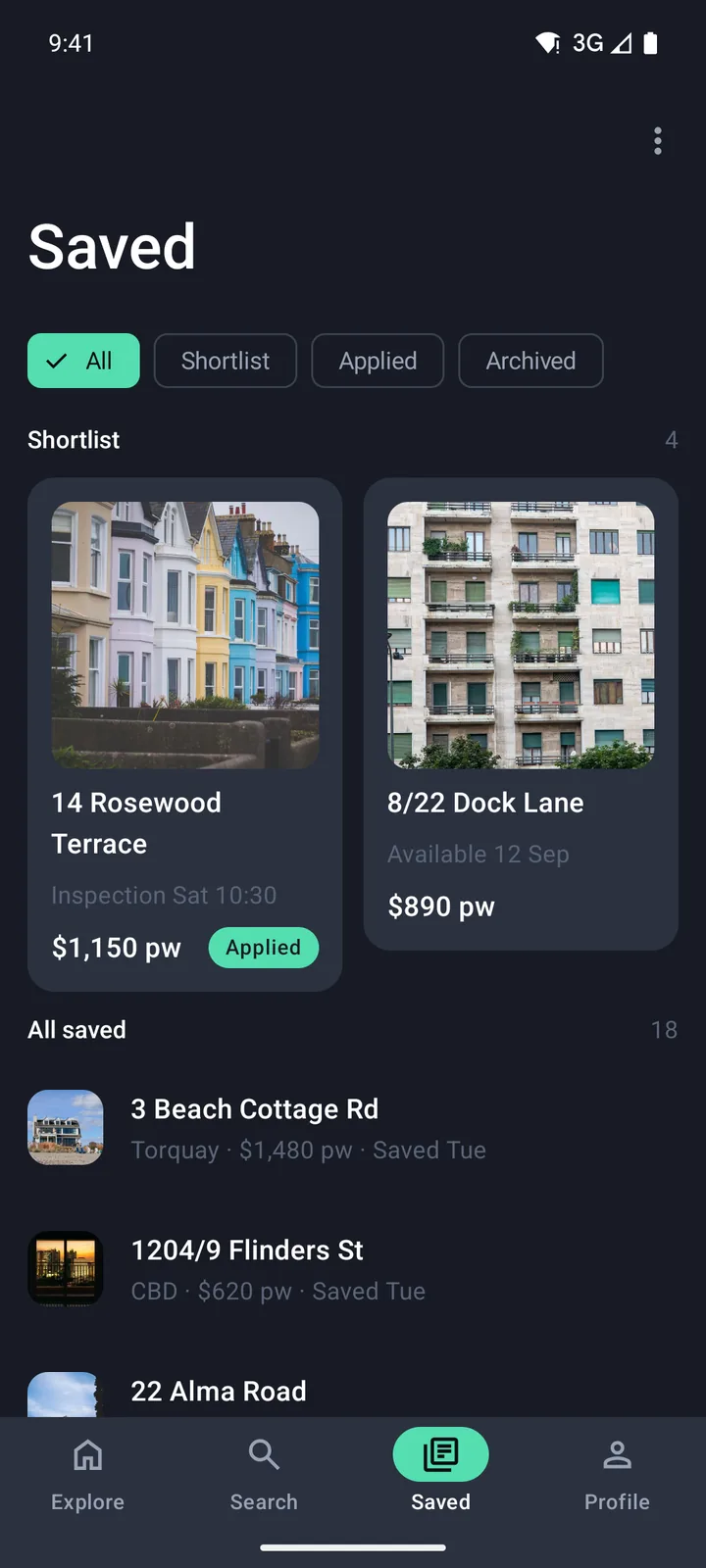
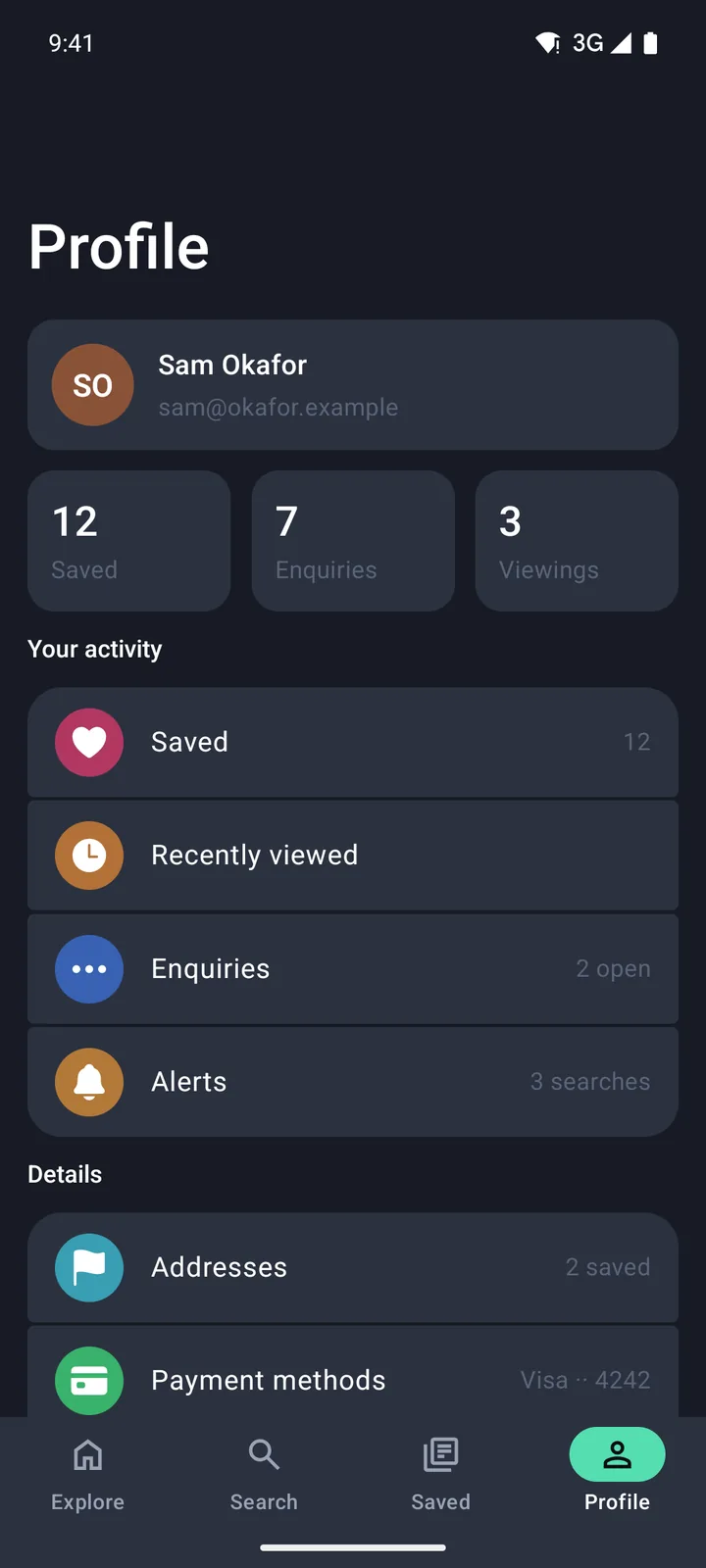
Templates
Start from an app, not a blank screen.
Each starter opens in the App Builder already wired: tabs, screens and real content to edit.
Jobs & field service
A day of jobs, a pipeline board, and a job you can complete.
Open in the App BuilderInspections & checklists
A round to get through, a checklist to complete, and defects to log.
Open in the App BuilderCommunity & updates
A building noticeboard, a notice with replies, and messages.
Open in the App BuilderPortfolio & holdings
A portfolio value, what is in it, and a holding you can open.
Open in the App BuilderTraining & compliance
Required training with expiry dates, and a module you can work through.
Open in the App BuilderAI drafts & approvals
A queue of drafts waiting on you, and the one you are about to approve.
Open in the App Builder
Why it works
Native apps, without the guesswork.
Unlike web app builders, opointo makes the app your phone expects: real native controls, real navigation and code you own.
Real native controls, not an imitation.
Apple’s own tab bar with real Liquid Glass on iOS 26. Material 3 Expressive through Jetpack Compose on Android. Two design languages, each the real thing.
Every component, on both phonesYou own the code, forever.
Your app keeps working after you cancel. No runtime from us, no phone-home, nothing revoked.
Plain Expo and React Native source in your repo.
The navigation you draw works.
Arrows become the right tabs, pushed screens and pop-ups, with the tab bar, insets and providers already wired.
Built on an app shell we test on both platforms.
Verified, not guessed.
verify_appchecks what your agent wrote, and the handover refuses to send an unfinished app.Starters run end to end on iOS and Android.
It stays current.
As iOS and Android move, your agent can update the components and app shell we supplied.
Your own code stays yours to change.
Knows the traps models don’t.
Like Liquid Glass that goes blank for good when a view holding it fades out. Our tools catch it in the code your agent writes, the day you generate the app and every day after.
Free lookup tools, no account needed.
<Animated.View style={{ opacity: fade }}>
  <GlassView />   // goes blank at opacity 0, for good
</Animated.View>

<Animated.View style={{ transform: [{ translateY }] }}>
  <GlassView />   // move it instead
</Animated.View>
For developers
A normal Expo project. Code you can read.
Connect your agent once. Everything it writes lands in your repo as plain React Native.
1. Connect your agent
Run this once in your terminal. It adds opointo to every project.
claude mcp add --transport http --scope user opointo https://opointo.com/api/mcp2. What it writes
- app/
- _layout.tsxwiring
- index.tsxwiring
- (tabs)/
- _layout.tsxverified skeleton
- menu/3 fileswiring
- order/2 fileswiring
- profile/3 fileswiring
- rewards/2 fileswiring
- src/
- assets/22 filescomponents
- components/21 filescomponents
- lib/2 filescomponents
- modules/9 filescomponents
- navigation/8 filesverified skeleton
- theme/12 filescomponents
- DishScreen.tsxyour screens
- MenuScreen.tsxyour screens
- OrderScreen.tsxyour screens
- ProfileScreen.tsxyour screens
- RewardsScreen.tsxyour screens
- SettingsScreen.tsxyour screens
- SplashScreen.tsxyour screens
export default function TabsLayout() { const colors = useThemeColors(); if (Platform.OS === "ios") { return ( <NativeTabs tintColor={colors.accent} minimizeBehavior={TAB_CHROME === "minimize-bar" ? "onScrollDown" : "never"} > {TABS.map((t) => ( <NativeTabs.Trigger key={t.name} name={t.name} role={t.role} listeners={{ tabPress: () => emitTabReselect(t.name) }} > <NativeTabs.Trigger.Label>{t.label}</NativeTabs.Trigger.Label> <NativeTabs.Trigger.Icon sf={t.sf} md={t.md} /> </NativeTabs.Trigger> ))} </NativeTabs> ); } return ( <Tabs screenOptions={{ headerShown: false }} tabBar={(props) => <AndroidTabBar {...props} />} /> );}Verified on iOS 26 and on Android 16 with Material 3 Expressive. iOS 27 support is in progress.
- iOS 26Verified
- iOS 27In progress
- Android 16Verified
- Android 17Not yet
Pricing
Free to design. One simple price to build.
Design as much as you like for free. Pay only when your agent generates the code.
Free
Design everything, with no account and no install.
$0
Free for as long as you like.
Open the App Builder- The App Builder, with every starter and block
- Arrows for tabs, pushed screens and pop-ups
- Preview your app and tap through it
- Save projects when you sign in
- Free lookup tools for your coding agent
Subscription
Your agent generates a working native app from your design.
$25per seat / month
Or $20 a month billed yearly. Locked at the price you join, with a full refund within 30 days.
See pricing- Everything in Free
- Your coding agent builds a working Expo project from your design
- One codebase for iOS and Android, native on both
- Updates to the components and app shell we supplied as iOS and Android move
- Every app you generate keeps working if you cancel
Changelog
Recently shipped.
The App Builder by keyboard, and a canvas true to each phone
Everything in the App Builder now works from the keyboard. Add a block from the Blocks panel, move between blocks with the arrow keys, press Enter to select one, F2 to rename a screen and Delete to remove a block. Dialogs keep your focus until Escape closes them.
More of Android follows Material 3
On Android, the floating action menu is Material 3 Expressive’s own, search opens Material’s search field, and the stepper, the quantity stepper and the icon buttons take Material’s shapes, sizes, press feedback and haptics.
Exports get the small things right
A generated sign-up form now hides the password as you type it, and iOS offers a strong password. Email fields bring up the email keyboard, Return moves to the next field, and the form moves out of the keyboard’s way.
FAQ
Questions, answered.
The ones people ask before they start.
Do I need a Mac?
Cloud build services can compile an iOS app without a Mac, and we still ask for one. Once you add your own database, sign-in, payments or push, you are installing native modules we do not ship, and that is where a Mac stops being optional.
Xcode 27 support is in progress: a project on Expo SDK 56 built with Xcode 27 crashes at launch on iOS 27, so stay on Xcode 26 until our exports move to Expo SDK 57 (expo 57.0.23 or later and expo-build-properties 57.0.20 or later) with ios.enableSceneSupport.
What does the coding agent do?
verify_app checks the project against what it was told to write, so the agent knows when it is finished rather than guessing. You can keep asking it for changes afterwards, the same way you would in any codebase.What happens if I cancel?
Is Android really native?
Which agents and models work?
Can I edit the code?
Design your app today.
It’s free to start.
No account needed to design. Building for iOS needs a Mac with Xcode 26.